

GitHub, meet your board.
Pull requests land on their tasks, and cards move as the code does. On every plan, Free included.
Every pull request, on its task.
Put the task’s name in a branch or pull request, like LARK-7. Kanso shows it on the task, with its reviews and checks.
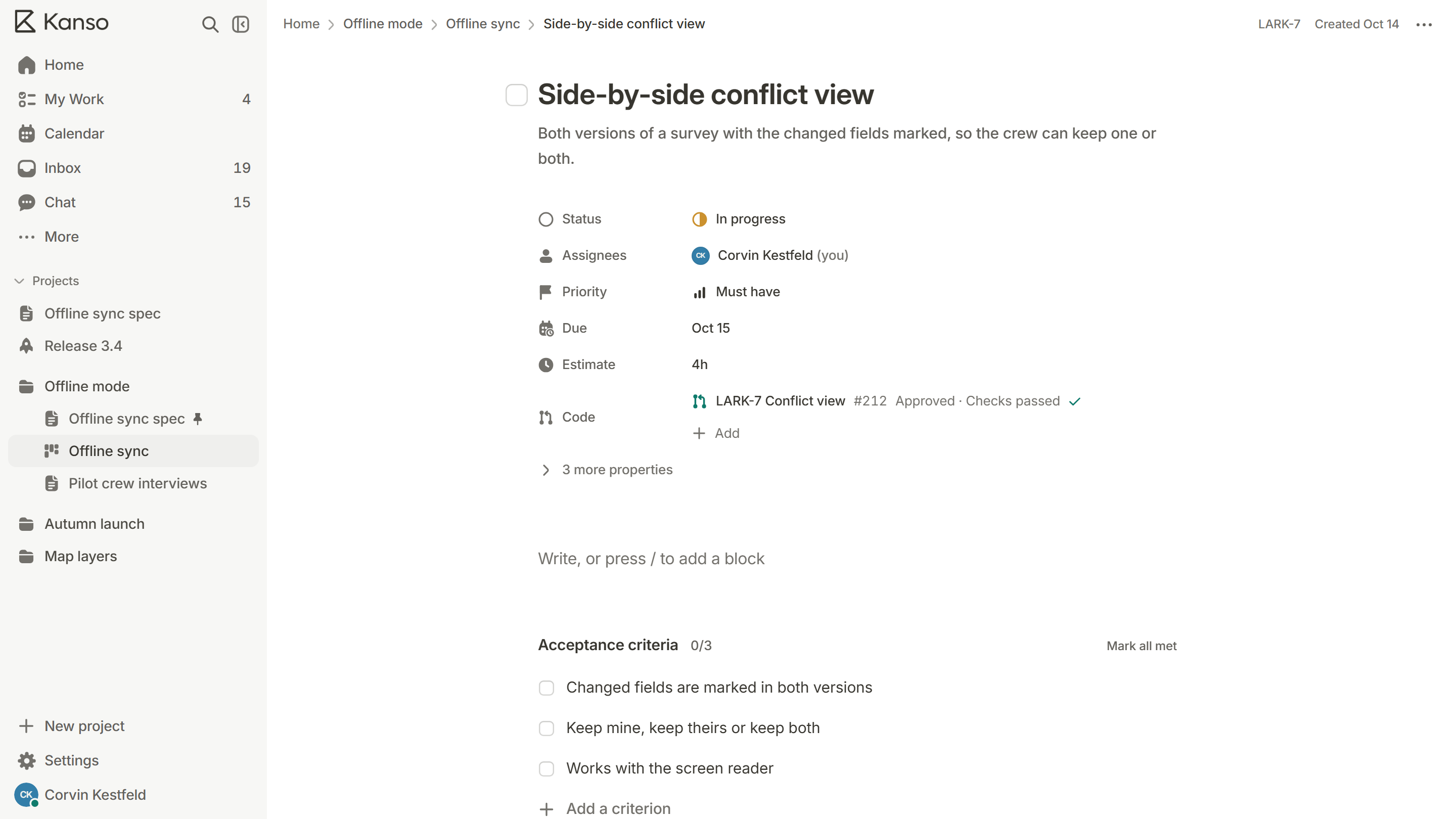
A board that moves itself.
Start a branch and the card moves to In progress. Merge it and the card moves to Done.
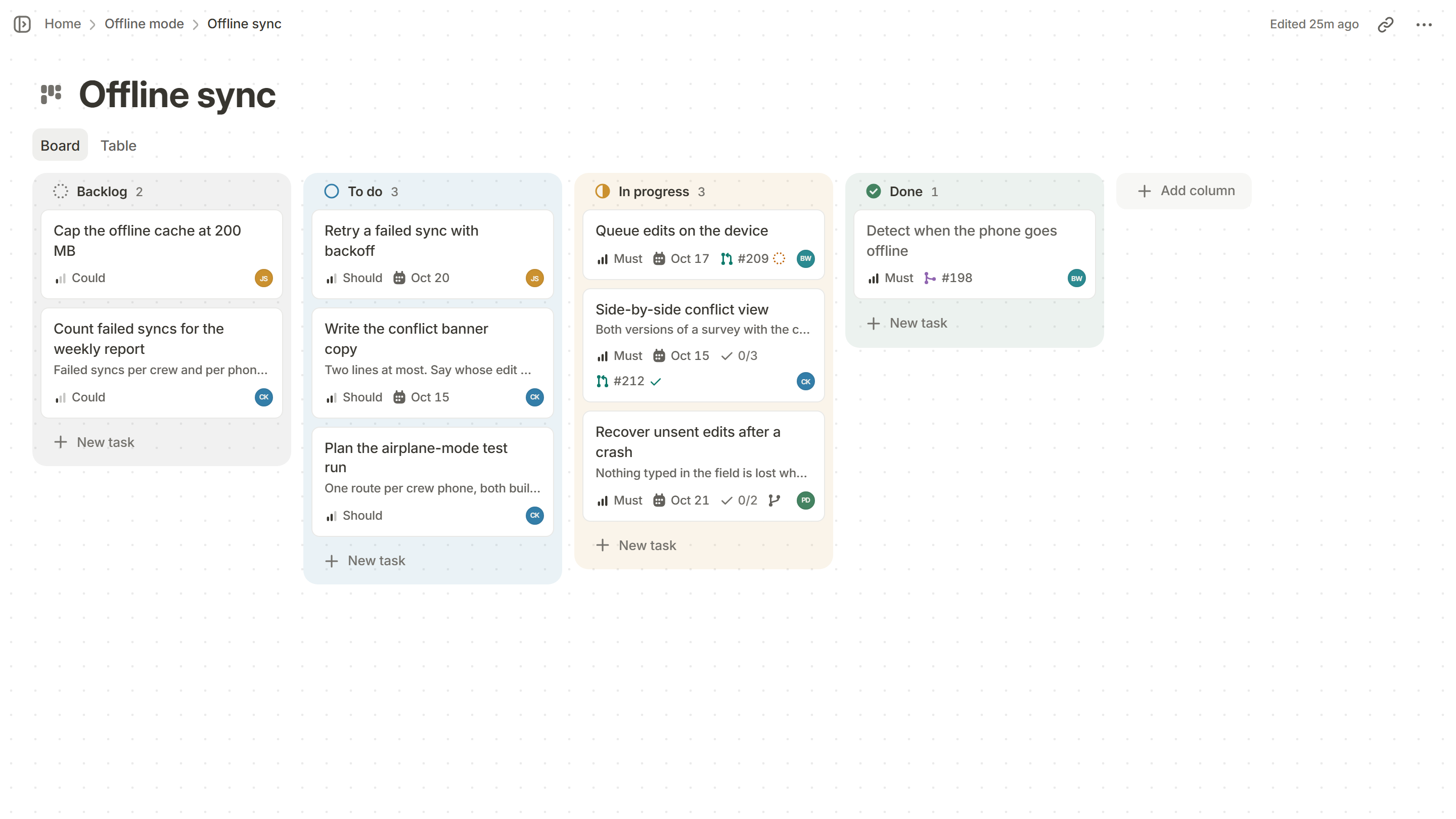
One repo, one project.
Pair each repo with the project it belongs to. Set up once in Settings, for the whole workspace.
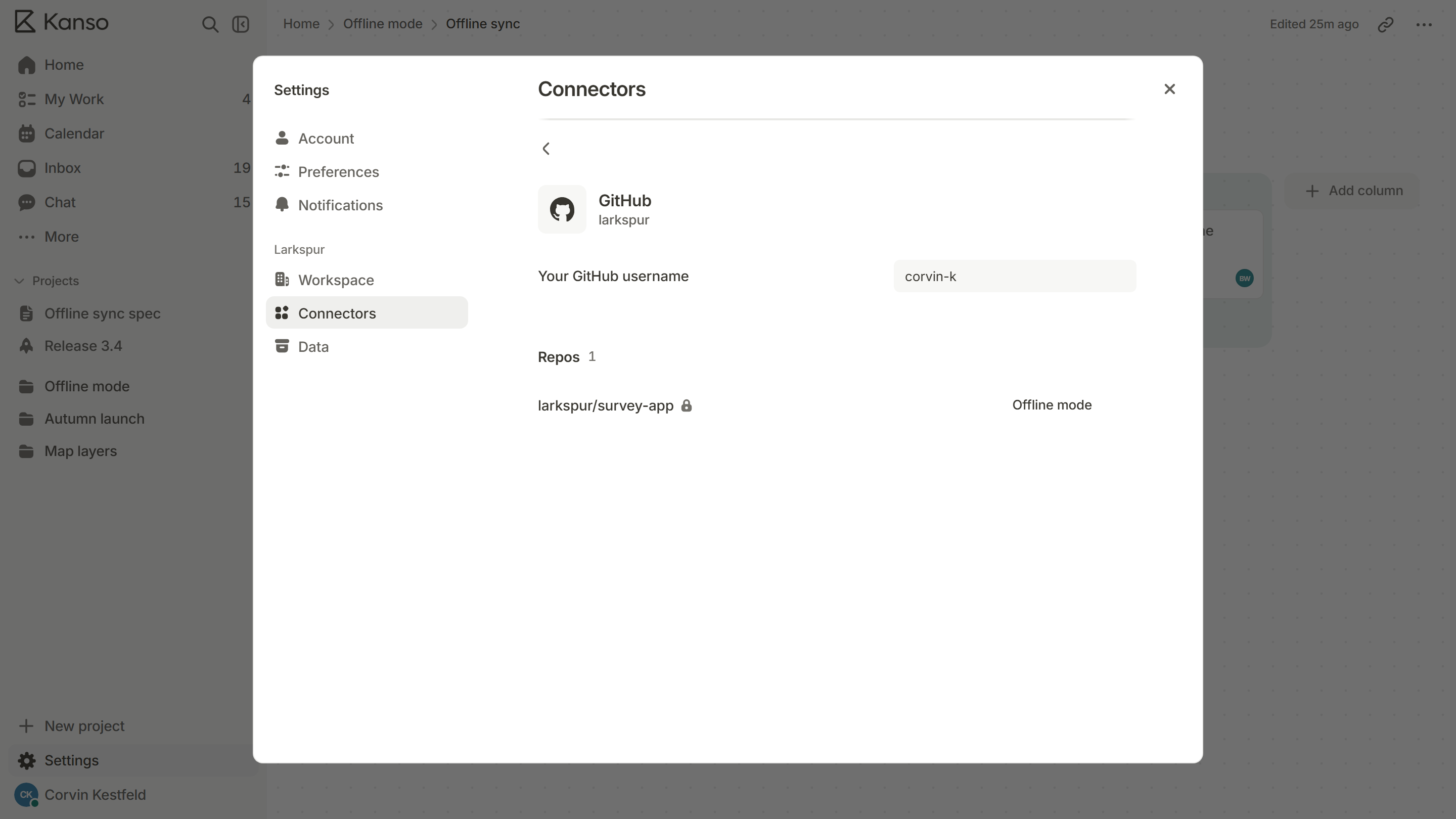
It shows up everywhere.
Releases
See the code since the last release, and publish it to GitHub.
Inbox
Hear when your pull request is approved, merged or failing.
Chat
Paste a pull request and see where it’s up to.
Set up in a minute.
- 1
Connect
Settings, then Connectors, then Connect.
- 2
Pick your repos
Choose what Kanso can read on GitHub.
- 3
Pair them
Match each repo to its project.