

See Kanso in use.
Thirty seconds of the real app: a task ticked off, the spec updated, the card moved on the board and the team told, all in one workspace.
Start freeWhat happens in the tour
A task ticked off on Home
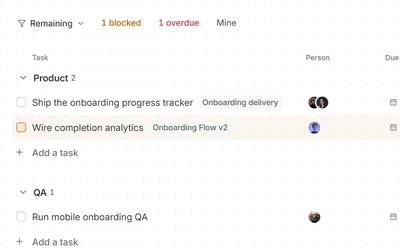
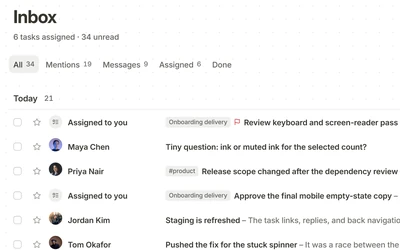
Home opens on the day: today’s tasks, what to continue and the inbox. One of today’s tasks is ticked off.
The step ticked in the spec
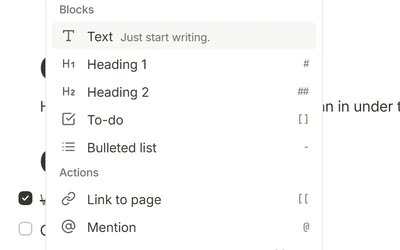
The spec for the feature opens, Onboarding Flow v2, and the step that is done is ticked in its Core flow list.
Kanso DocsThe card moved on the board
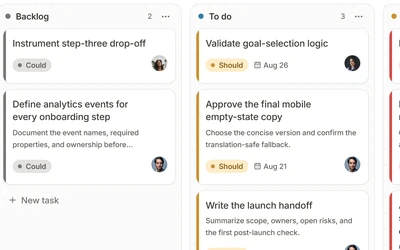
On the project’s board the card is carried from To do to In progress, where the rest of the team can see it.
Kanso BoardsThe team told in chat
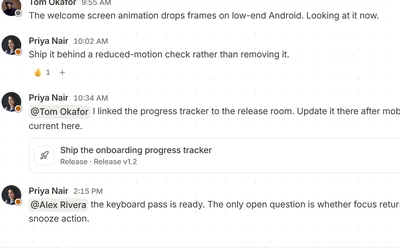
In the #engineering channel, next to the linked release task and its status, a message says the work has moved.
Kanso Chat
Each part, up close
Try Kanso free.
No card required. Free does not expire.
Start free