
Skip to content

Write the plan where the work lives.

Pages with headings, to-dos, tables and code, kept inside the project they describe, next to its board and its release.

How Docs works

Type a slash

Headings, checklists, folds, notes, tables and code blocks from one menu, without leaving the keyboard.
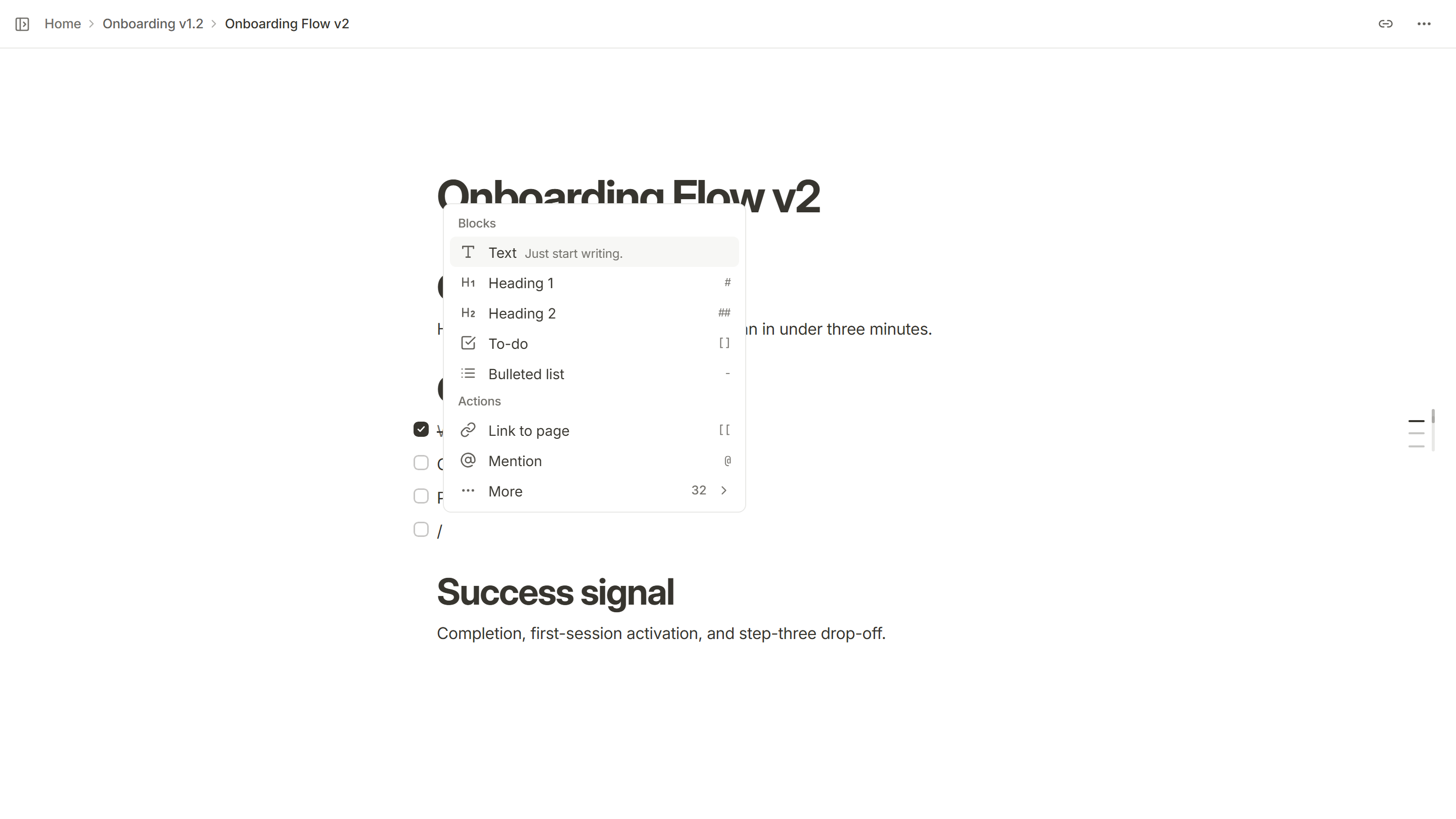
The slash menu open in a Kanso doc, listing the Text, Big heading, Medium heading, Small heading, Quote, Note and Line blocks.

To-dos become tasks

Turn a to-do in the spec into a task on the board. The two stay linked.
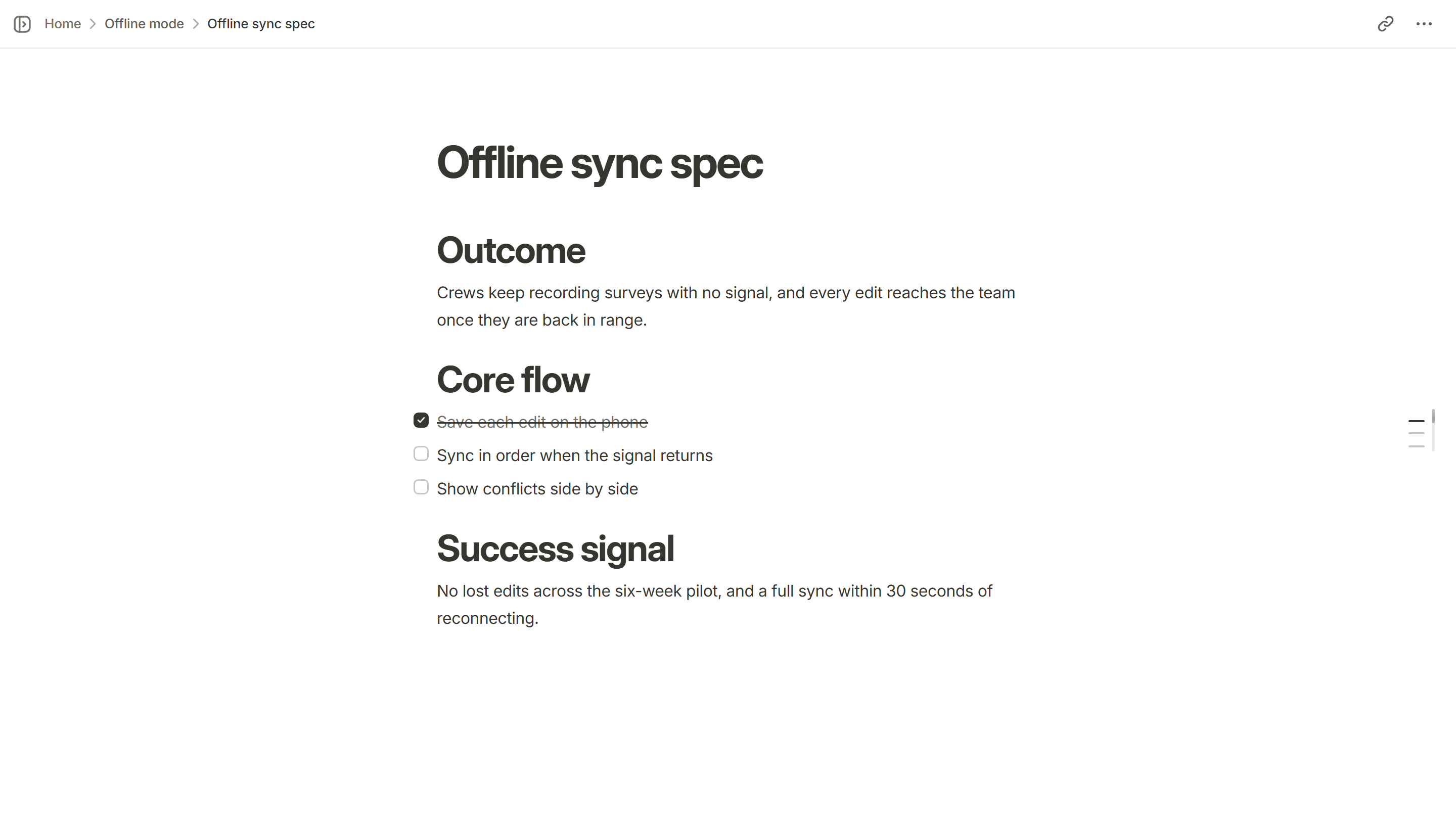
A Kanso doc with a Core flow heading over a to-do list, one item checked off and two open, above a Success signal heading.

Share it read-only

Send a link that opens the page without an account, or start the next page from a template.
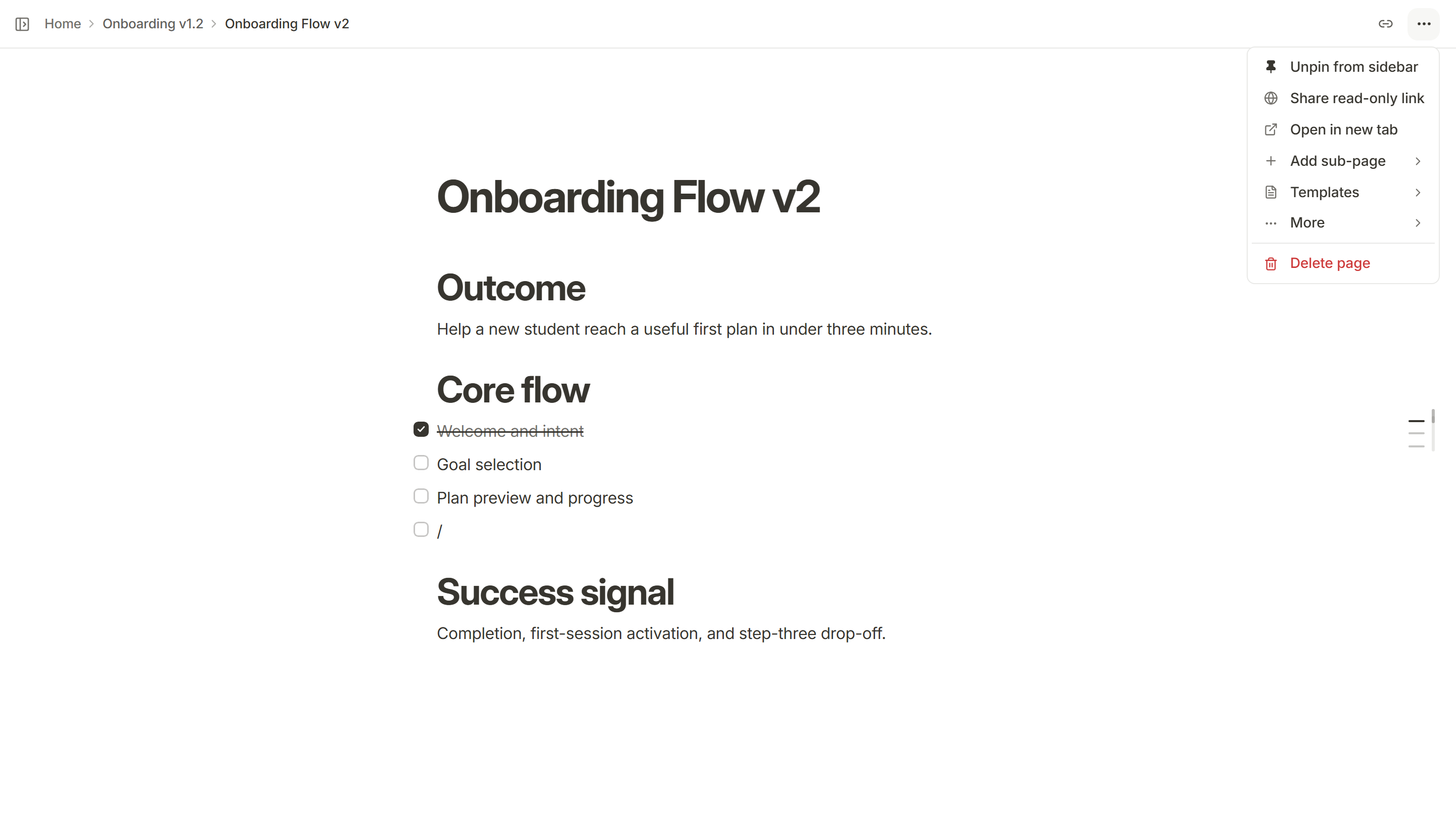
The More menu of a Kanso doc, with Unpin from sidebar, Share, Open in new tab, Add sub-page, Templates and More, then Find and replace, Full width, Small text, Print or save as PDF and Delete page.

What people use Docs for

All use cases

More of Kanso

One calm place for the whole product.