
Skip to content

Plan the week around the work.

Due dates land on the calendar by themselves. Your open tasks sit beside the week, sorted by how much they matter.

How Calendar works

Day, week or month

Switch the view to match how far ahead you are planning.
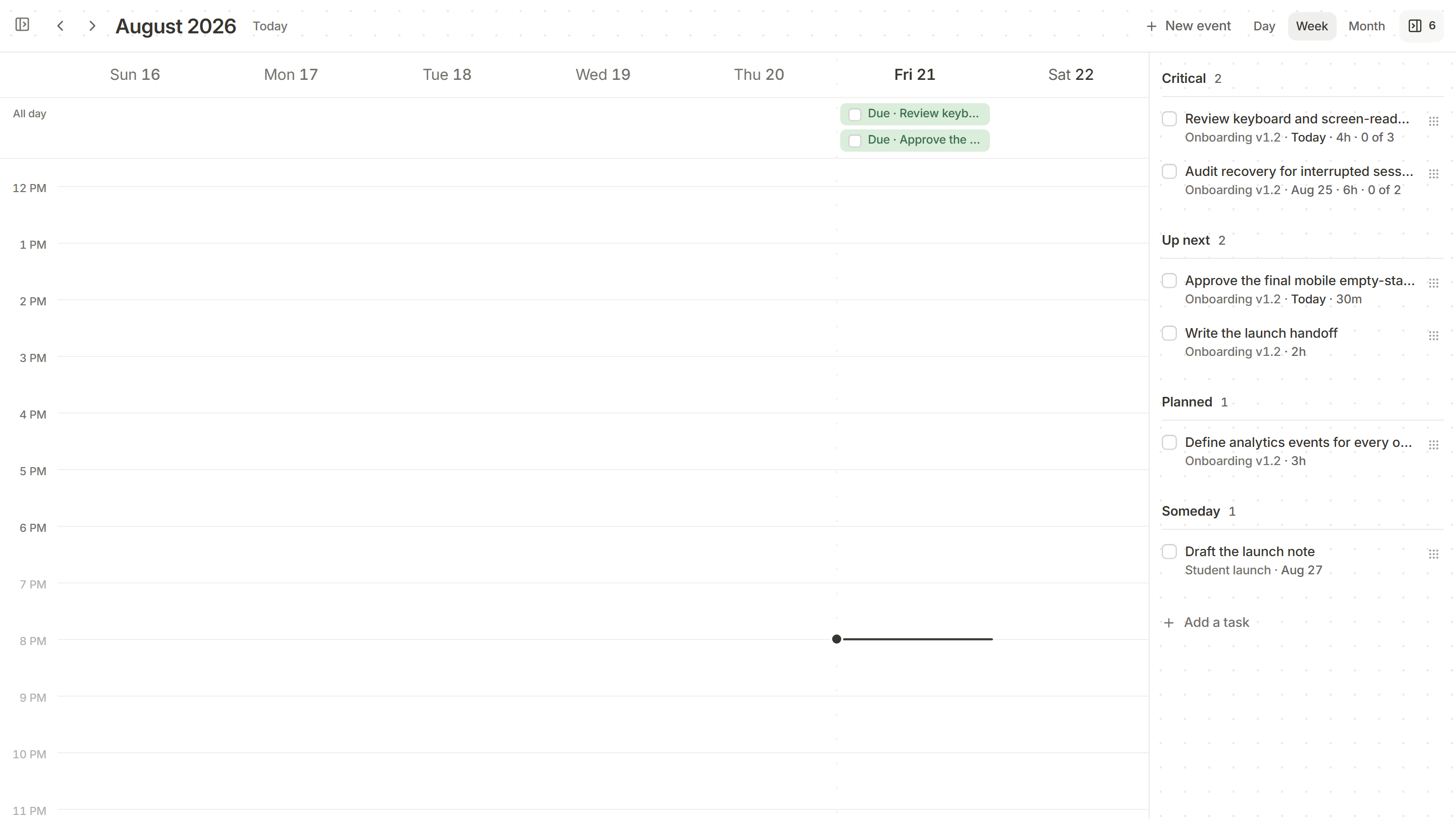
The Kanso calendar toolbar with New event, Day, Week and Month, Week selected, above Friday and Saturday in the week view, with Friday’s stand-up and sprint review.

Tasks beside the week

Critical, up next, planned and someday, each with its estimate, ready to be placed.

The Kanso task list beside the week, grouped into Critical, Up next, Planned and Someday, each task with its project and its due date or time estimate.

One source of dates

Change a due date on the board and the calendar already knows.
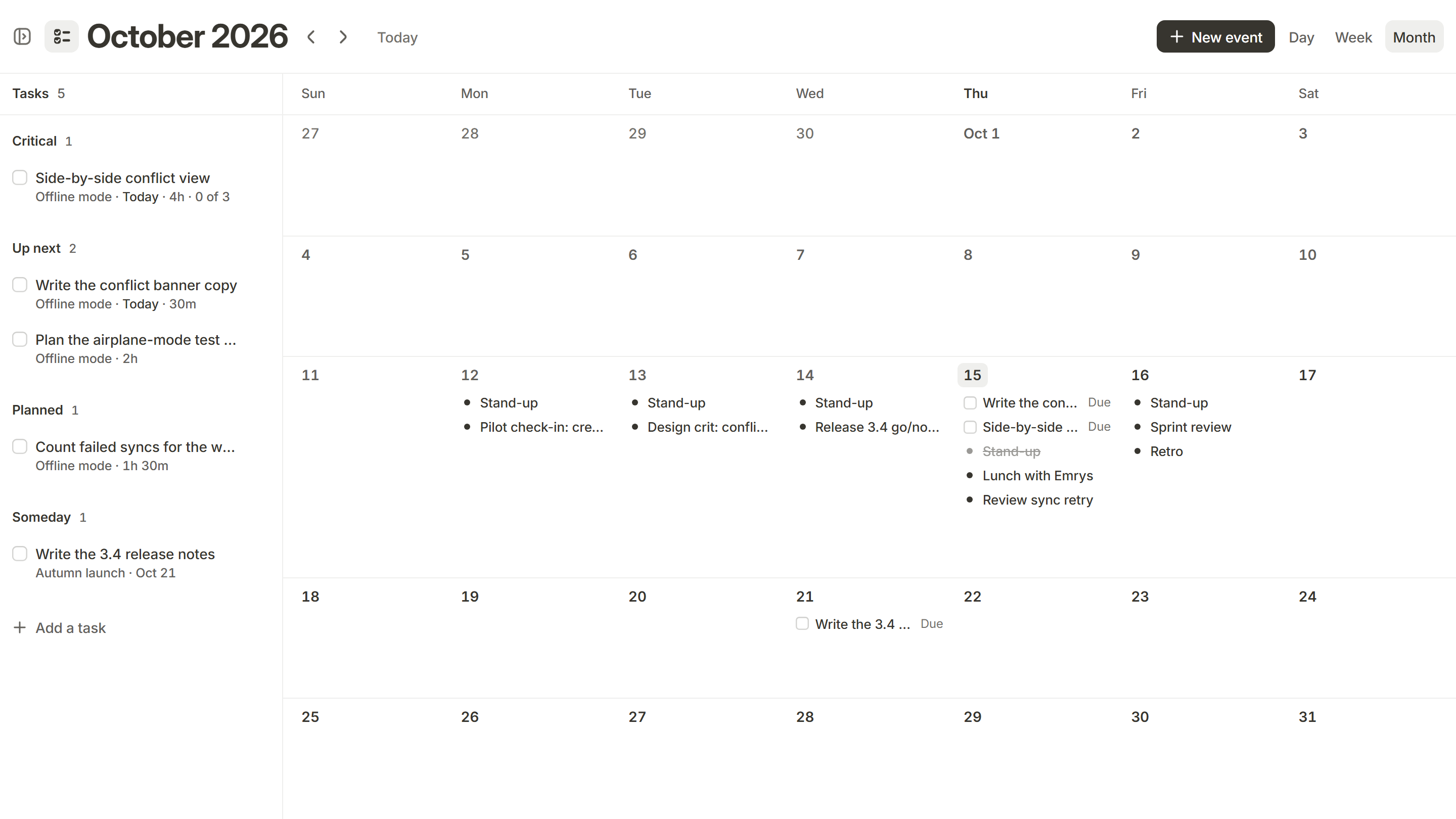
Thursday 15 in the Kanso calendar month view, with two tasks marked Due above the day’s meetings, beside Friday’s stand-up, sprint review and retro.

What people use Calendar for

All use cases

More of Kanso

One calm place for the whole product.