

Your project, planned in one place.
For one developer: write the spec, track the tasks and plan the week, without stitching three apps together. Free, and it does not expire.
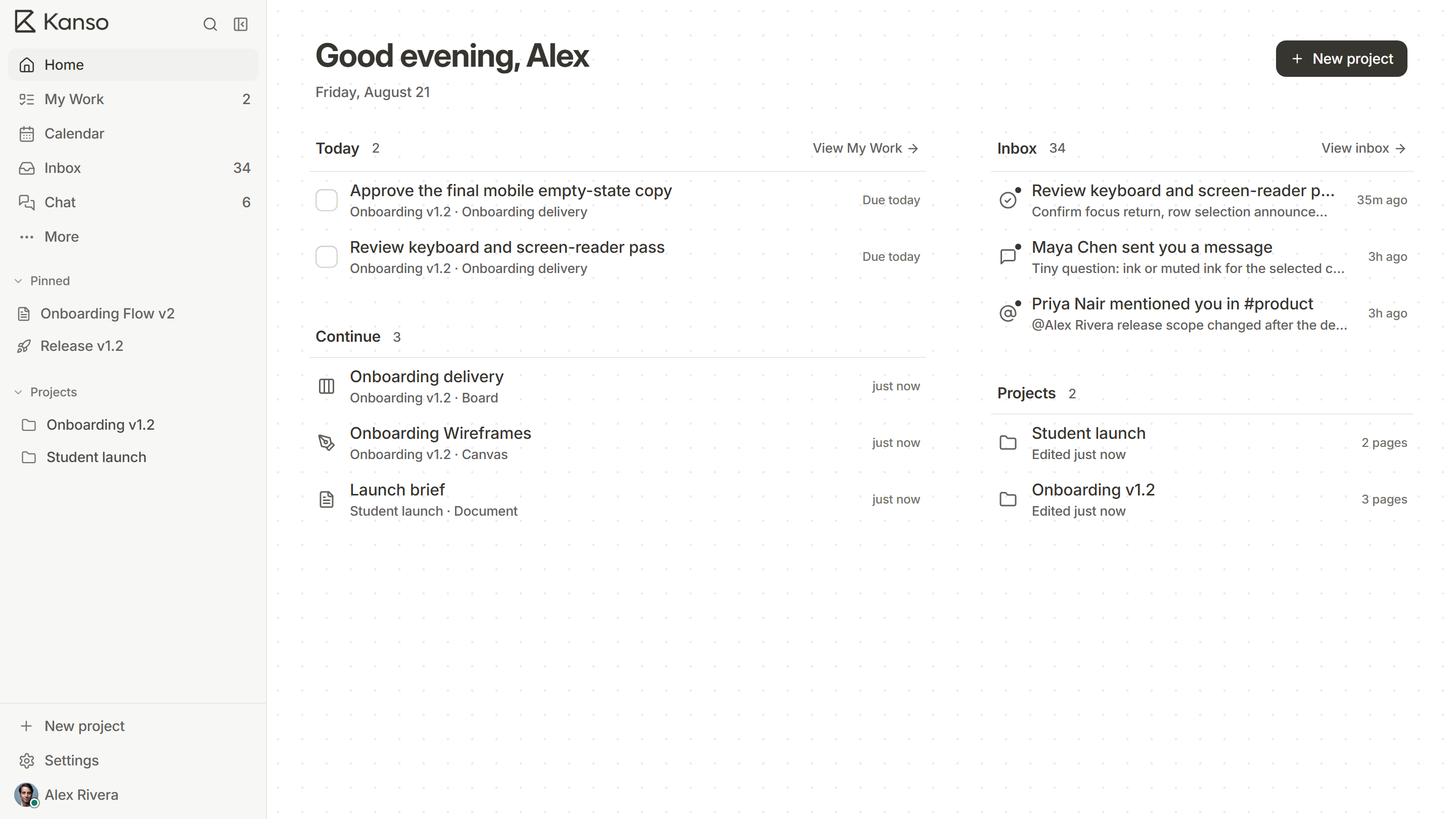
Everything a project needs
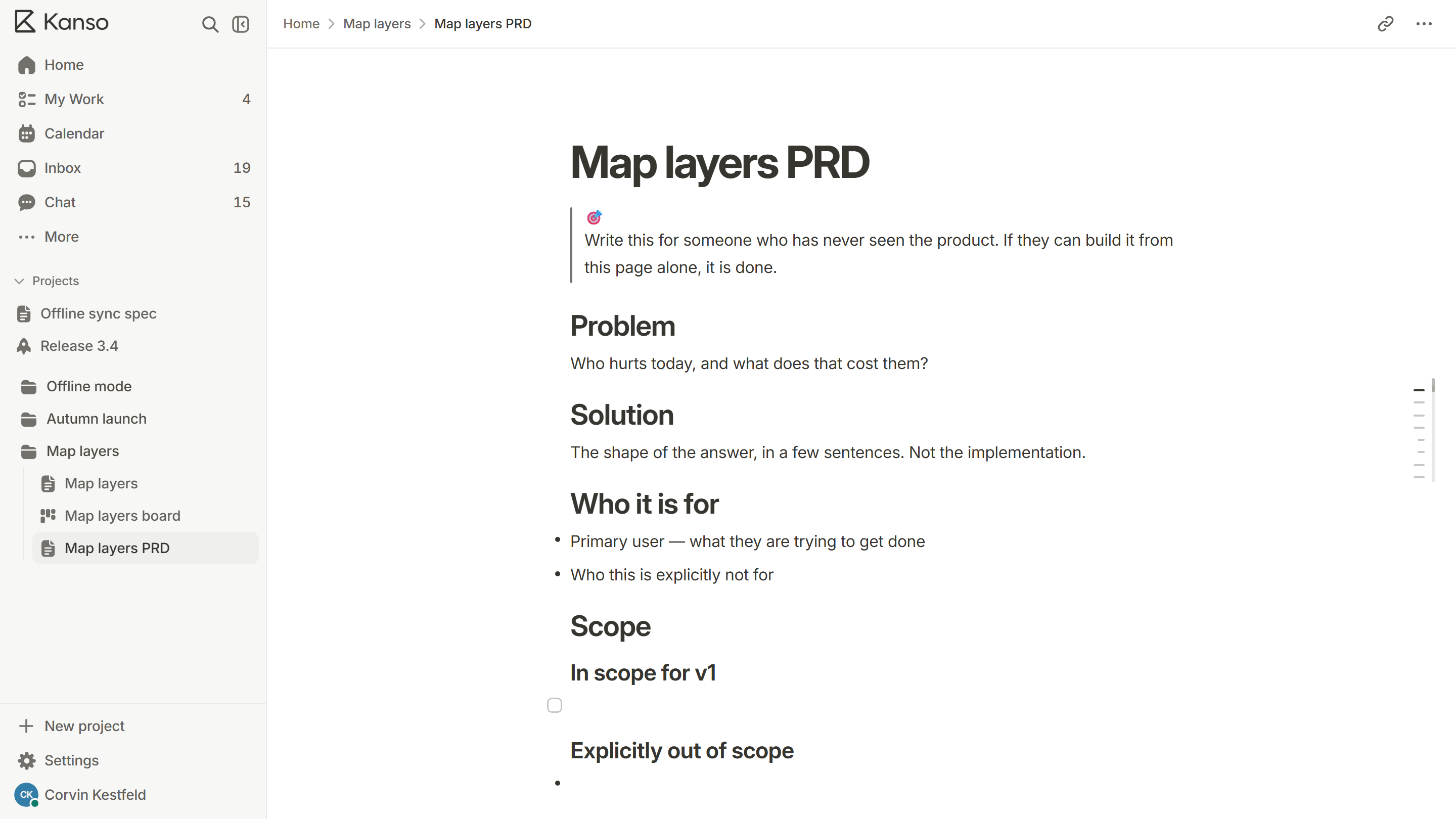
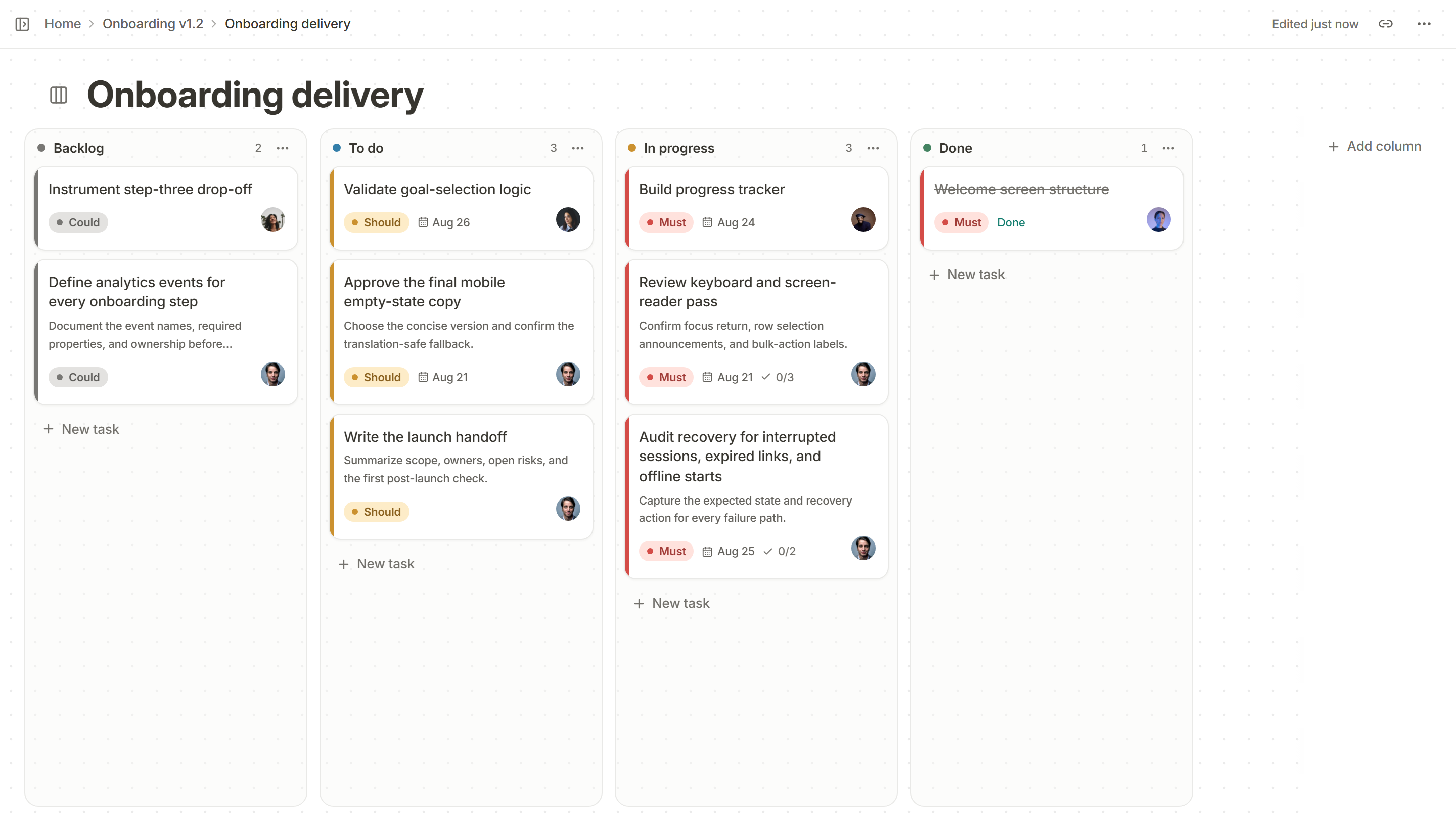
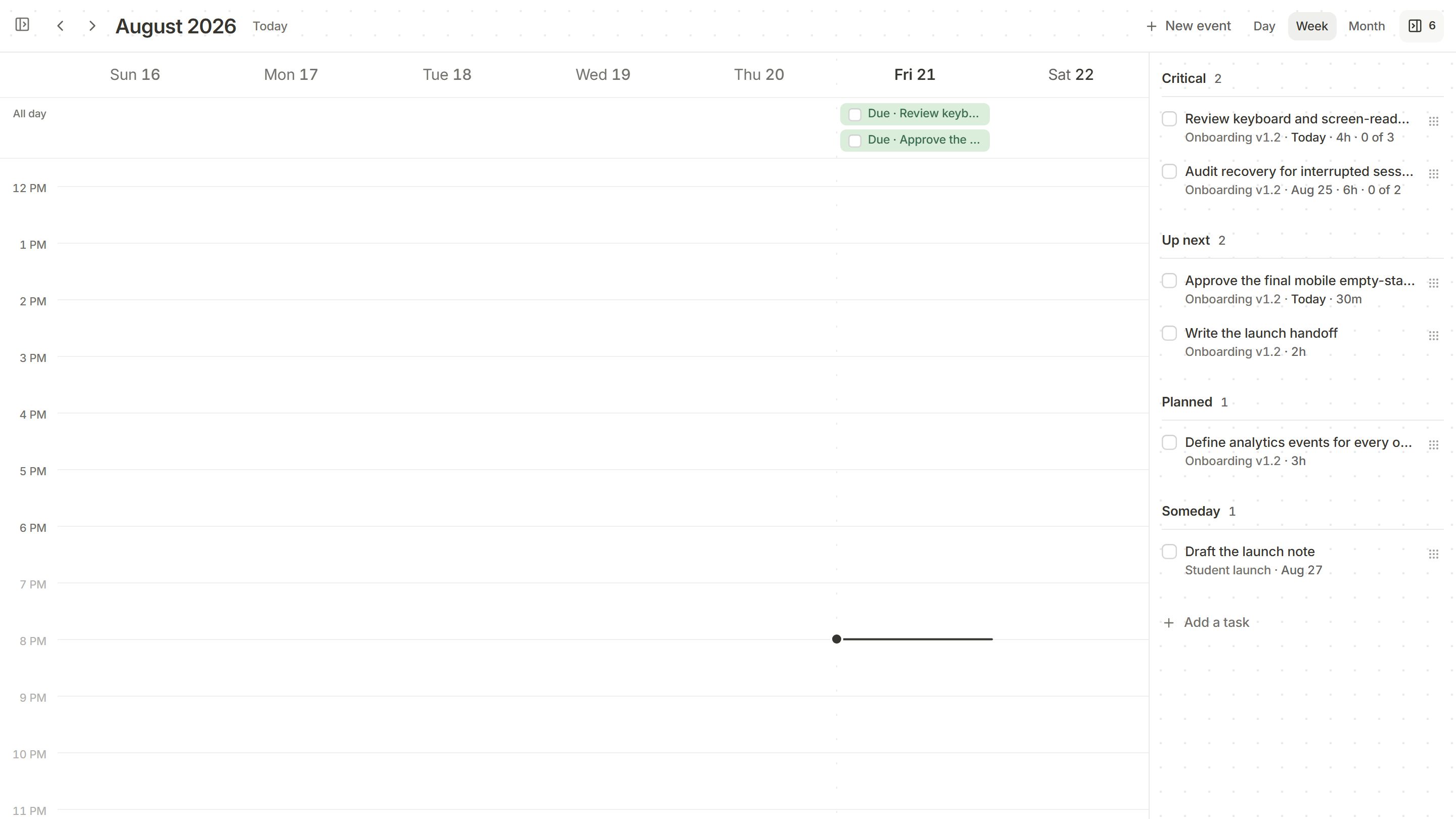
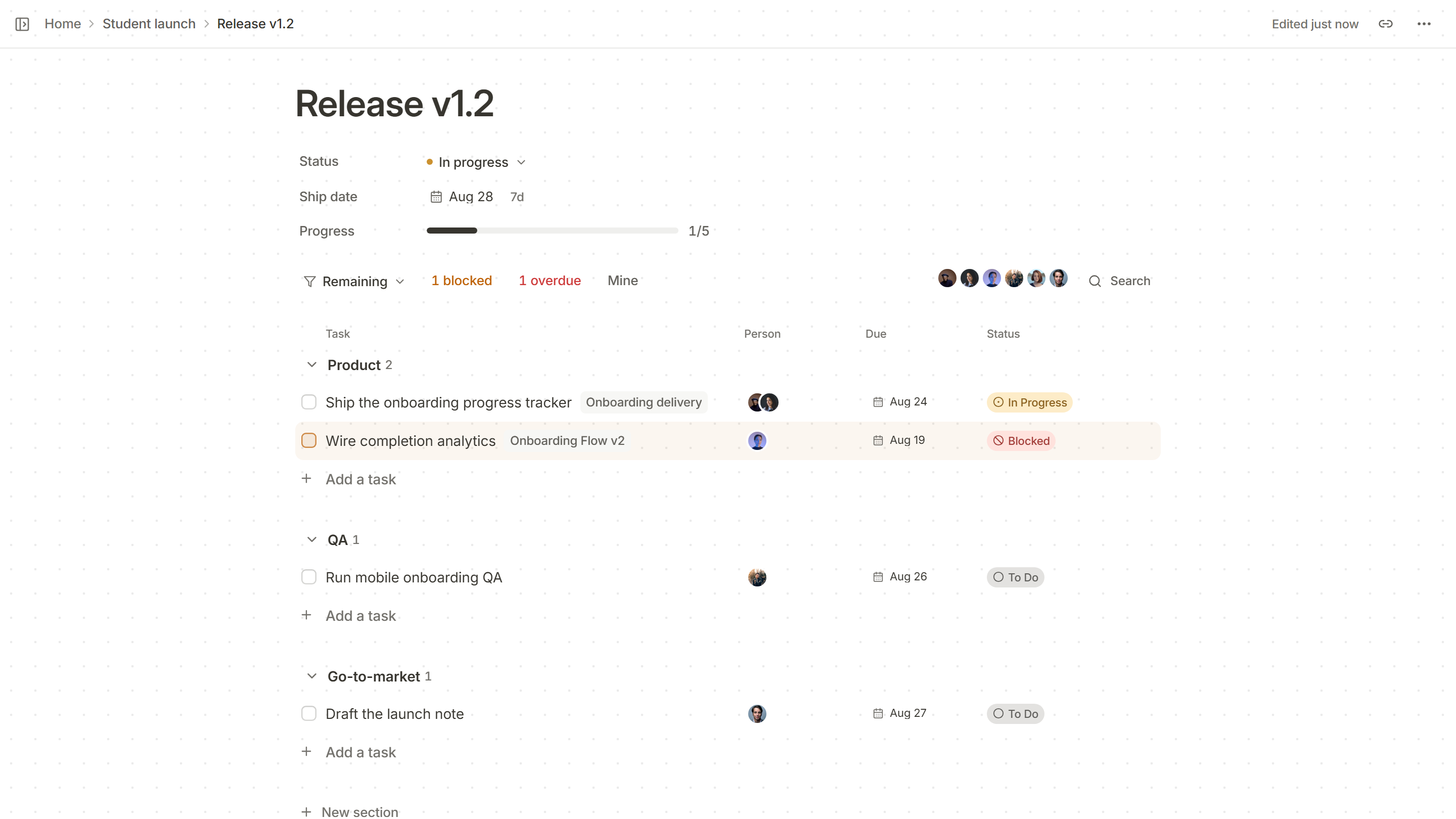
Start from a page that knows what to ask.
A PRD, a bug report, a launch checklist: pick one when you add a page, or type / in any doc.
Browse the templates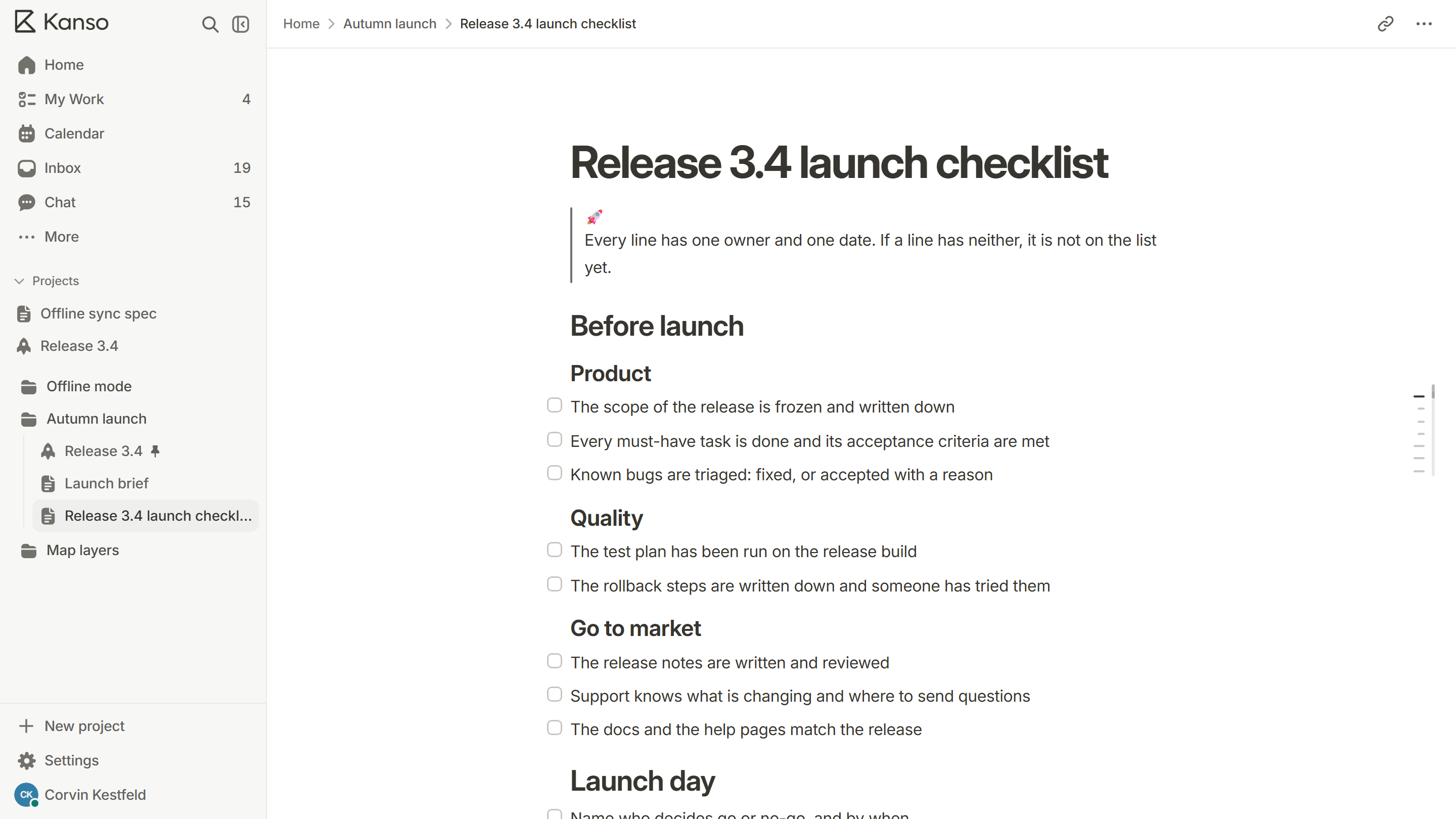
Type a slash for anything.
Headings, to-dos, tables and code blocks from one menu, without leaving the keyboard.
More about Docs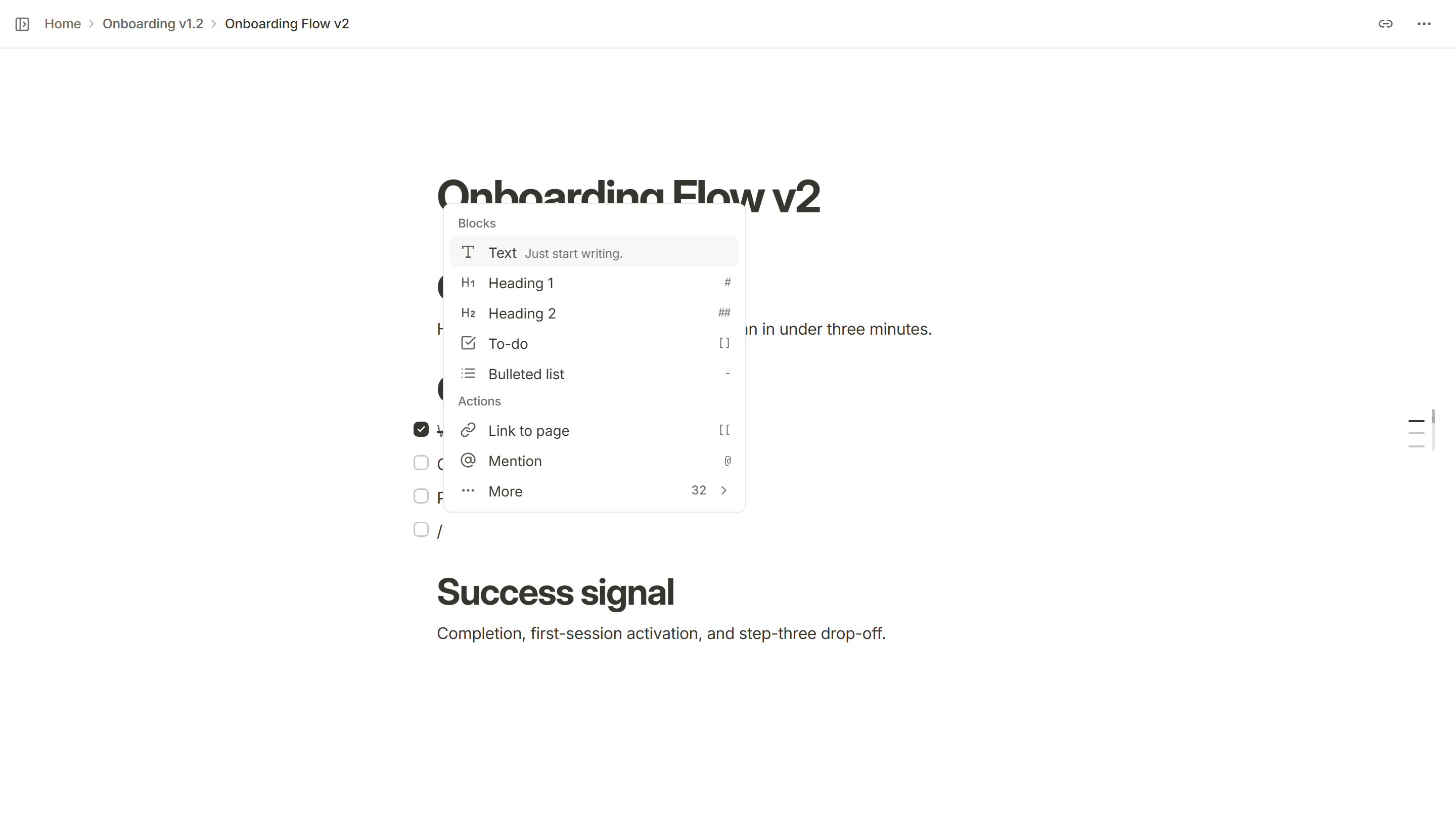
Free to start, Pro when it grows
Compare the plansUnlimited projects and pages
On Free, with no cap on how much you write or track.
Docs, boards and timelines
Every kind of page Kanso has, from the first day.
Read-only share links
Open a page to anyone, without an account.
Version history
On Pro, every page keeps its earlier versions.
Your own templates
On Pro, save a page as a template you can reuse.
Who can see each page
On Pro, choose who sees each page, page by page.
Questions
Yes. Free has unlimited projects and pages and does not expire. No card is needed to start.
Kanso at other sizes
All teamsStart your project in Kanso.
Free does not expire. No card required.