
Skip to content

Everything that needs you, in one list.

Mentions, messages and work assigned to you, one line each, in the order it arrived.

How Inbox works

One line each

Who, what and when on a single row, so a morning of notifications reads in seconds.
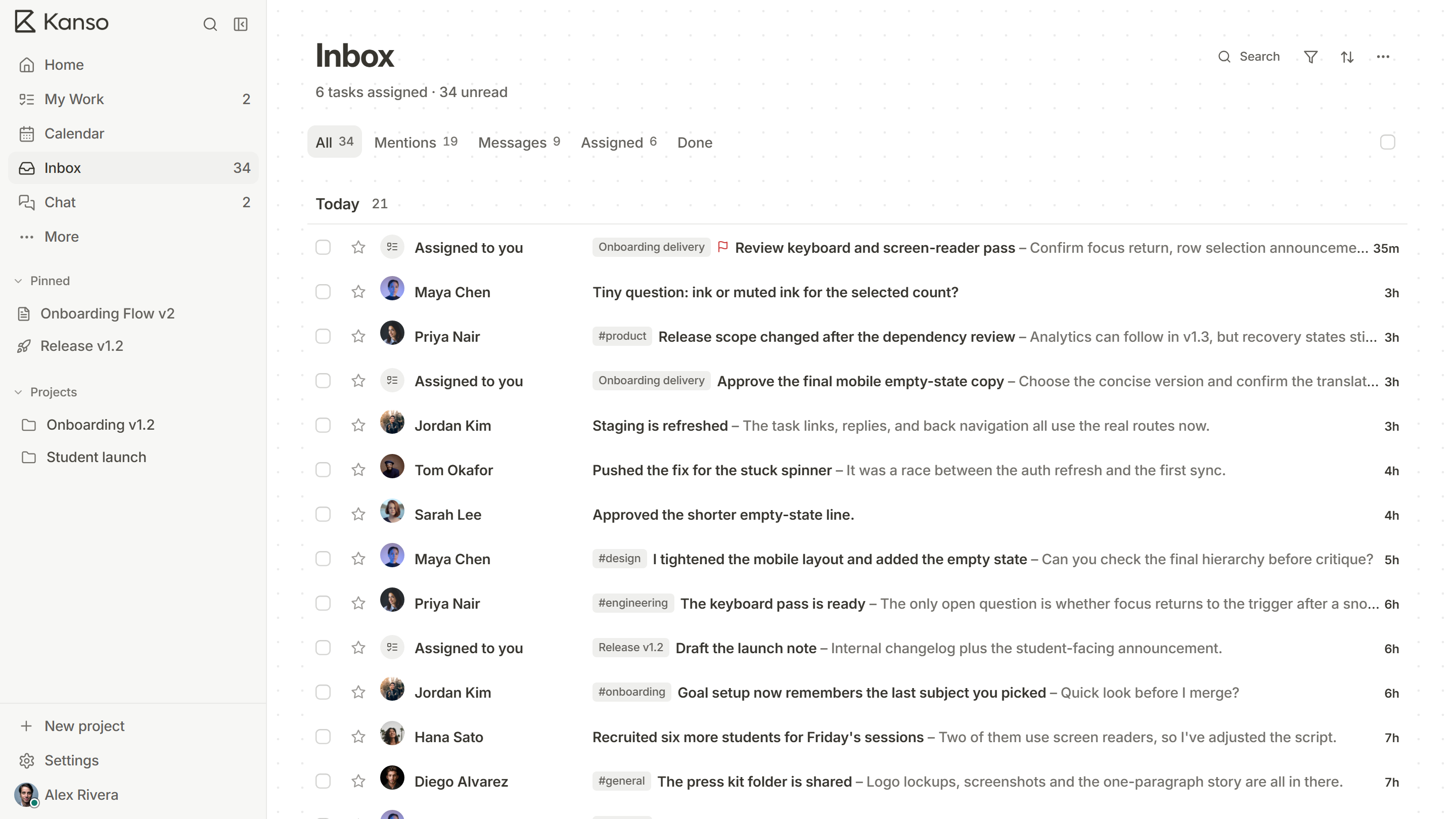
Rows of the Kanso inbox, each on one line with a checkbox, a star, a sender and the start of the message.

Sort it your way

All, mentions, messages or assigned. Pin what matters and mark the rest done.

The Kanso inbox heading, 5 assigned and 19 unread, above the All, Mentions, Messages, Assigned and Done tabs with their counts.

Act in place

Open the task or reply from the row, then get back to the work.
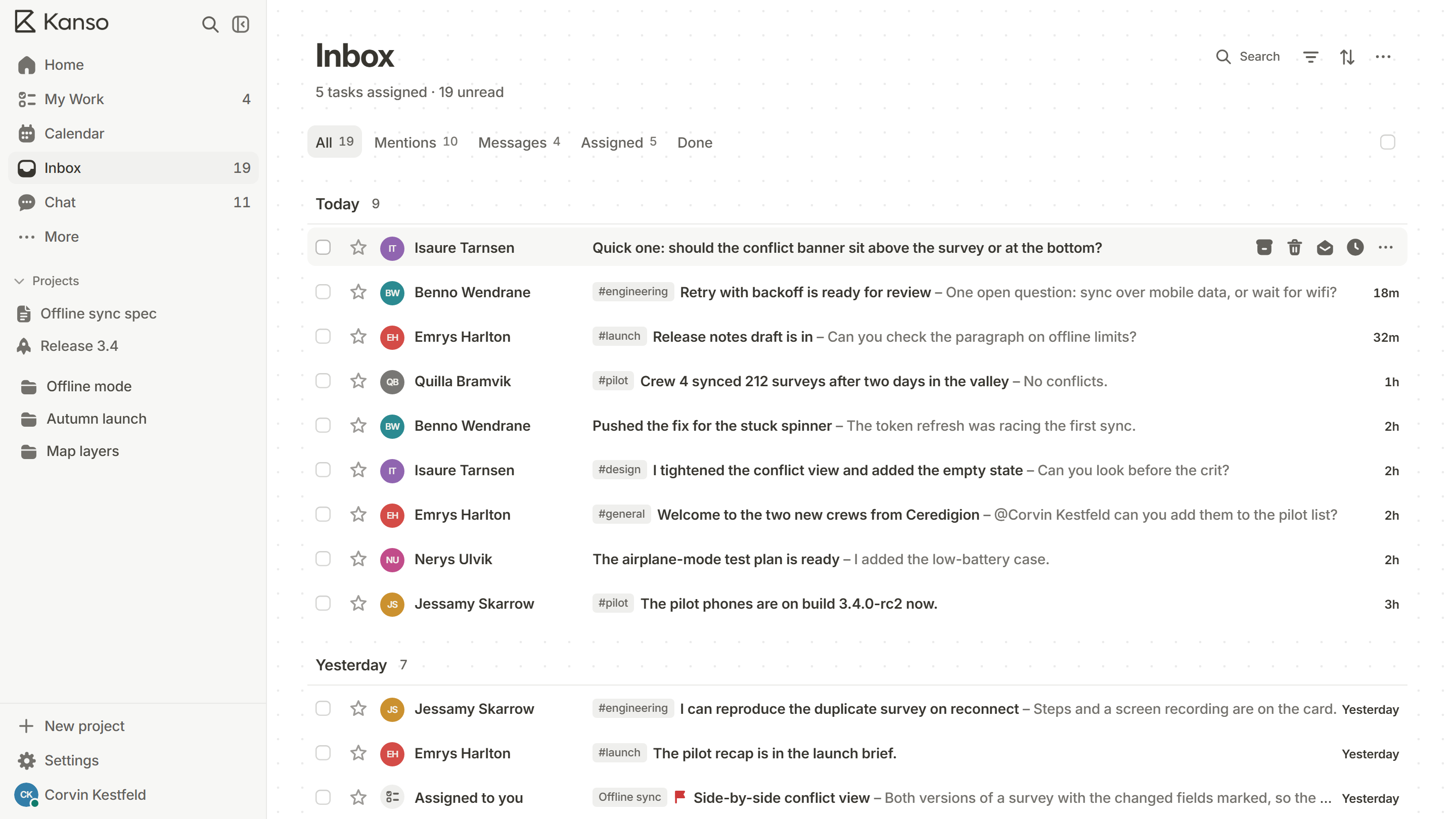
An inbox row in Kanso with its action buttons showing: archive, delete, mark as read, snooze and more.

What people use Inbox for

All use cases

More of Kanso

One calm place for the whole product.