
Sections by team
Product, QA, go-to-market: each part of the launch gets its own list under one date.
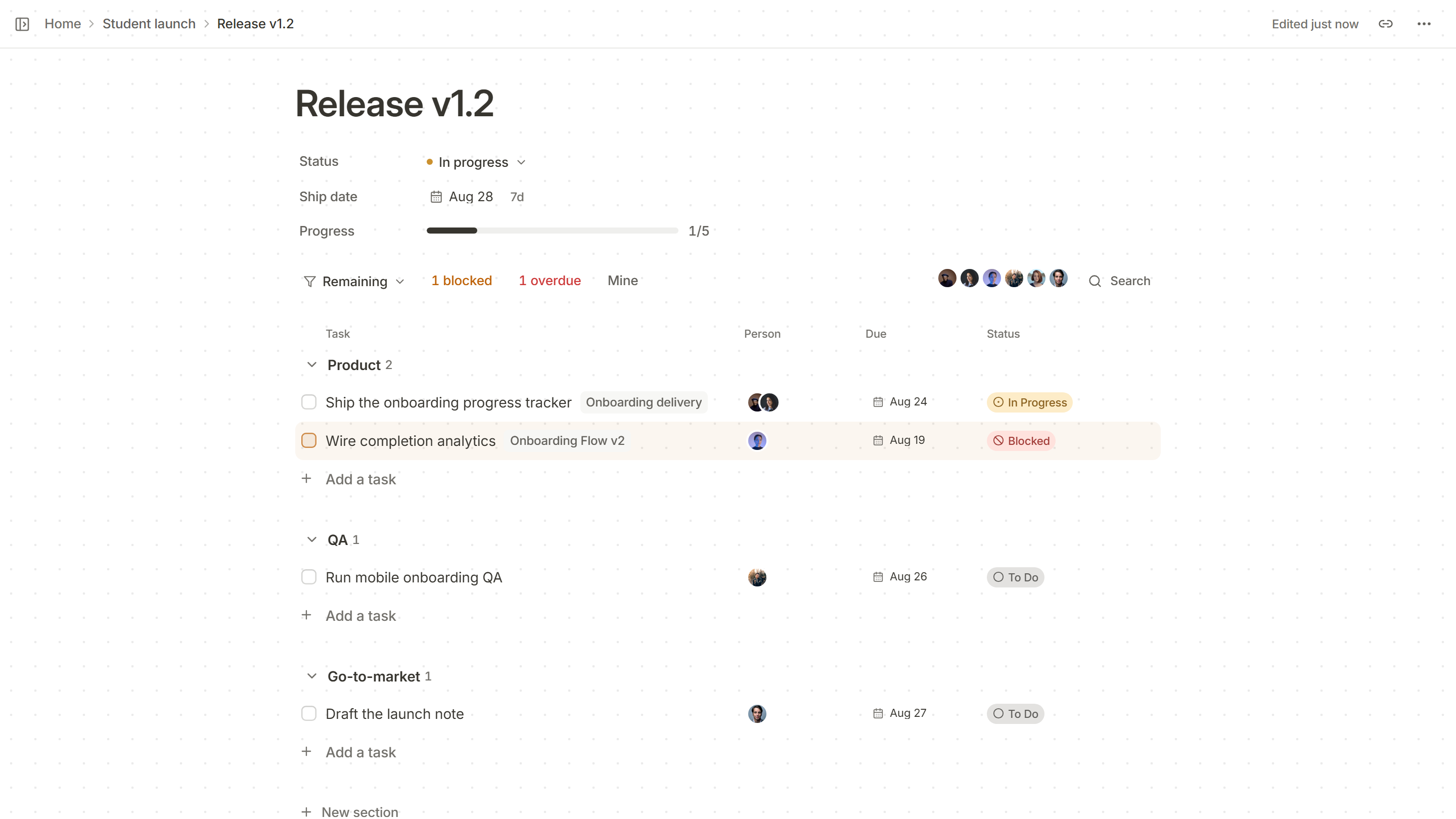
A release page gathers the work behind one date into sections, with an owner, a due date and a status on every line.
Product, QA, go-to-market: each part of the launch gets its own list under one date.
One click narrows the release to what is blocked or late, so the risk is the first thing you see.
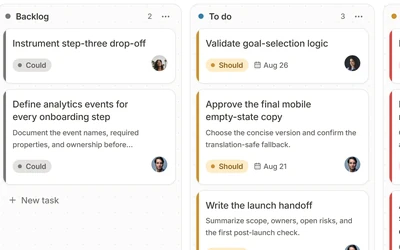
Release lines point at the real tasks on your boards, so nothing is written down twice.