Start with the job, not the tool
Write down what has gone wrong: work nobody could see, specs that no longer match the tasks, a launch where support was not told. Those are the jobs the tool has to do. A feature list that does not touch them can be ignored.
The questions to ask
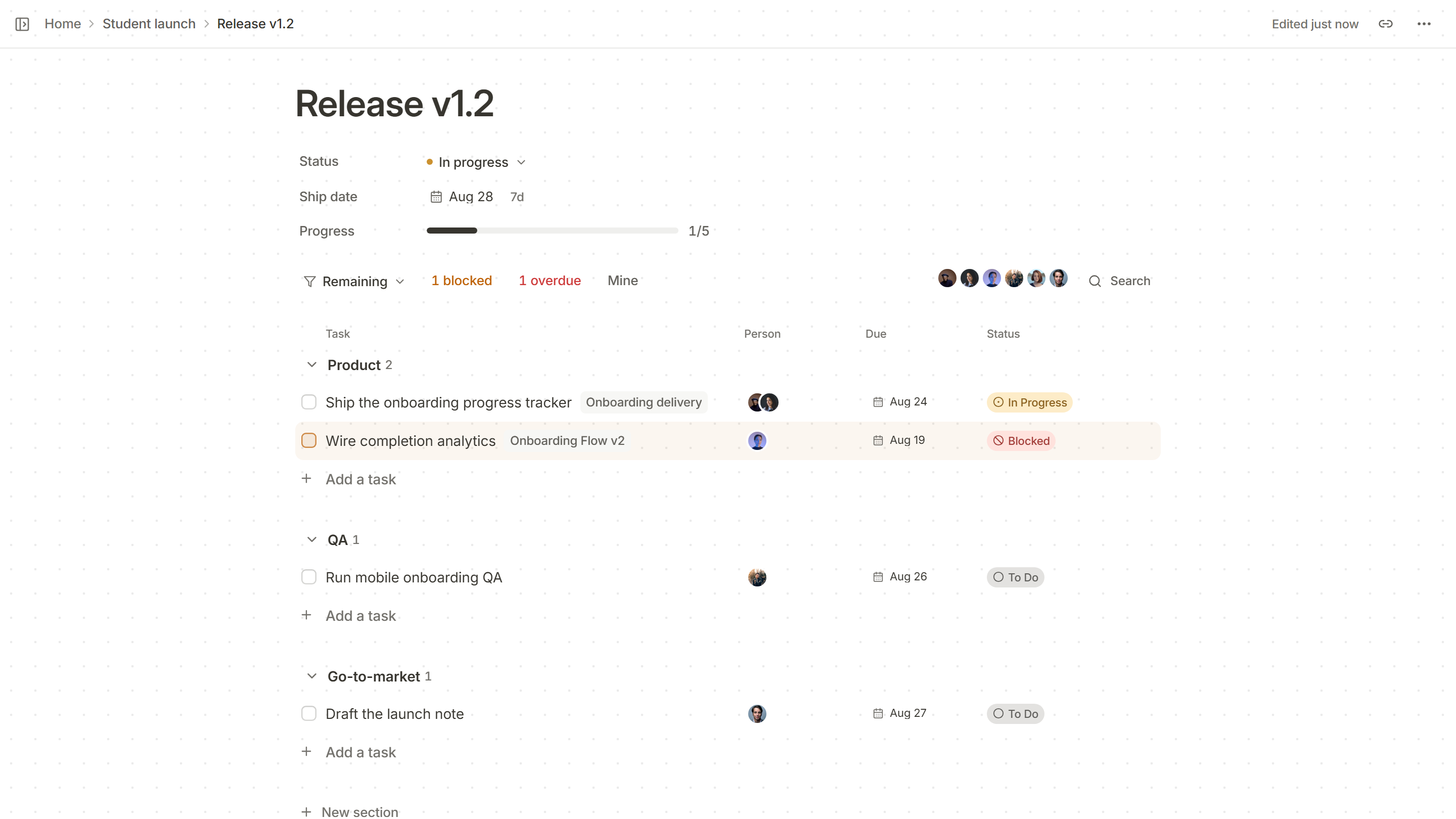
- Does it show the work? A board, a list and a calendar of the same tasks, without copying them.
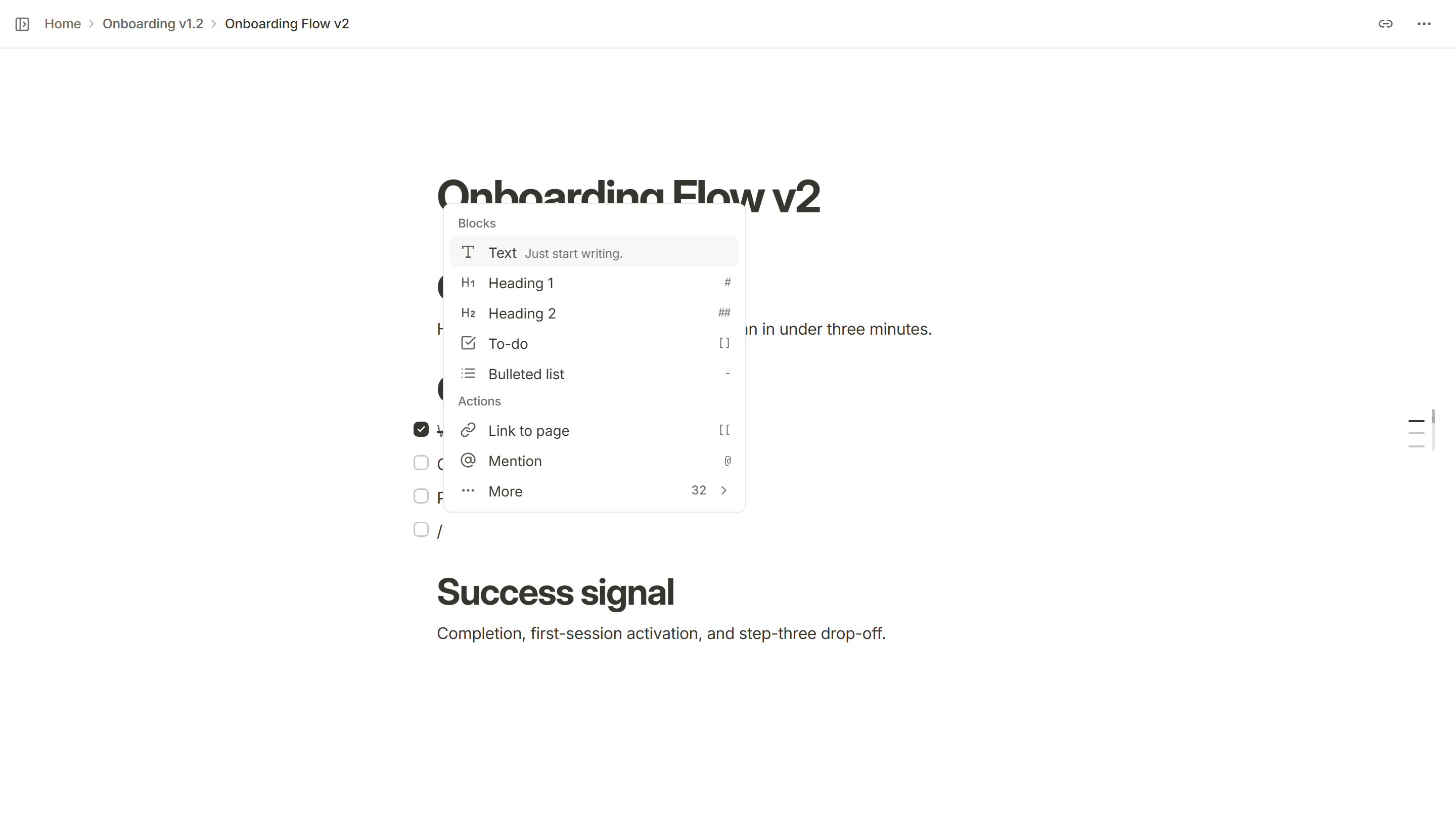
- Where do the specs live? If they live in another tool, how do they stay linked to the tasks?
- Does it show dates? For one release, with owners and blockers, and for each person’s week.
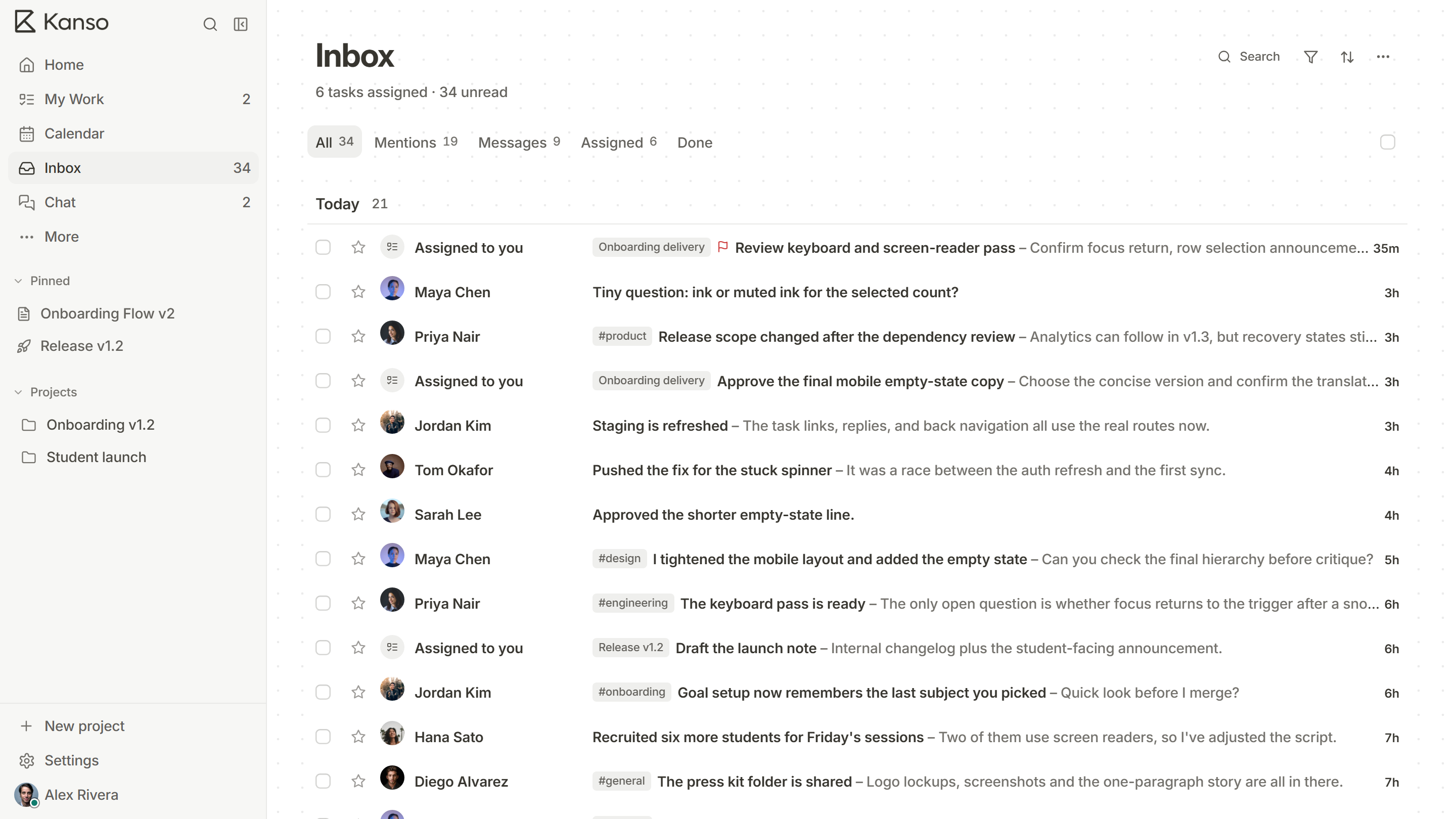
- Where does the talk happen? If it is in a separate chat tool, does a message link to the task and show its status?
- How many people can use it, and at what price? Look at the price at your team’s size today and at twice that size.
- Who can see and change what? Roles, guests and private pages.
- Can you get your data out? An export or backup you have actually tried.
- Is it fast? A tool people wait for is a tool people stop using.
The kinds of tool on offer
| Kind | Good at | Watch for |
|---|---|---|
| Issue trackers | Detailed workflows and reporting for engineering | Docs and chat are usually separate products |
| General work managers | Flexible views for any kind of team | Can be heavy to set up for a small team |
| Wikis and docs tools | Writing and sharing knowledge | Task tracking can be an add-on |
| All-in-one workspaces | Specs, boards, dates and chat in one place | Fewer integrations and advanced reports |
Issue trackers
Good at
Detailed workflows and reporting for engineering
Watch for
Docs and chat are usually separate products
General work managers
Good at
Flexible views for any kind of team
Watch for
Can be heavy to set up for a small team
Wikis and docs tools
Good at
Writing and sharing knowledge
Watch for
Task tracking can be an add-on
All-in-one workspaces
Good at
Specs, boards, dates and chat in one place
Watch for
Fewer integrations and advanced reports
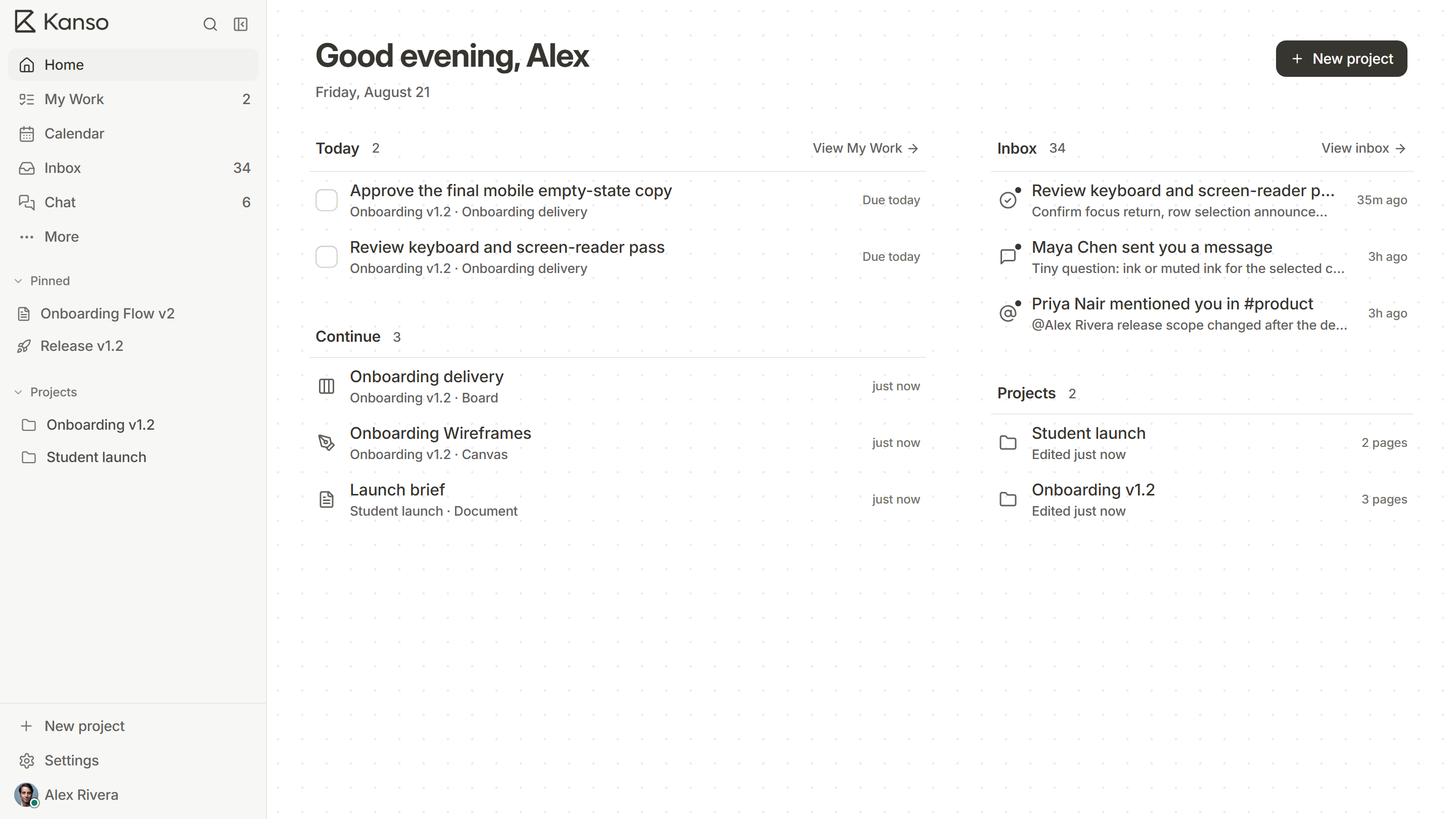
Kanso is in the last group. Read the honest side-by-side tables: Kanso vs Jira, vs Notion, vs Linear, vs Trello and the others.
Test it on real work
- Pick two or three tools that look right on paper.
- Take one real project, with its real tasks, and run it in each for two weeks.
- Ask three people who did not choose the tool whether they would open it unprompted.
- Check what you needed to ask someone that the tool could not tell you.
- Look at what leaving would cost. Export your data and open it.
Watch the price as you grow
A tool that is cheap for five people can be expensive for fifty if it charges per person. Another may charge a flat fee but limit projects. Compare the cost at your size now, at double the size and with the extras you actually need, such as permissions and history.
A scorecard you can use
Score each tool from 0 to 3 on what matters to you, then multiply by how much each matters. The numbers are crude, but writing them down exposes what you actually care about.
| Question | How much it matters (1 to 3) | Tool A | Tool B | Tool C |
|---|---|---|---|---|
| Shows work as board, list and calendar | ||||
| Keeps specs linked to tasks | ||||
| Shows each release with owners and blockers | ||||
| Chat links to tasks | ||||
| Price at our size and at double | ||||
| Roles, guests and private pages | ||||
| We can export everything |
Shows work as board, list and calendar
Keeps specs linked to tasks
Shows each release with owners and blockers
Chat links to tasks
Price at our size and at double
Roles, guests and private pages
We can export everything
Red flags
- You cannot see the price without talking to someone, and you are a team of ten.
- Setup takes longer than the trial lasts.
- The people who will use it every day were not asked.
- The demo uses data that looks nothing like your work.
- You cannot find out how to leave.
Choosing a tool in Kanso’s terms
If your main pain is that specs, tasks, dates and conversations live in four places, try Kanso on one project. The Free plan does not expire, and Team has unlimited members in one workspace with roles and permissions. If you need heavy reporting or a large integration marketplace, check that against what you use today.