What changes as a team gets large
With five people, everyone knows what everyone is doing. With fifty, nobody does, and every missing piece of knowledge is paid for in meetings. Three things tend to break first: ownership becomes unclear, dependencies between teams surprise people, and information scatters across too many tools.
Principles that hold up
- Small teams with clear ownership. Split a large group into teams that each own an area end to end. Every task and every decision has one named owner.
- One way to describe work. The same words for status, the same priorities and the same definition of done in every team, so a card means the same thing everywhere.
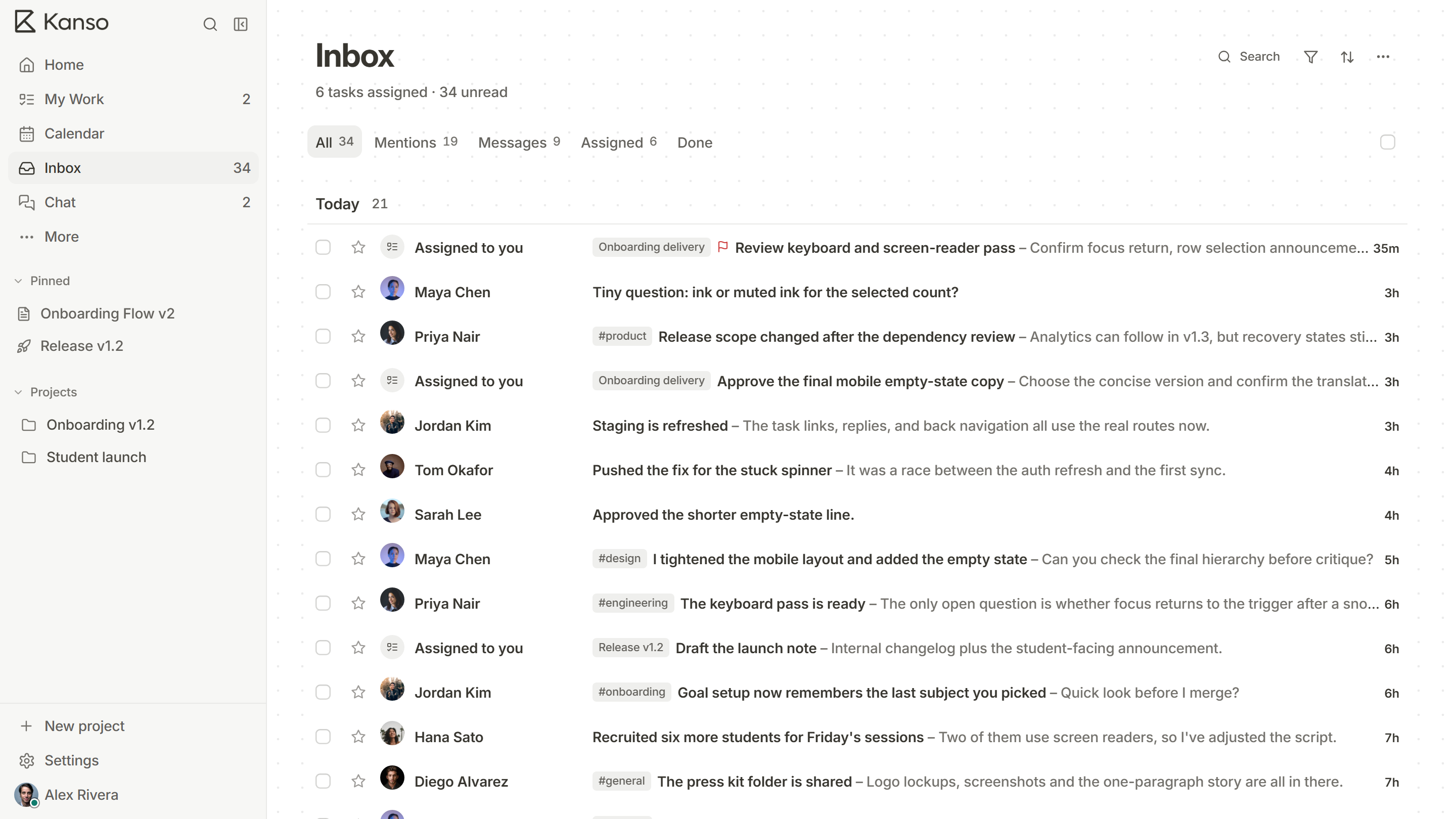
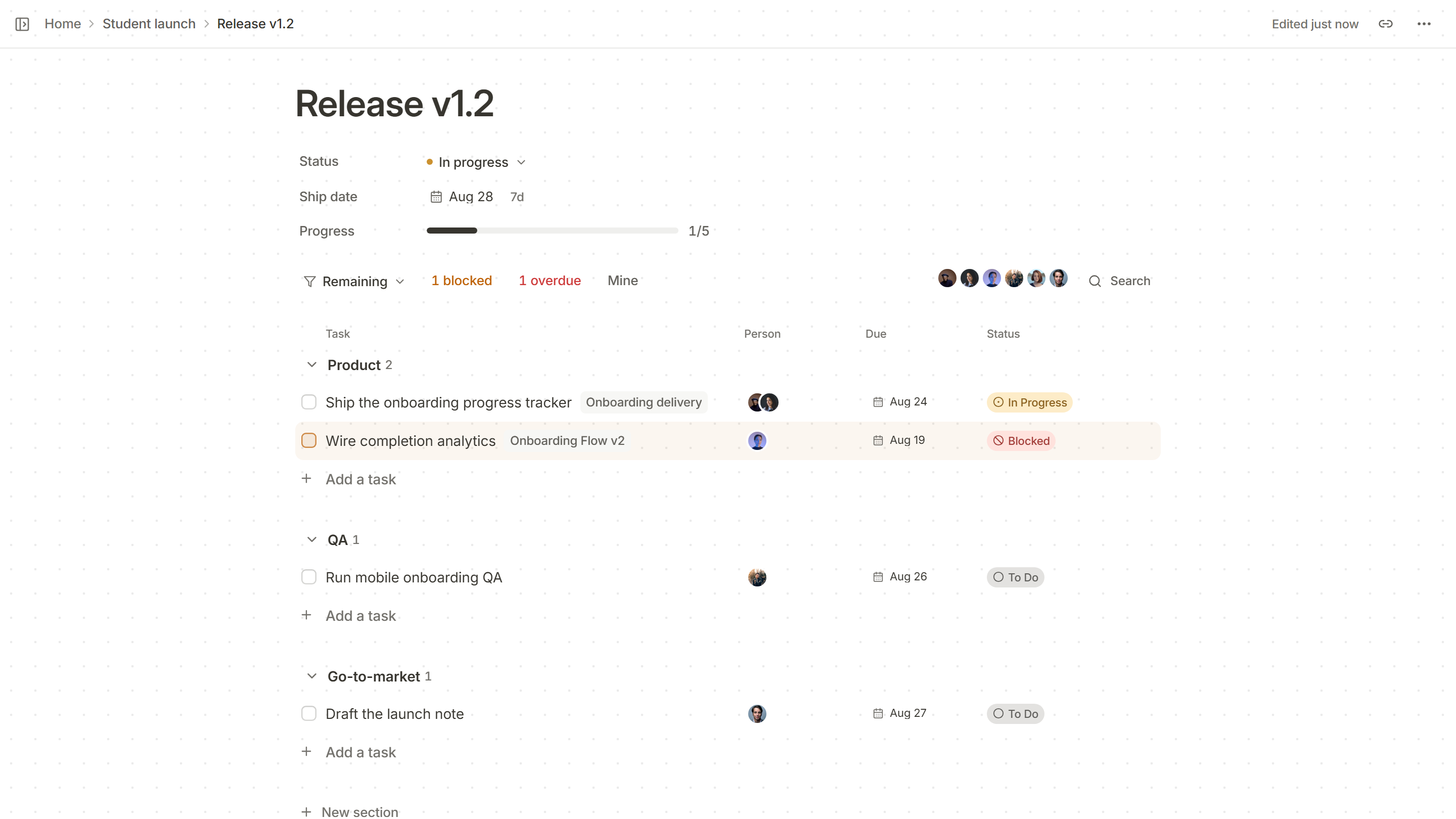
- One view of each cross-team launch. A single page for the release, with a section per team, so nobody has to ask product, engineering and support separately where things stand.
- Decisions in writing. Short decision records mean new people and other teams can read why, instead of asking.
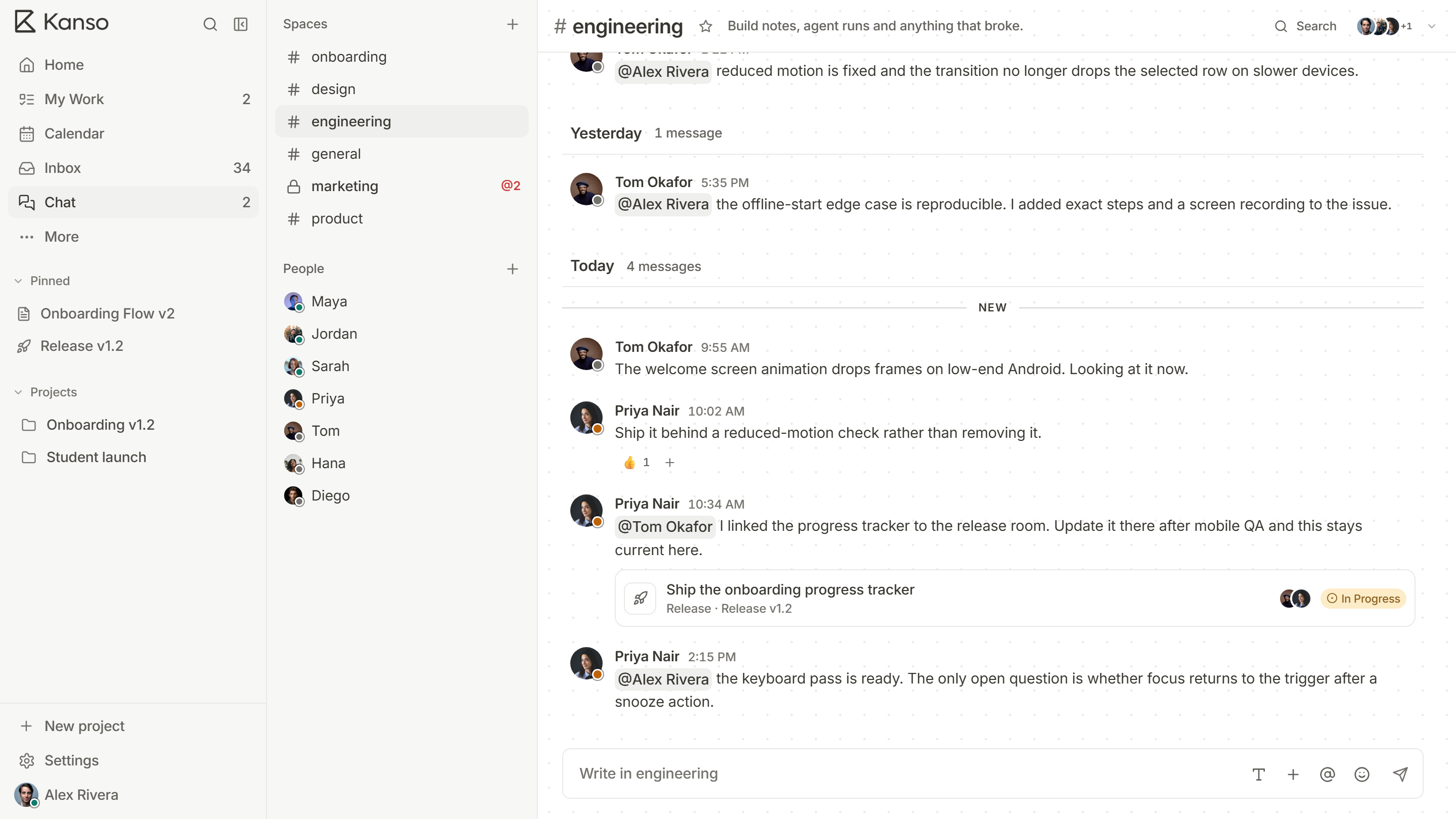
- Asynchronous by default. Channels per area and written updates, with meetings kept for decisions. See remote and async teams.
- Roles that fit. Some people manage the workspace, some edit, and some only read: clients, auditors and other teams.
Planning across teams
The release is where teams meet. Set one date, give each team a section and require every line to have an owner, a due date and a status. Review blockers daily near the end. Dependencies between teams should be written on the cards: “blocked by” a card on another board is a fact everyone can see.
Visibility without more meetings
- Use saved views and filters (by team, by owner, blocked, overdue) instead of status reports.
- Let the board be the status. If a card’s state is wrong, that is the problem to fix.
- Write a short update for each release on the release page, not a separate document.
What to ask of a tool at scale
- Roles and permissions, including guests who can look but not edit.
- Unlimited members in one workspace, so you are not counting seats per team.
- Search that finds the thing across projects.
- A backup you can take and restore, and a way to get your data out.
- A vendor that will answer security and procurement questions, and quote for an organization.
A planning rhythm across teams
| How often | What happens | Who is there |
|---|---|---|
| Each quarter | Teams share what they intend to build and flag dependencies on other teams | Leads from every team |
| Each release | One page for the date, a section per team, owners and blockers reviewed | The release owner and a lead from each team |
| Each week | Each team plans its own week and posts blockers that need another team | Each team on its own |
| Each month | A short look at what shipped and what slipped, and why | Leads, with a written summary for everyone |
Each quarter
What happens
Teams share what they intend to build and flag dependencies on other teams
Who is there
Leads from every team
Each release
What happens
One page for the date, a section per team, owners and blockers reviewed
Who is there
The release owner and a lead from each team
Each week
What happens
Each team plans its own week and posts blockers that need another team
Who is there
Each team on its own
Each month
What happens
A short look at what shipped and what slipped, and why
Who is there
Leads, with a written summary for everyone
The rhythm exists to surface dependencies early. A team that learns in the last week that it needs something from another team has learned too late.
Governance without bureaucracy
- Decide a few things centrally: the words for status and priority, the definition of done and who may change a release date. Leave the rest to the teams.
- Write the rules down in one place, and make each rule say what problem it solves.
- Review the rules once a quarter. A rule that nobody can explain should go.
- Give teams a way to ask for an exception, and say yes often. Teams that cannot ask will work around.
Bringing a new team onto the shared tool
- Pick a team with a real release coming up, so the tool is used for a real reason.
- Set up their projects, boards and roles together, in one session.
- Move the current work across in one go, so the first day is accurate.
- Ask them after two weeks what is missing, and fix the top item.
- Only then ask the next team.
Large teams in Kanso
Kanso Team gives a workspace unlimited members, with roles (owner, admin, member and guest), chat, an inbox and the ability to assign work across every board. A release page gathers one date’s work into sections for each team, and channels in chat link to the tasks they talk about. Enterprise is quoted for the organization on annual terms. Kanso is a young product: for a large group, the sensible way to start is with one team and one real release. See Kanso for teams.