Acceptance and QA

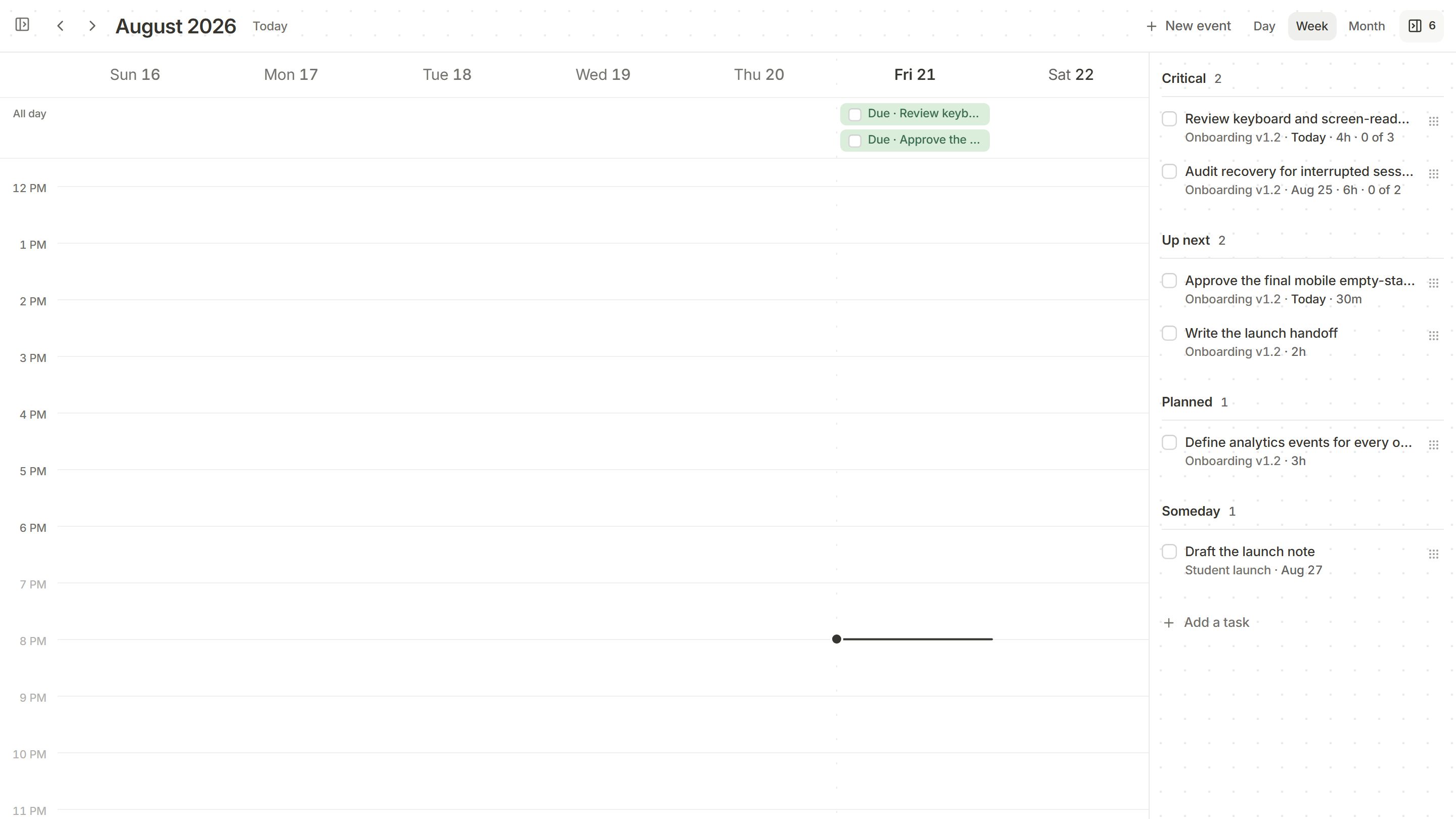
The acceptance criteria live on the card, and QA gets its own section on the release page, beside product and launch.
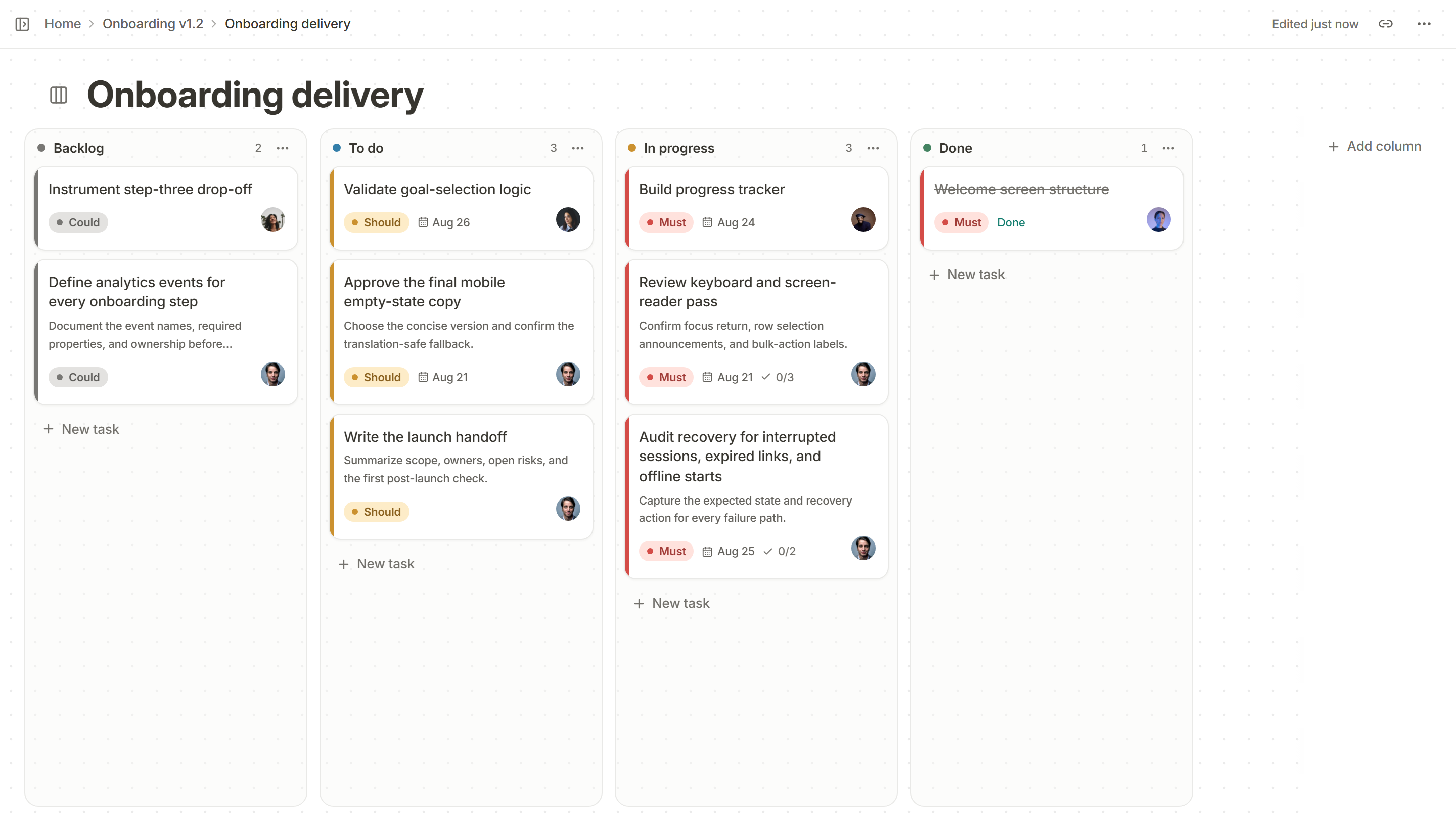
A Kanso task board with Backlog, To do, In progress and Done columns of cards showing priority, due date and owner.

Write what done means

Before the work starts, the acceptance criteria go on the card as a checklist.

Must-priority cards in the In progress column of a Kanso board, each with a due date and how many acceptance criteria are met, 0 of 3 and 0 of 2.

Give QA its own list

The release page keeps QA’s work in a section of its own, beside product.
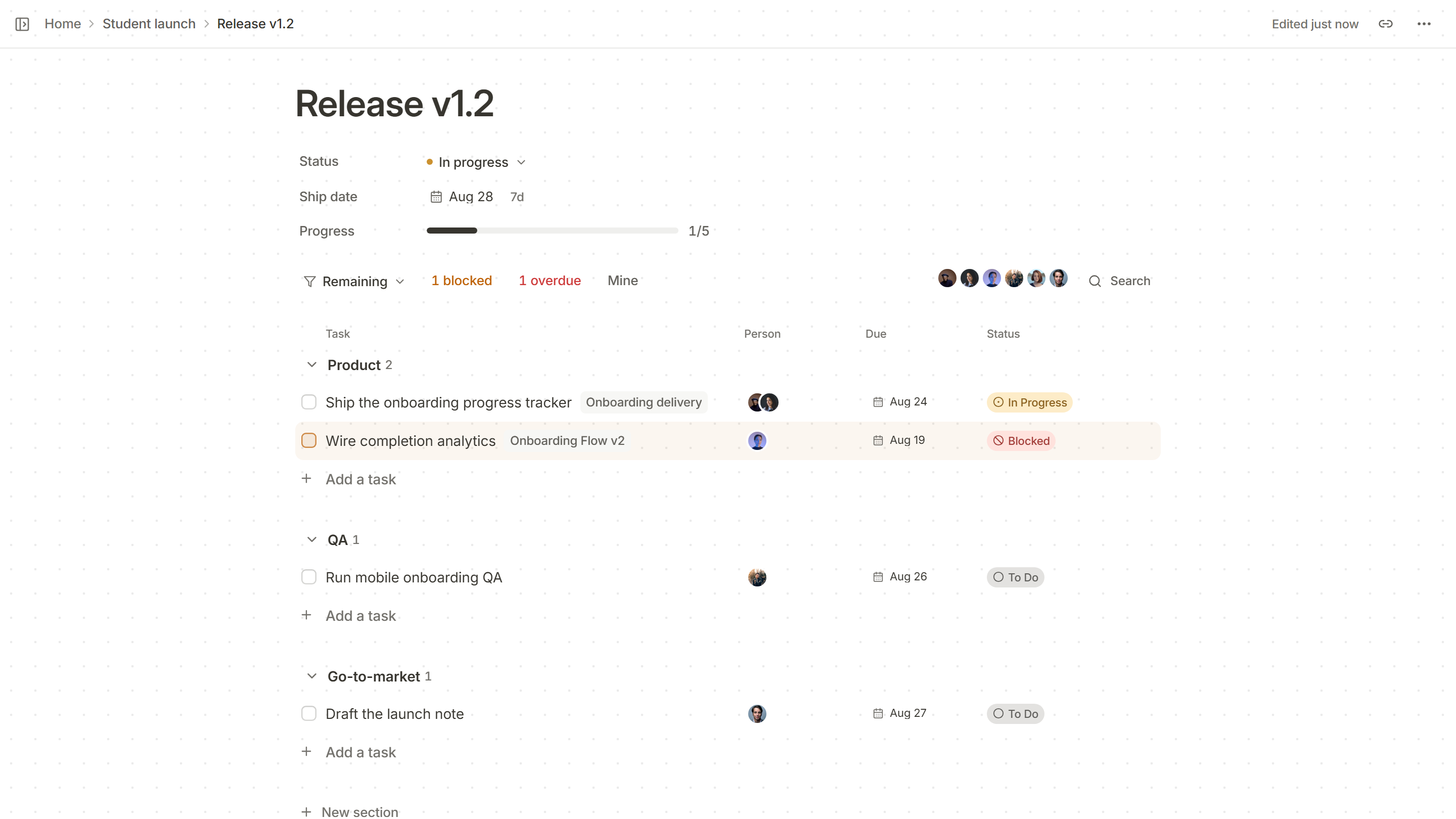
The Product, QA and Go-to-market sections of a Kanso release page, each line with its task, the board or doc it comes from, its owner and its due date.

See what holds it up

One click narrows the release to what is blocked or overdue.
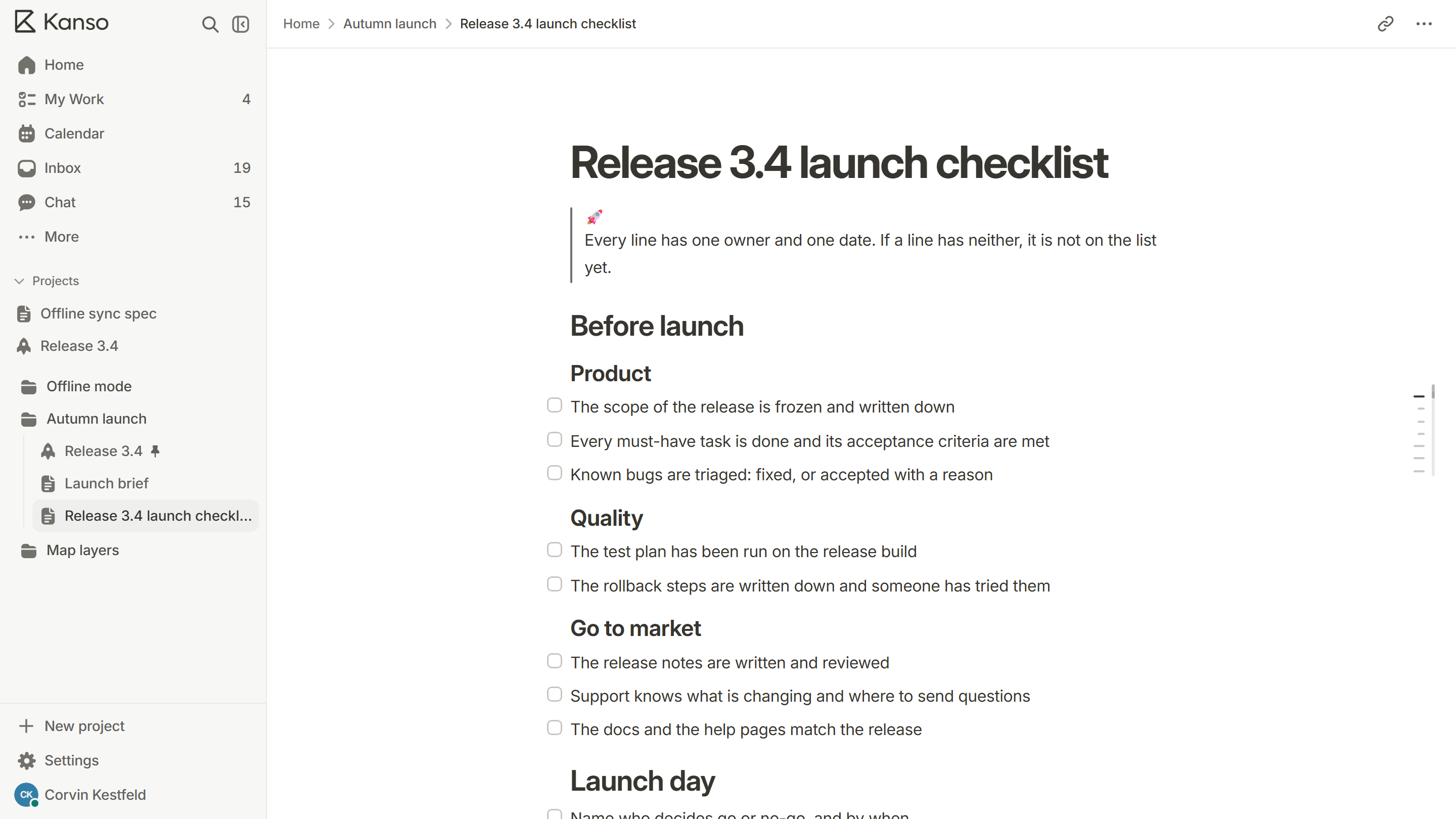
The top of the Kanso release page Release 3.4: In progress, shipping Oct 22, 1 of 6 done, and the 1 blocked and 1 overdue filters above the Product section.

More use cases

All use cases

Try Kanso free.

No card required. Free does not expire.