What a design doc is for
A design doc, sometimes called an RFC or a technical spec, is written before a significant piece of engineering. It does three jobs: it makes the author think the design through, it lets other people find problems early, and it leaves a record of why the system looks the way it does.
Write one when the work is hard to undo, touches several teams or parts of the system, or has more than one reasonable approach. For a small change, a few lines in the task are enough.
The sections that matter
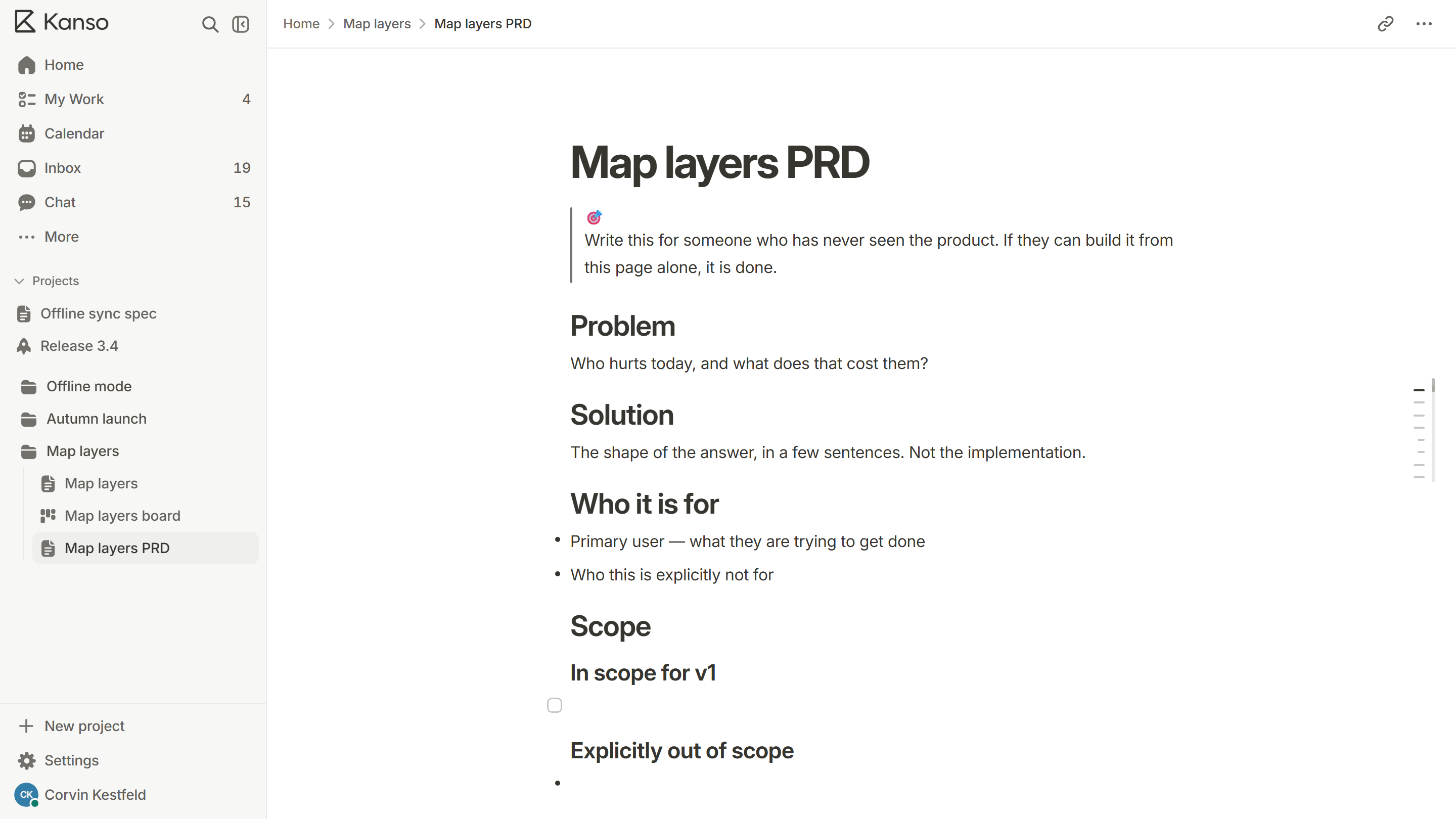
- Context: what exists today, and why it no longer fits. Link the product requirements.
- Goals and non-goals: what the design must achieve and what it deliberately does not.
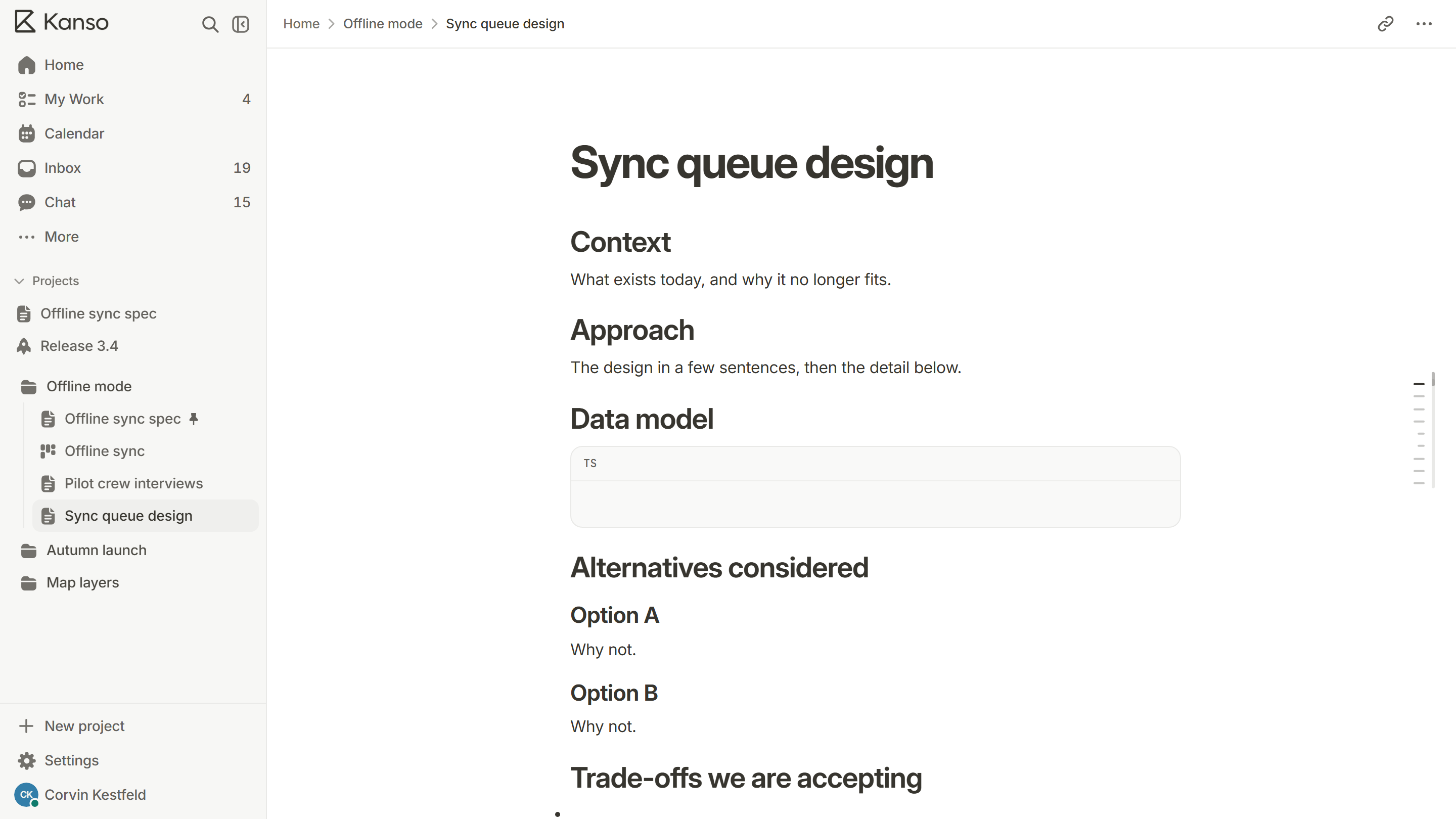
- Approach: the design in a few sentences first, then the detail.
- Data model and interfaces: the shapes of the data and the contracts between parts.
- Alternatives considered: at least two, with the reason each was not chosen.
- Trade-offs: what you are accepting by choosing this design.
- Rollout: how it will ship, how it can be rolled back and how you will know it works.
- Open questions: what is still unknown and who will find out.
Compare real alternatives
The strongest part of a design doc is the comparison. List the options, including the dull one that keeps things as they are, and say what each costs and what it buys. A design with no alternatives looks like a decision that was made before the doc was written.
| Option | What it buys | What it costs |
|---|---|---|
| Keep the current queue | No migration | Retries still lose messages under load |
| Move to a managed queue | Retries and ordering built in | A new vendor and a migration |
| Write our own retry layer | Fits our data exactly | Months of work and a new thing to maintain |
Keep the current queue
What it buys
No migration
What it costs
Retries still lose messages under load
Move to a managed queue
What it buys
Retries and ordering built in
What it costs
A new vendor and a migration
Write our own retry layer
What it buys
Fits our data exactly
What it costs
Months of work and a new thing to maintain
Plan the rollout
Say how the change will reach users: behind a flag, to a few customers first, or all at once. Say what you will watch, and the signal that means “roll back”. A design with no rollback plan is only half a design.
Get a useful review
- Send it to the people who will build it, the people who will run it and one person who has not been close to the problem.
- Ask specific questions: “What breaks at ten times the load?” rather than “Any feedback?”.
- Give it a deadline, and say who decides when opinions differ.
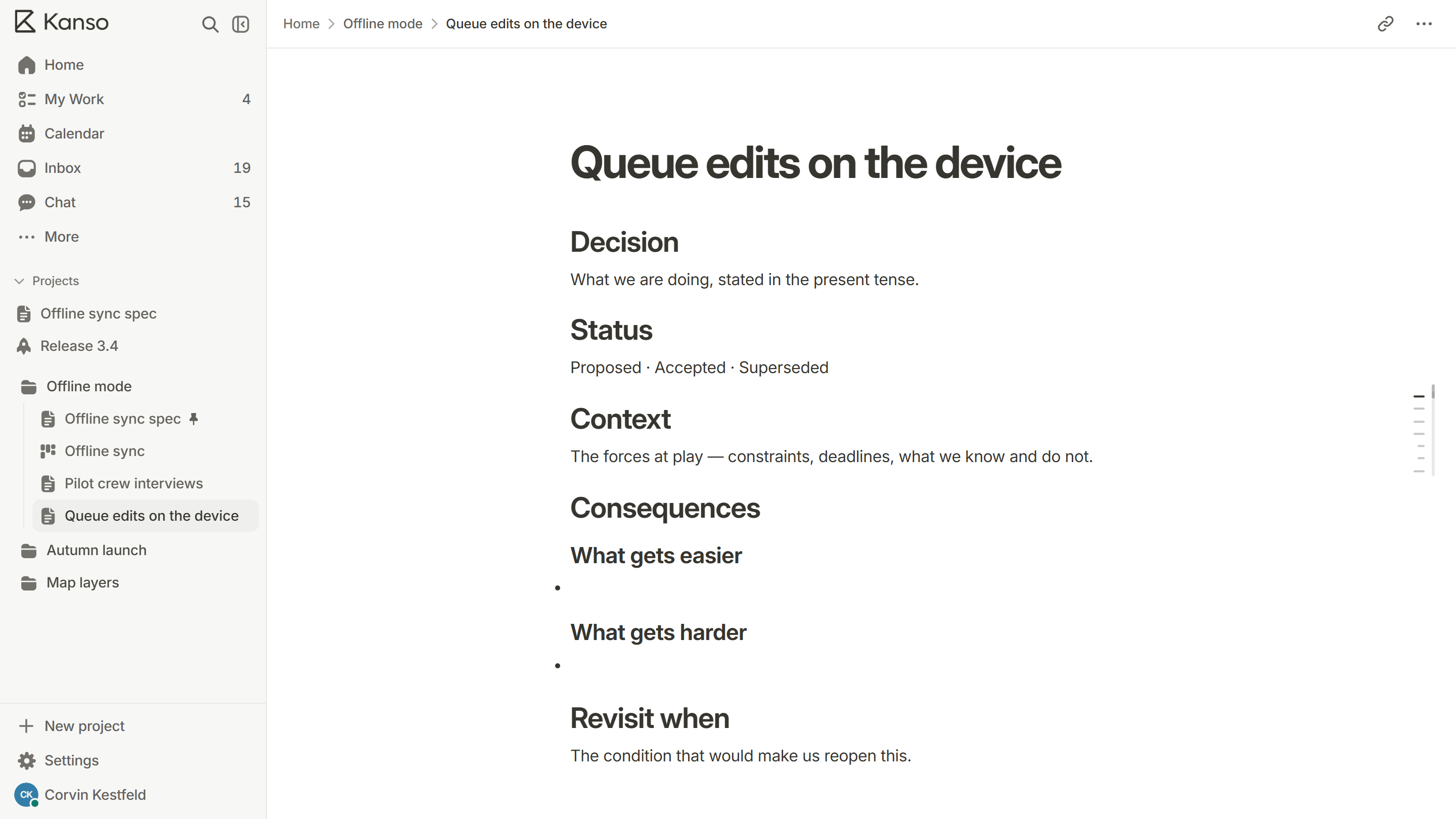
- Write the decision and the reasons back into the doc. If it is important, record it as a decision record.
What reviewers look for
- A clear problem. Do I understand what is wrong today, and why it matters?
- Honest alternatives. Were real options weighed, including doing nothing?
- Failure modes. What happens when a dependency is slow, down or wrong?
- Scale. What happens at ten times the load, or a hundred times the data?
- Operations. Who runs this, and how will they know it is healthy?
- Reversibility. If this is wrong, how hard is it to undo?
How long should it be?
| Size of change | A good length |
|---|---|
| A change one person makes in a week | A few paragraphs in the task, or one page |
| A change one team makes in a month | Two to three pages |
| A change that touches several teams | Three to five pages, with a one-paragraph summary at the top |
A change one person makes in a week
A good length
A few paragraphs in the task, or one page
A change one team makes in a month
A good length
Two to three pages
A change that touches several teams
A good length
Three to five pages, with a one-paragraph summary at the top
Put the summary first. A reader who has to find the point on page four will stop reading on page two.
After the review
When the review ends, change the status of the doc to approved, list the decisions that were made and link it from the tasks that implement it. Treat it as a living document while the work is in progress: if the design changes, update the doc, and note the date. When the work is done, mark it as implemented, so the next reader knows it describes what exists.
A design doc in Kanso
Start from the technical design template, which has context, approach, data model, alternatives, trade-offs and rollout ready. Keep it in the same project as the product spec and the board, link the cards that implement it, and use code blocks for data shapes. See Kanso Docs.