What a PRD is
A product requirements document, or PRD, is a short document that describes a product or a feature before it is built: the problem, who has it, what the answer looks like, what is in and out of scope and how success will be measured. It is the agreement between the people who decide what to build and the people who build it.
A PRD covers what and why. It leaves how, the technical approach, to the design doc. See how to write a technical design doc.
What goes in a PRD
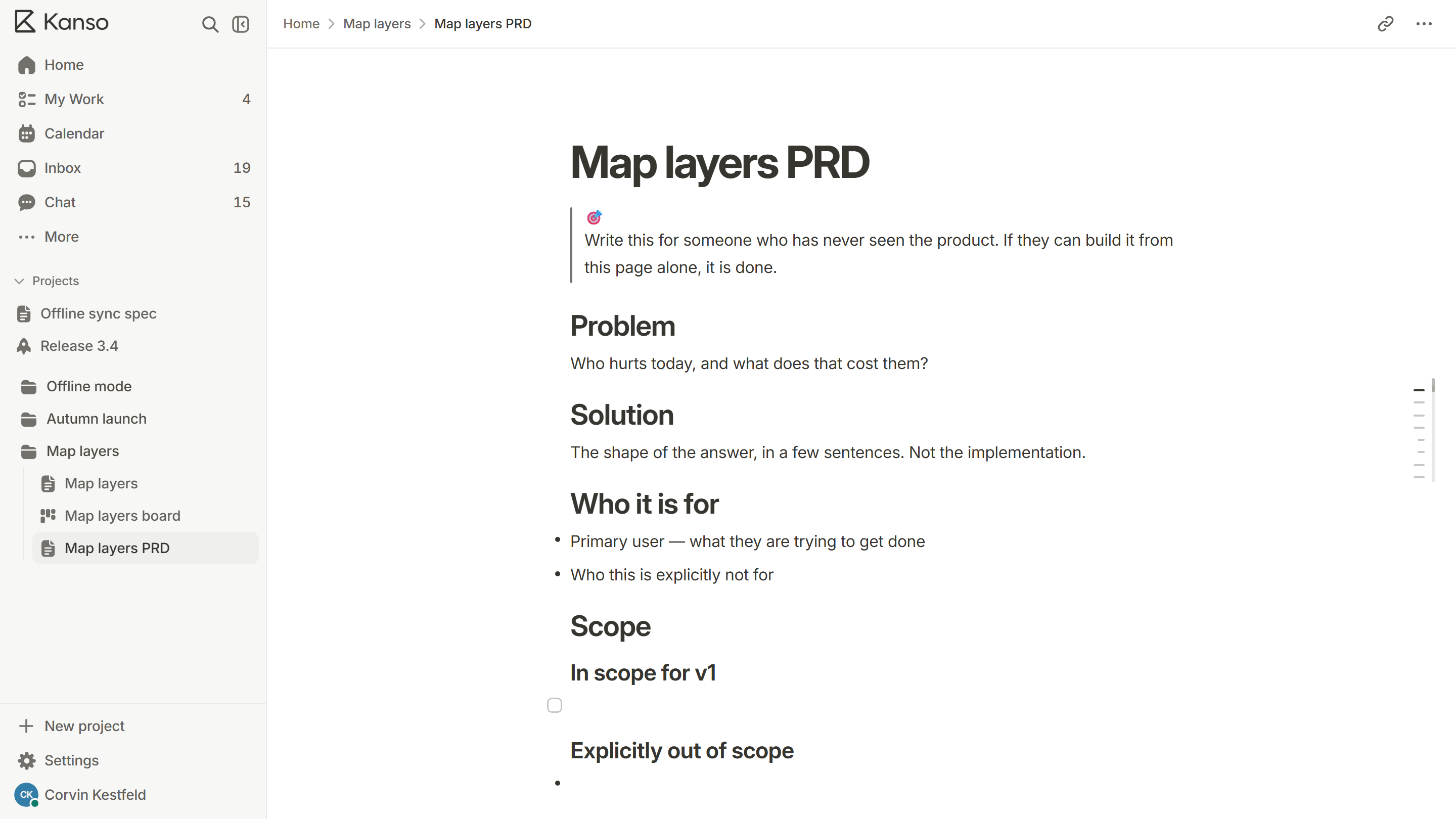
- Problem: who is hurt today, and what it costs them.
- Goals and non-goals: what this must achieve, and what it will not try to do.
- Users: the main user, and who it is not for.
- Solution: the shape of the answer in a few sentences, with a flow or a sketch if that helps.
- Scope: what is in the first version, and what is explicitly out.
- Requirements: the behavior the product must have, each one testable.
- Success measure: one number or one thing you can observe.
- Open questions: what is still undecided, and who decides.
How long should a PRD be?
As short as the decision allows. One page is enough for a small feature and three for a large one. If a PRD needs ten pages, the feature is probably several features. A short PRD that people read beats a long one that people sign and forget.
How to write a PRD, step by step
- Write the problem first, in one paragraph, before any solution. If you cannot state it plainly, you are not ready to write the rest.
- Name the user and the moment they hit the problem. “People who work offline” is better than “users”.
- Write the success measure before the solution, so the solution has something to be judged against.
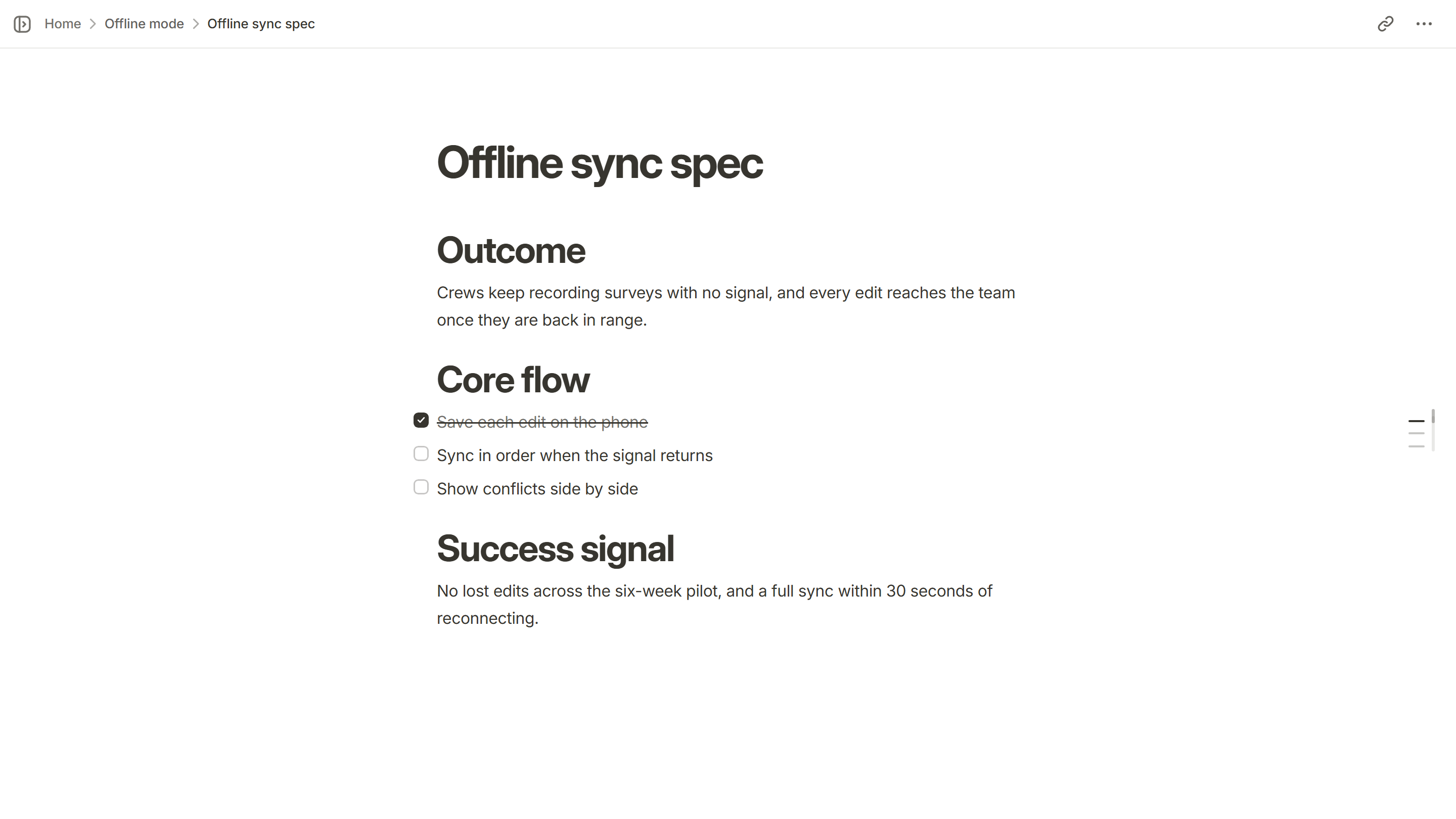
- Describe the solution as a flow: what the person does, what the product does back, what the result is.
- Cut scope. List what is out of the first version, in writing, so the question is settled once.
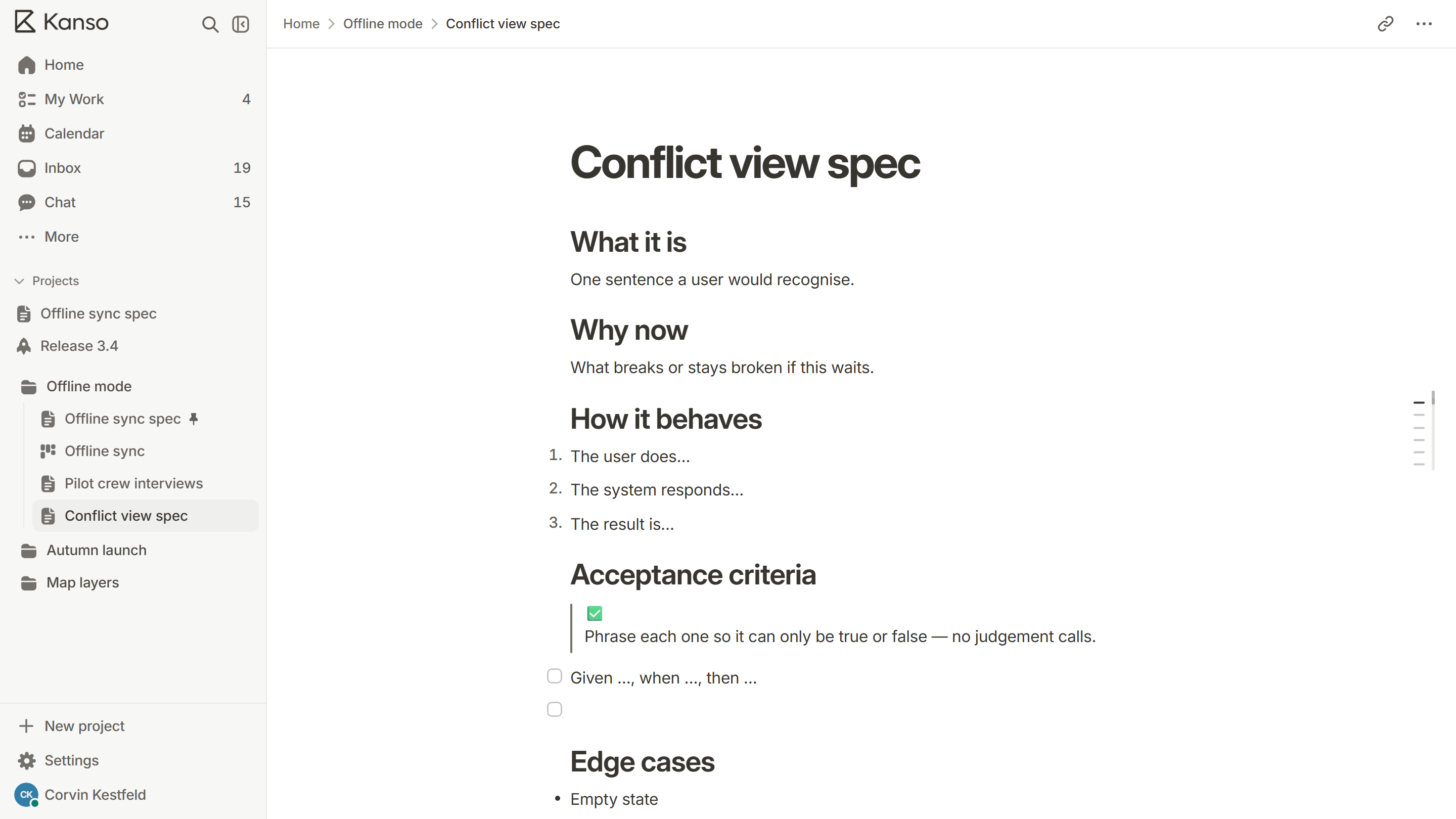
- Turn each requirement into a line that can only be true or false. See how to write acceptance criteria.
- List the open questions, each with a name beside it.
- Share it for review, change it where the review is right, and keep it up to date as the work moves.
PRD mistakes to avoid
- Starting with the solution, so the problem is written to fit it afterwards.
- Requirements nobody can test, like “fast” or “easy to use”.
- A PRD that is never updated after the first review, so it describes a product that no longer exists.
- Hiding open questions to look finished. A named open question is a strength.
- Filling in every heading of a template when half of them do not apply.
PRD, BRD and MRD: what is the difference?
Three similar abbreviations get mixed up. They describe different questions, and a team may use one, two or all three.
| Document | Question it answers | Usually written by |
|---|---|---|
| MRD (market requirements document) | Who is the market, and what do they need? | Product marketing or the founder |
| BRD (business requirements document) | What does the business need from this, and what is it worth? | A business analyst or sponsor |
| PRD (product requirements document) | What will the product do, for whom, and how will we know it worked? | The product manager or lead |
MRD (market requirements document)
Question it answers
Who is the market, and what do they need?
Usually written by
Product marketing or the founder
BRD (business requirements document)
Question it answers
What does the business need from this, and what is it worth?
Usually written by
A business analyst or sponsor
PRD (product requirements document)
Question it answers
What will the product do, for whom, and how will we know it worked?
Usually written by
The product manager or lead
Small software teams usually skip the MRD and the BRD and write one PRD that opens with the business reason. If a stakeholder asks for a BRD, the first two sections of your PRD (the problem and the success measure) are most of it.
Keep a PRD alive
- Put a date and an owner at the top, and update the date whenever the content changes.
- Record each change of scope in the PRD itself, with the reason, rather than in a thread nobody will find.
- Mark each open question as answered when it is, and write the answer beside it.
- When the feature ships, add what happened against the success measure. That is how the next PRD gets better.
Who should review it
Ask one engineer who will build it, one person who will test it and one person who owns the product decision. Engineers find scope that is bigger than it looks, testers find requirements that cannot be checked and the owner finds the places where the document and the intent have drifted apart. Three reviewers who read carefully are worth more than ten who skim.
A PRD in Kanso
Kanso keeps the PRD in the project it describes. Start from the PRD template, turn each to-do in the spec into a card on a board (the two stay linked), gather the work behind the ship date on a release page and send reviewers a read-only link that opens without an account. See Kanso Docs.