The problem with chat on its own
Chat is fast, and that is its danger. A decision is made in a thread on Tuesday. By Friday it is buried, the task still says the old thing and a new person asks the question again. When chat is separate from the work, three things go wrong:
- Decisions disappear. They are made in threads that nobody can find later.
- Tasks go stale. The card says “in progress” long after the thread said “blocked”.
- Context is lost. A new teammate sees a task and cannot see the conversation that shaped it.
What linking gives you
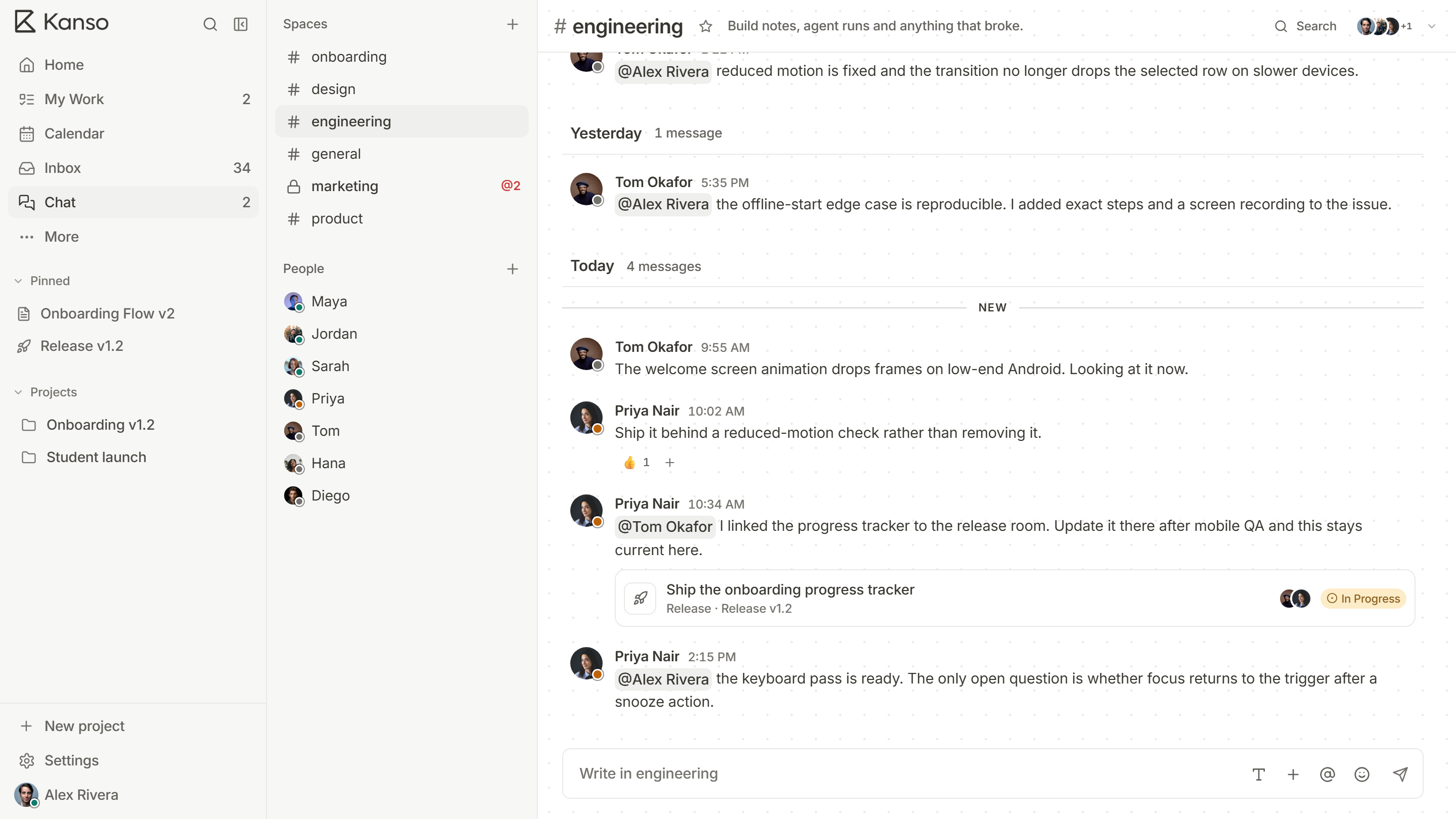
When a message can point at a task, a page or a release, and show its current status, the conversation and the work share a reference. Open the message to see the task; open the task to find the message. A status shown in chat is always up to date, because it is read from the task, not typed.
Habits that help
- Link, do not describe. Paste the task into the message instead of retyping it.
- Decide in the thread, record on the card. When a conversation settles something, write the outcome on the task or in the doc, with a link back.
- One channel per area. For example one per product area or per release, not one for everything and not one per person.
- Use mentions for requests. An @mention reaches the person’s inbox. A message in a busy channel does not.
- Do not use chat as a task list. If something needs doing, it becomes a card with an owner.
Pitfalls
- Too many channels, so nobody knows where to ask.
- Notifications for everything, so people mute everything. Let each person choose all, mentions only or none per channel.
- Long arguments in chat that should be a call or a decision record.
Naming channels so people can find them
| Pattern | Example | Use for |
|---|---|---|
| By area | billing, onboarding, search | Ongoing work on part of the product |
| By release | release-3-4 | A launch with an end date, archived afterwards |
| By topic | announcements, help | Things everyone should see, or a place to ask |
| By incident | incident-0914 | Handling one problem, then reviewed and closed |
By area
Example
billing, onboarding, search
Use for
Ongoing work on part of the product
By release
Example
release-3-4
Use for
A launch with an end date, archived afterwards
By topic
Example
announcements, help
Use for
Things everyone should see, or a place to ask
By incident
Example
incident-0914
Use for
Handling one problem, then reviewed and closed
A routine from thread to task
- A question or problem comes up in a channel.
- Someone links the related task or page, so the thread has something to point at.
- The thread settles on an answer.
- The person who owns the work writes the answer on the task or page, and replies with a link.
- If new work is needed, it becomes a task with an owner and a date, linked back to the thread.
Five steps, and the knowledge is on the task, where the next person will look.
Habits that save everyone time
- Put the question and the context in one message, so nobody has to ask “what do you mean?”.
- Say what you need and by when: “Can you review this by Thursday?”
- Reply in the thread, not the channel, so the conversation stays with the question.
- Use a reaction to say “seen”, and keep replies for when you have something to add.
- Move long discussions to a page or a call, and link the result back.
Chat that links to the work in Kanso
In Kanso Chat, paste a task and the message shows its current status, not the one it had when it was sent. Channels and direct messages link to any task, page or release, replies stay in place, and an @mention lands in the person’s inbox. Because chat sits in the same workspace as the board, there is nothing to sync.