

Release notes template
What changed, in plain words, for the people who use it.
- Stage
- Ship
- Sections
- 6
- Updated
How to fill it in
- 1Open with a one-line summary.
- 2Group changes into new, improved and fixed.
- 3Write for the reader, not the code.
- 4Say what readers need to do.
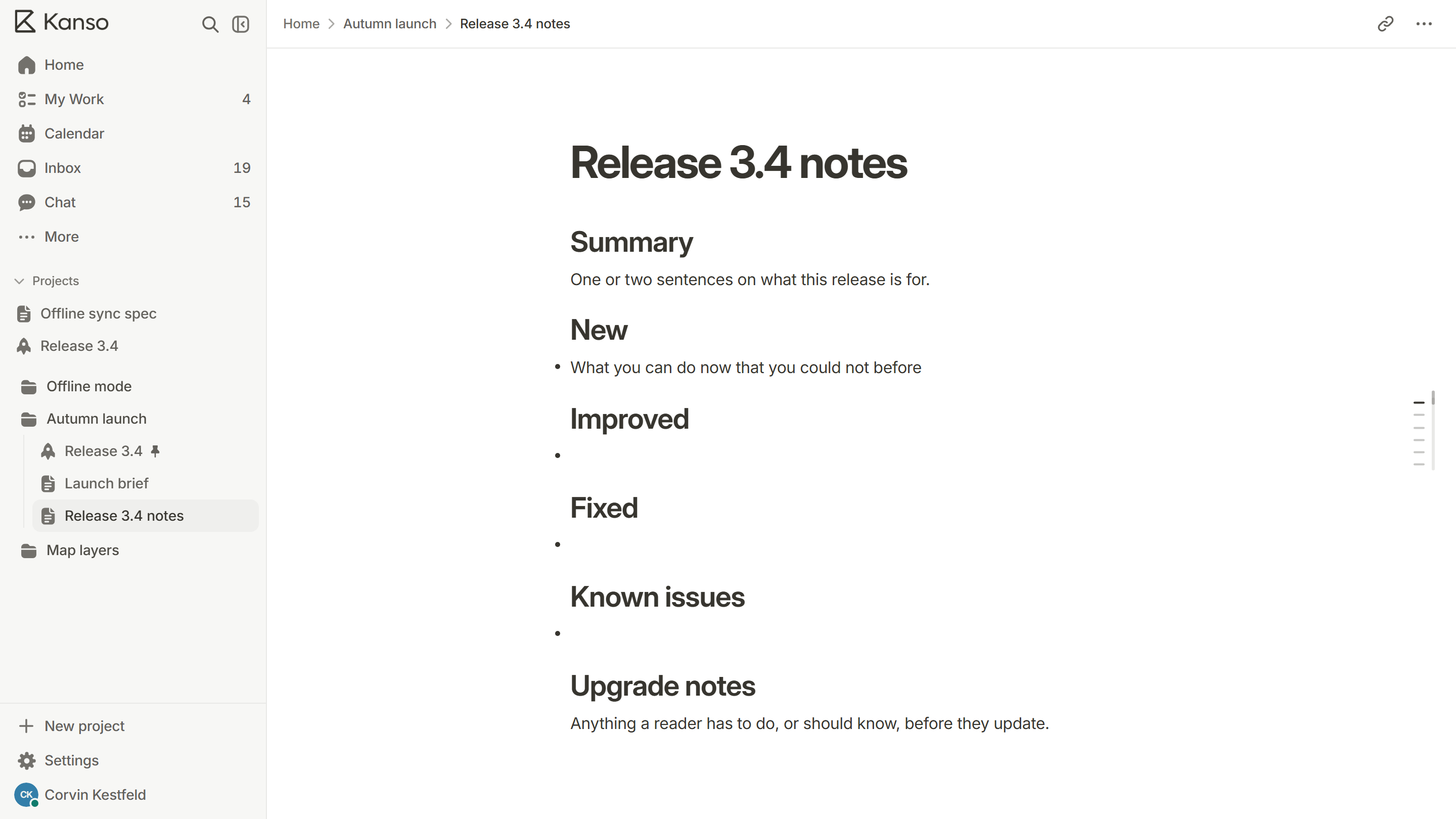
Summary
One or two sentences on what this release is for.
New
- What you can do now that you could not before
Improved
Fixed
Known issues
Upgrade notes
Anything a reader has to do, or should know, before they update.
What’s inside 6
- Summary
- New
- Improved
- Fixed
- Known issues
- Upgrade notes
Where to find it
In Kanso, add a page and pick this template, or type / in any doc.
Read the guide: How to write release notes people read
Questions
A summary, what is new, what is improved, what is fixed, known issues and any upgrade notes.
More templates
All templates
Use the release notes in Kanso.
Free does not expire. No card required.