Who release notes are for
Release notes are read by customers deciding whether to update, support staff answering questions and teammates checking what shipped. None of them want the commit history. They want to know: what is new, what is different, what is fixed and what do I need to do?
A structure that works
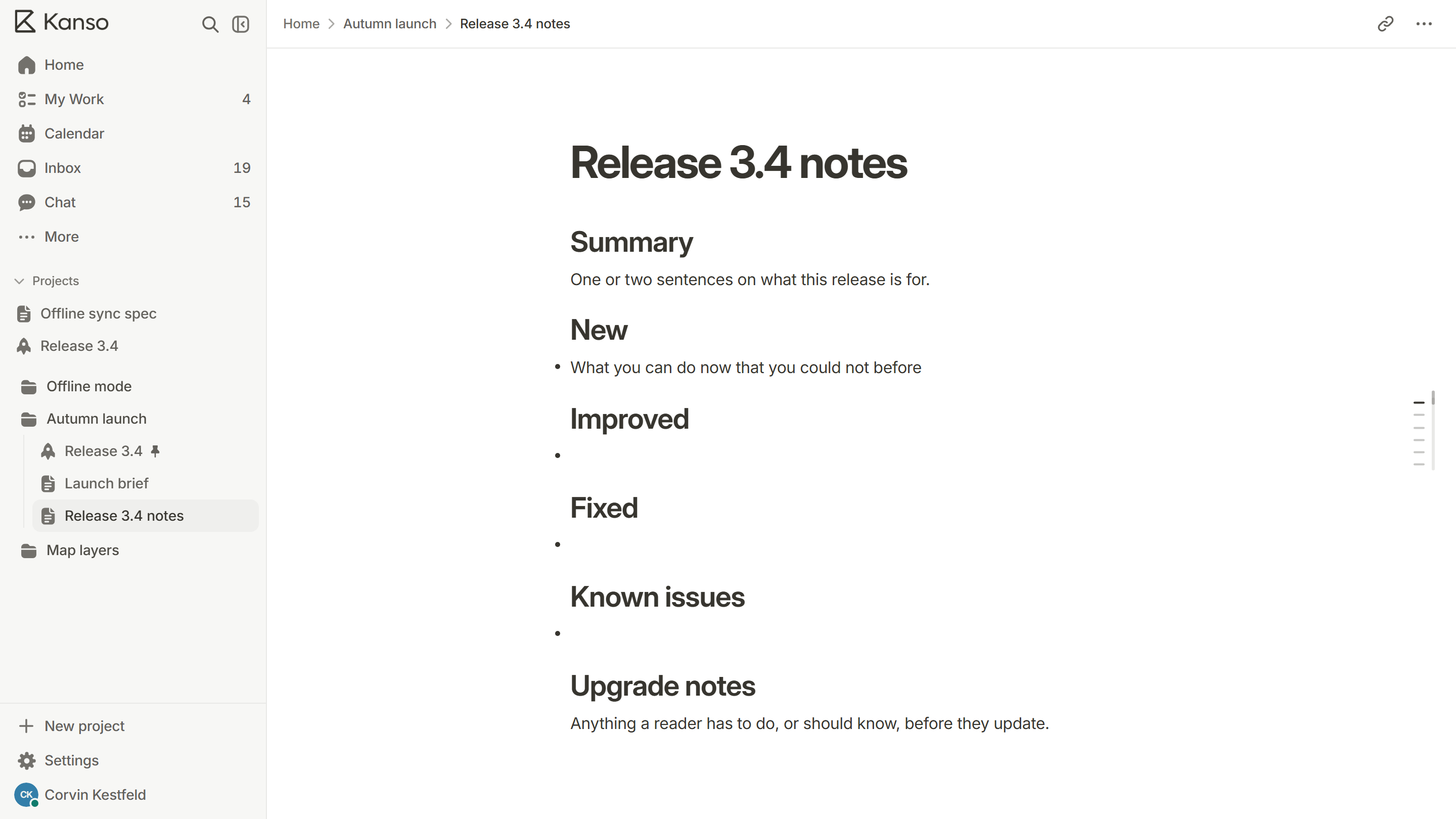
- Summary: one or two sentences on what the release is for.
- New: what people can do now that they could not before.
- Improved: what works better.
- Fixed: what was broken and no longer is.
- Known issues: what is still wrong, so nobody has to find out.
- Upgrade notes: anything the reader must do, or watch for, before updating.
Write about the reader, not the code
| Written for the team | Written for the reader |
|---|---|
| Refactored the sync module | Edits made offline now sync faster when you reconnect |
| Fixed null pointer in export | Exporting a project with no pages no longer fails |
| Added feature flag for boards v2 | Boards now load in under a second on large projects |
Refactored the sync module
Written for the reader
Edits made offline now sync faster when you reconnect
Fixed null pointer in export
Written for the reader
Exporting a project with no pages no longer fails
Added feature flag for boards v2
Written for the reader
Boards now load in under a second on large projects
Rules of thumb
- Lead each item with the benefit, then the detail.
- One line per change. If it needs a paragraph, link to a longer explanation.
- Use the words your customers use, not your internal names.
- Say plainly when something is removed or changed in a way that could break a habit or an integration.
- Put the most important change first, not the most recent.
- Date every release, and keep older notes where people can find them.
What to leave out
- Internal refactors that change nothing for the reader.
- Ticket numbers and branch names.
- Every small fix. Group them: “Several small fixes to the calendar”.
A complete example
Tone and format
- Write in the second person: “you can now…”, not “we implemented…”.
- Plain words. If a customer would not say it, do not write it.
- Short lines that can be skimmed, grouped under the headings above.
- No marketing. A release note that exaggerates is read once.
Where to publish them
Put release notes where customers already look: a page on your site, a section in the app and, for big changes, an email. Keep every release on one page or in one list, newest first, each with a date, so people can see what changed since they last looked. Keep the same notes where your support team can find them, since that is where questions come.
Release notes in Kanso
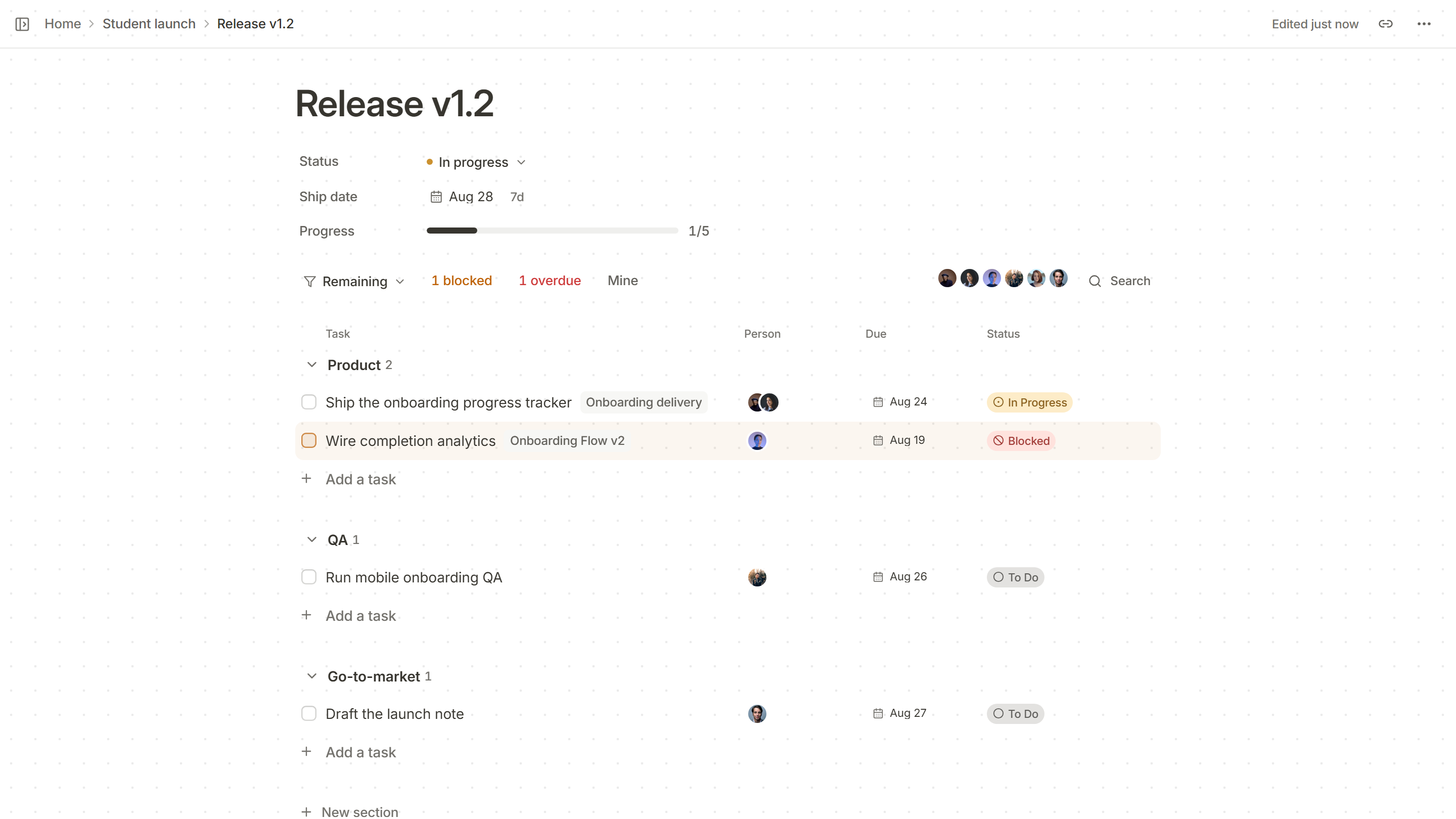
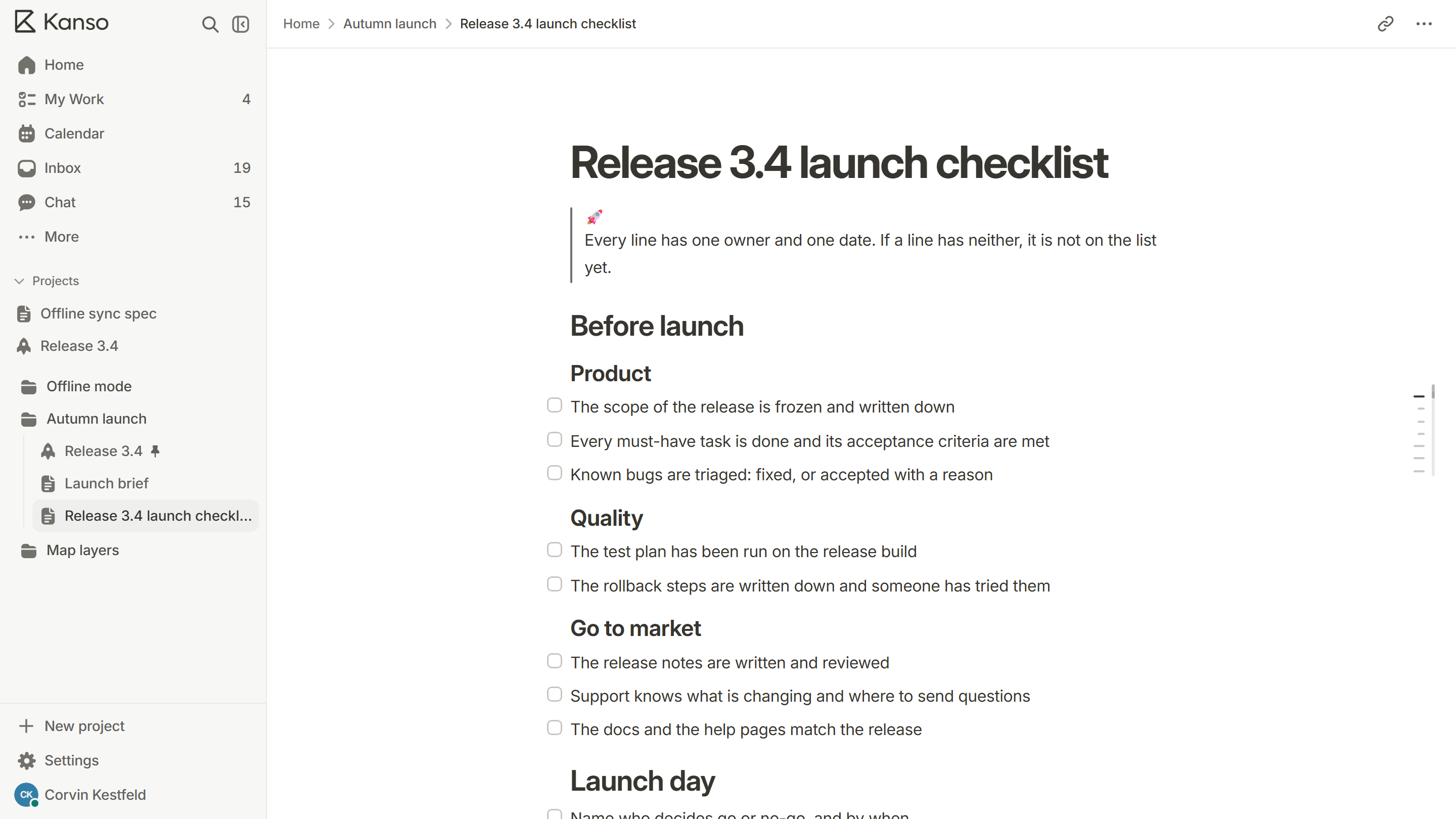
Open the release notes template in the project that holds the release. It has summary, new, improved, fixed, known issues and upgrade notes ready. The release page shows what shipped, so the notes can be written straight from the list of finished work.