Start with the reader
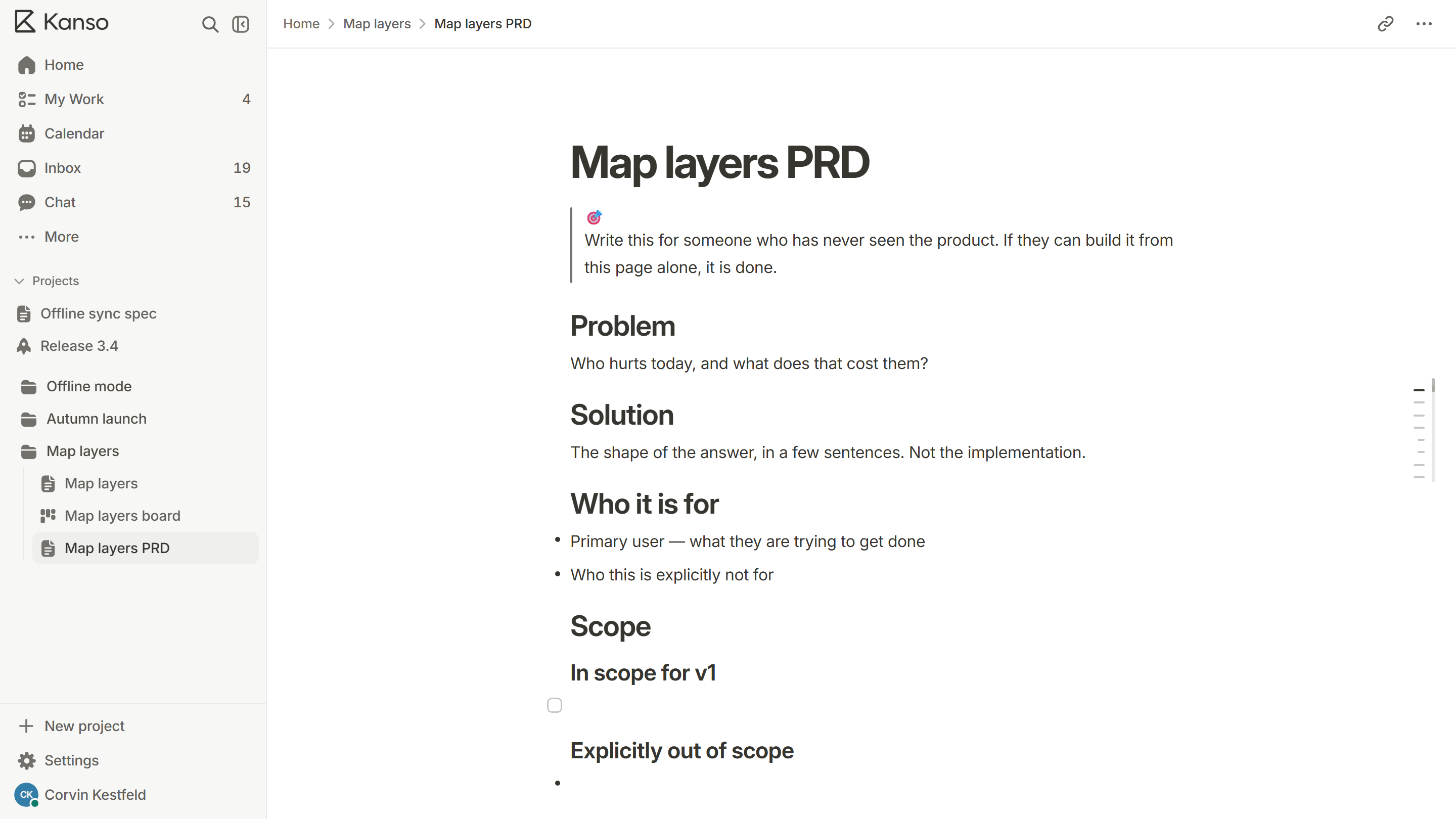
A product spec has three kinds of reader: engineers who will build from it, designers and testers who will check the result against it, and everyone else who needs to know what is coming. Write for the first group and make sure the second can use it. The third will read the first paragraph.
So the first paragraph has to carry the whole idea: the problem, who has it and what changes for them. If a reader stops there, they should still know what the feature is for.
The parts of a good spec
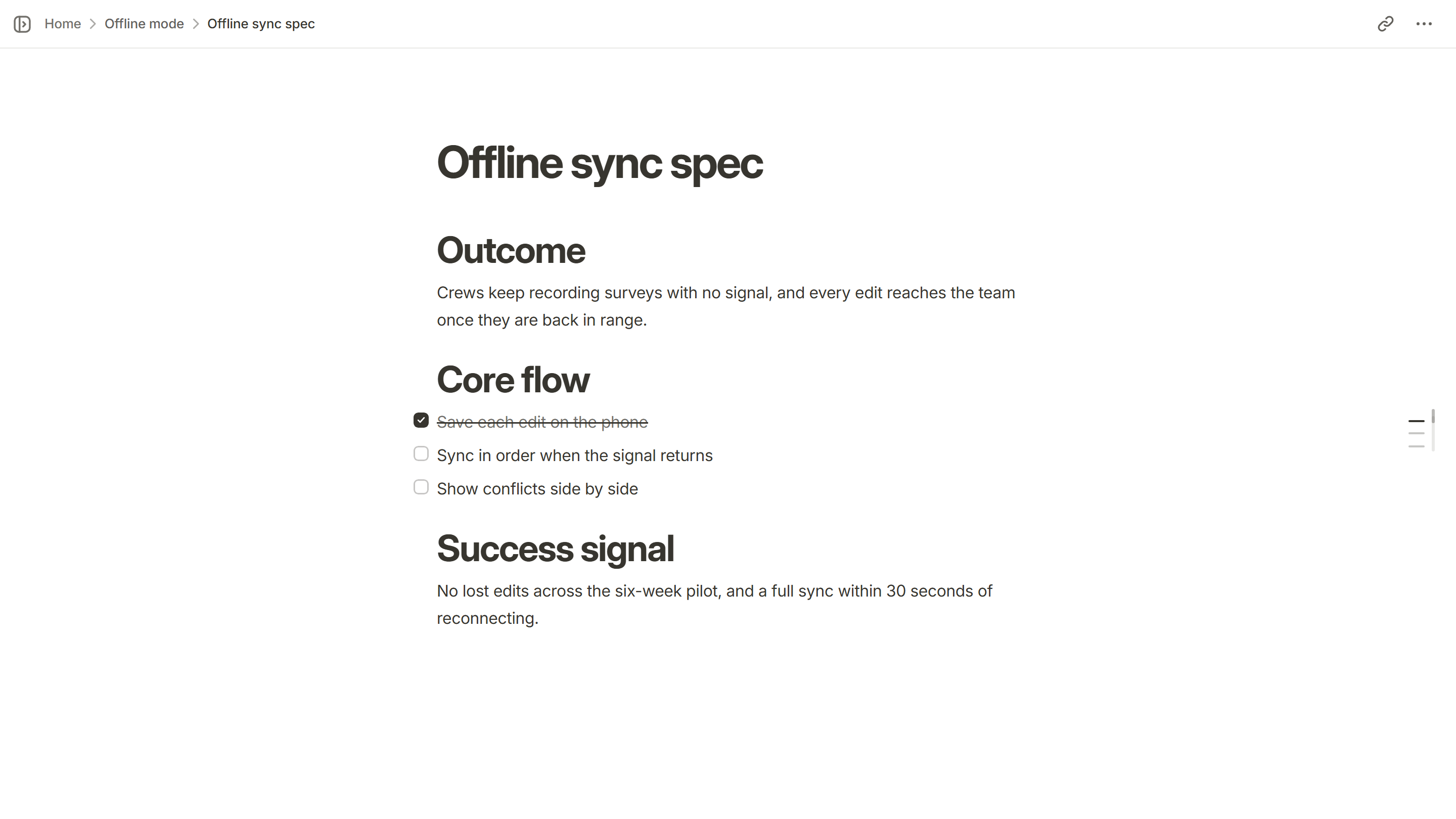
- Outcome: what is true after this ships that is not true now.
- Core flow: the main path, as steps a person takes and what the product does in response.
- Edge cases: empty states, errors, offline, very large input, someone without permission.
- Success signal: how you will know it worked, in one measurable thing.
- Not doing: what you decided to leave out, and why.
- Open questions: what is still undecided and who decides.
Write it so it can be tested
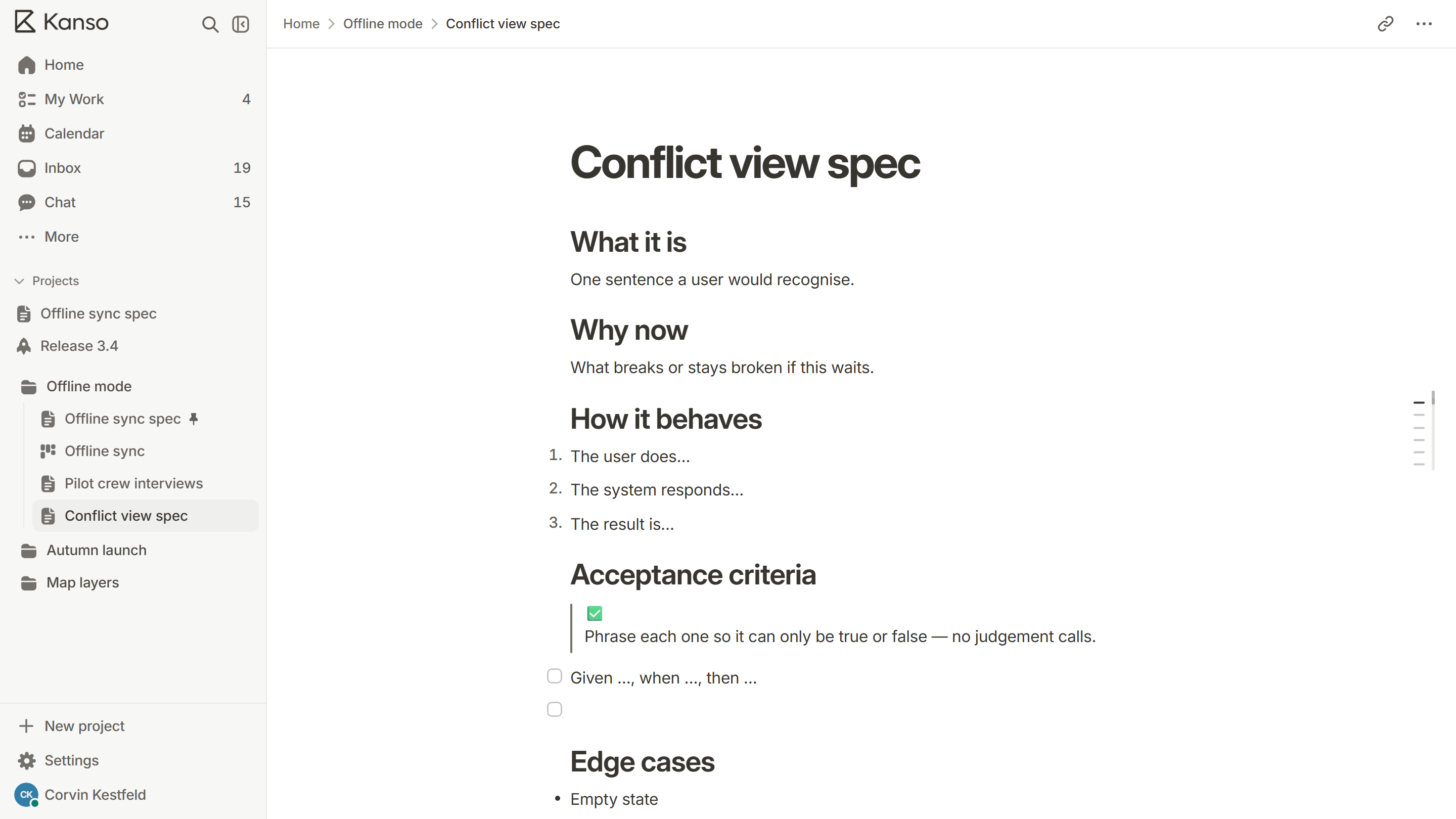
Every requirement should be a line that is either true or false when someone checks it. “The page loads quickly” cannot fail. “The page shows content within two seconds on a typical mobile connection” can.
| Vague | Testable |
|---|---|
| The form is easy to use | A new user can finish the form in under two minutes without help |
| Handle errors gracefully | If saving fails, the text is kept and a retry button appears |
| Works offline | Edits made offline are saved on the device and sent when the connection returns |
The form is easy to use
Testable
A new user can finish the form in under two minutes without help
Handle errors gracefully
Testable
If saving fails, the text is kept and a retry button appears
Works offline
Testable
Edits made offline are saved on the device and sent when the connection returns
Say what you are not doing
A “not doing” list is the most useful part of a spec and the part most often left out. It stops scope creep by settling arguments in advance, and it tells reviewers that you thought about the things they are about to suggest.
Keep it next to the work
A spec in one tool and the tasks in another drift apart within a week. Keep the spec in the same place as the board, link each to-do to its card, and change the spec when the plan changes. A spec that is updated is trusted. One that is not is ignored.
Review it before building
Ask for review from one engineer, one designer or tester and the person who owns the product decision. Give them a deadline, and ask a specific question: “What is missing?” is better than “Thoughts?”. Record decisions in the spec itself so the next reader does not have to find the thread.
A worked example
Here is a short spec for a small feature, written the way the parts above ask for. It would take about one page.
Questions reviewers will ask
- What happens when this fails halfway?
- What does someone with no permission see?
- What happens with a hundred of these, or none?
- How will we know it worked, and when will we look?
- What are we not doing, and is anyone expecting it?
If the spec already answers these, the review is quick. If it does not, the questions are the review.
When a spec has grown too long
If a spec runs past three pages, it usually contains more than one decision. Split it into one spec per feature and put a short overview page above them. Each small spec is easier to review, easier to estimate and easier to keep correct. Do not split a spec just to look short: a single clear page about a hard feature is fine.
A product spec in Kanso
Open a new page from the feature spec template or the product spec template. Use the slash menu for headings, to-dos, tables and code; turn the to-dos into cards on the board; and share the page read-only for review. See Kanso Docs.