What acceptance criteria are
Acceptance criteria are a short list of conditions a task must meet to be accepted. Each one is either true or false when someone checks it. They sit on the task itself, so the person doing the work, the person testing it and the person who asked for it all read the same list.
The rules for writing them
- One condition per line. If a line has “and” in it, it is probably two criteria.
- True or false, nothing in between. Avoid “fast”, “simple”, “intuitive” and “better”.
- Describe behavior, not construction. “The user sees an error message” rather than “add a try/catch”.
- Cover the unhappy paths. What happens with an empty field, no connection or no permission?
- Keep the list short. Three to seven lines. More than that, and the task is too big.
Two formats that work
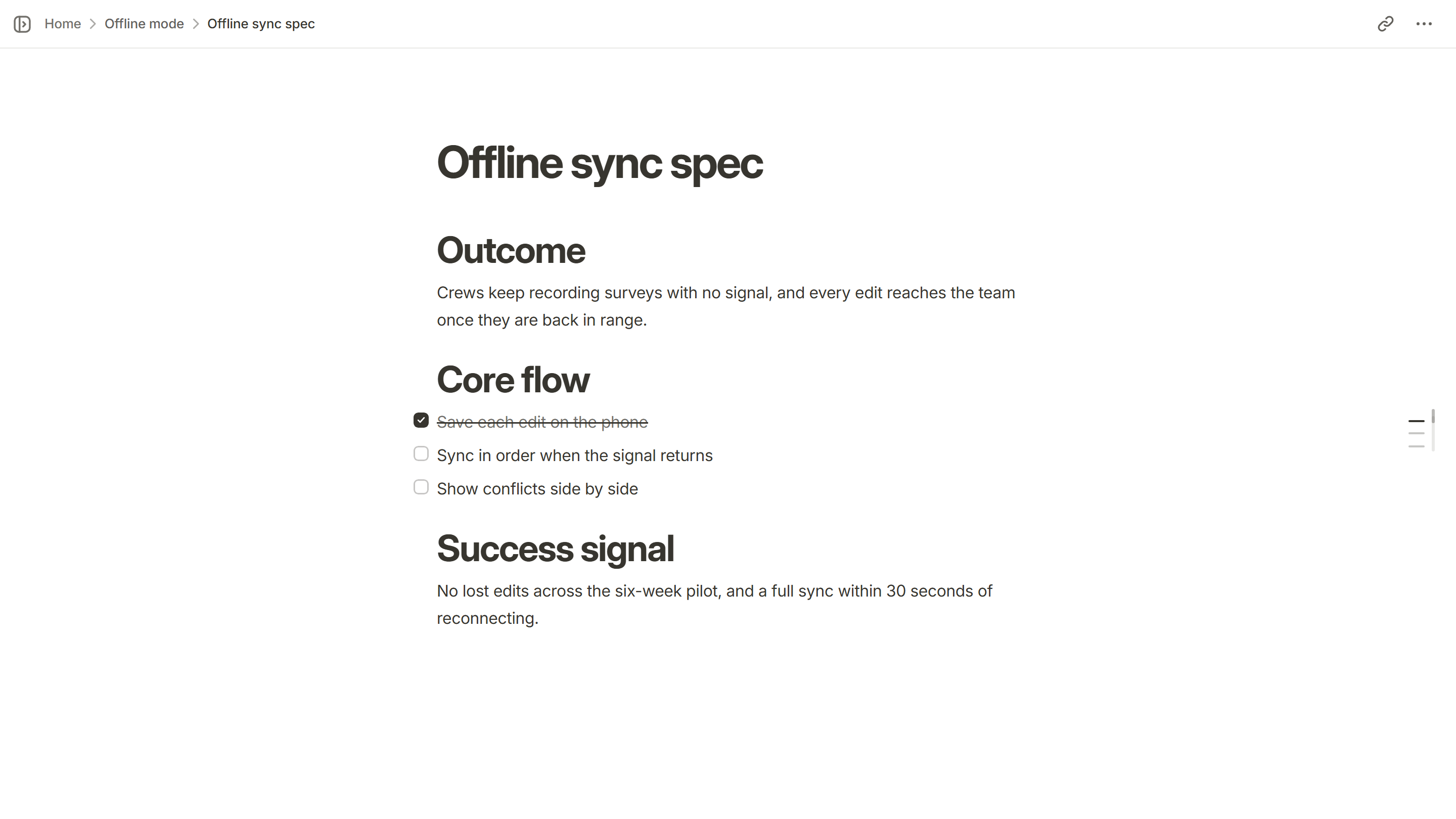
A plain checklist
The simplest form is a list of statements, each checked off as it is verified. This is enough for most tasks.
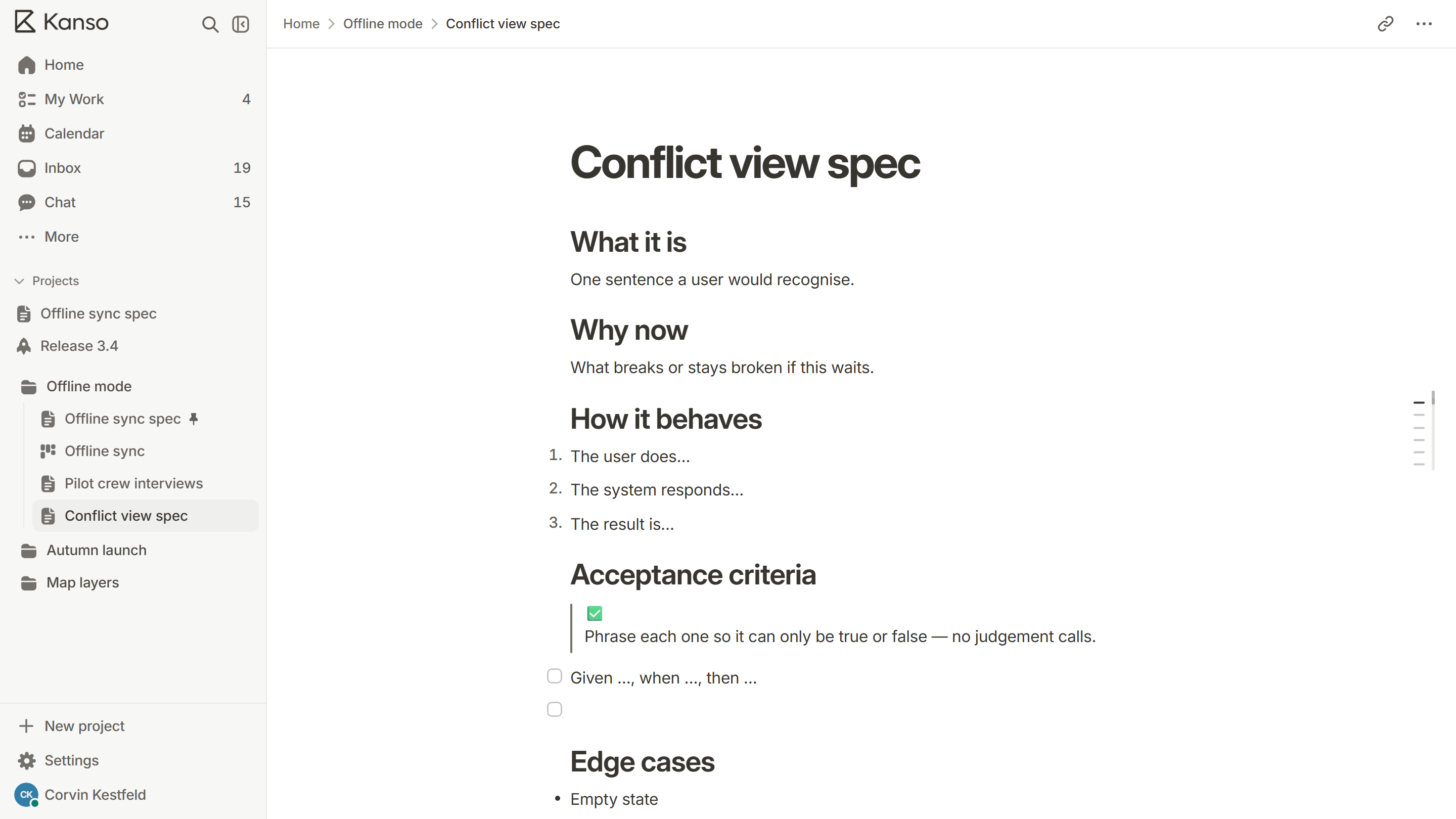
Given, when, then
When behavior depends on a situation, write it as: given a starting state, when something happens, then an outcome. It is longer, but it leaves no room to misread the situation.
Acceptance criteria and the definition of done
Acceptance criteria belong to one task. The definition of done belongs to the whole team and applies to every task: reviewed, tested, documented. Both have to be true before a task counts as finished.
Mistakes to avoid
- Writing criteria after the work is finished, to match what was built.
- Criteria that describe the design (“a blue button in the top right”) instead of the outcome.
- Leaving out the error and empty cases, then finding them in production.
- Criteria nobody can check without asking the author what they meant.
From vague to checkable
| Vague | Checkable |
|---|---|
| The export is fast | Exporting a project of 500 pages finishes in under ten seconds |
| Users can find things easily | Typing three letters in search shows matching pages within one second |
| The error message is helpful | The message says what went wrong and what to do next, and keeps what the person typed |
| Works on mobile | Every action on the page can be done on a 375 pixel wide screen without sideways scrolling |
The export is fast
Checkable
Exporting a project of 500 pages finishes in under ten seconds
Users can find things easily
Checkable
Typing three letters in search shows matching pages within one second
The error message is helpful
Checkable
The message says what went wrong and what to do next, and keeps what the person typed
Works on mobile
Checkable
Every action on the page can be done on a 375 pixel wide screen without sideways scrolling
A checklist before work starts
- Is every line either true or false when checked?
- Does each line describe what a person or the system does, not how it is built?
- Is there a line for the empty case and one for the error case?
- Could a tester who has never met the author check each line?
- Is the list short enough to hold in your head?
If the answer to any of these is no, fix the line before the work starts. It costs a minute now and an afternoon later.
Who checks them, and when
The person who builds the task checks the criteria as they go, and ticks each when it is true. The tester or reviewer checks them again on the finished work. If a criterion turns out to be wrong or missing, change it on the task in the open, with a note, rather than quietly working to a different list. The criteria are an agreement, and an agreement changes only when everyone can see it change.
Acceptance criteria in Kanso
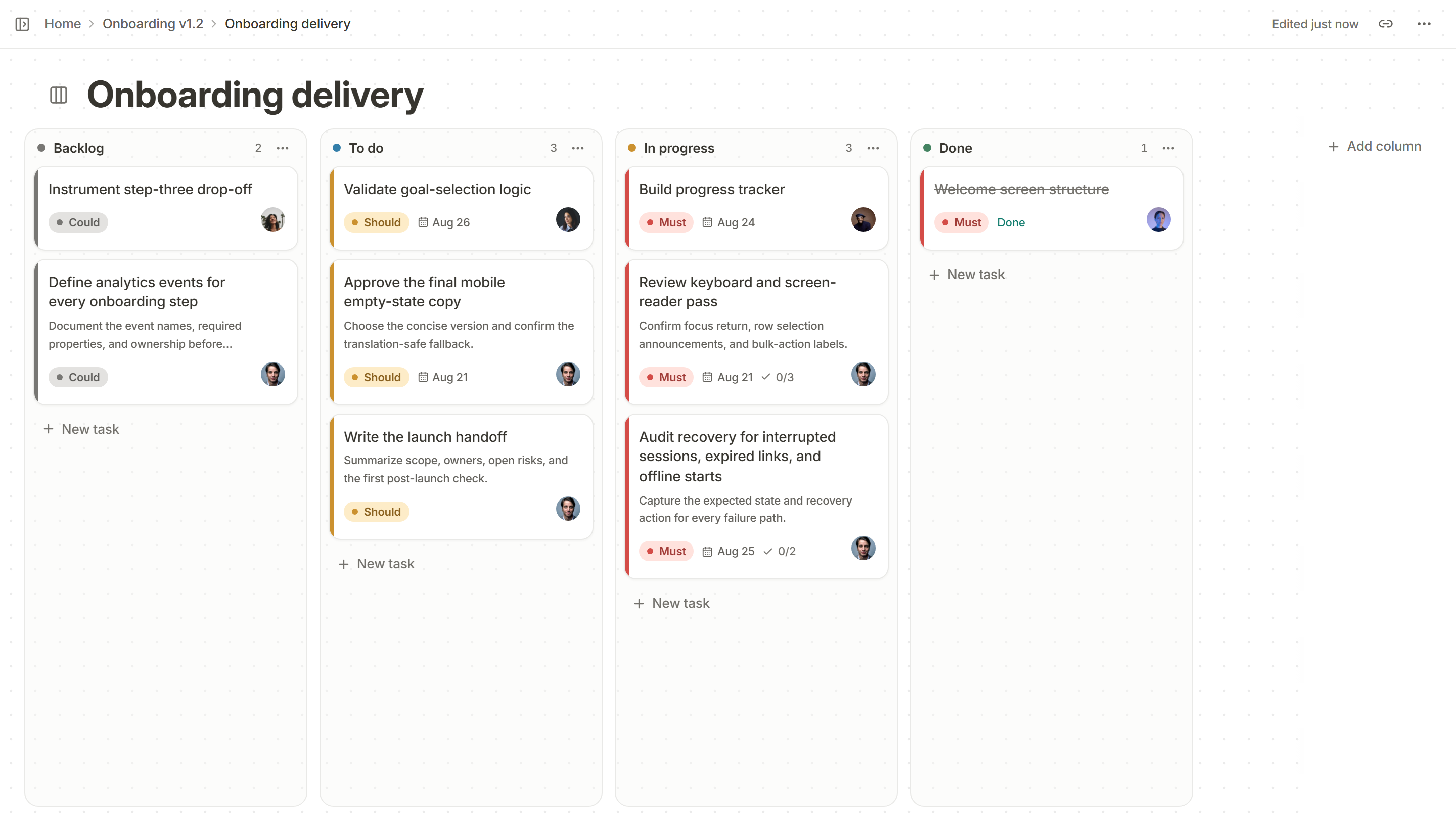
Every card on a Kanso board has a checklist for its acceptance criteria, and the card shows how many are met, right on the board. Start a feature from the feature spec template, which has an acceptance criteria section ready for each task.