How to use a launch checklist
Treat the list as a set of questions, not a ritual. For each line, name an owner and a date. If a line does not apply, delete it and say why. A checklist that is ticked without being read is worse than none.
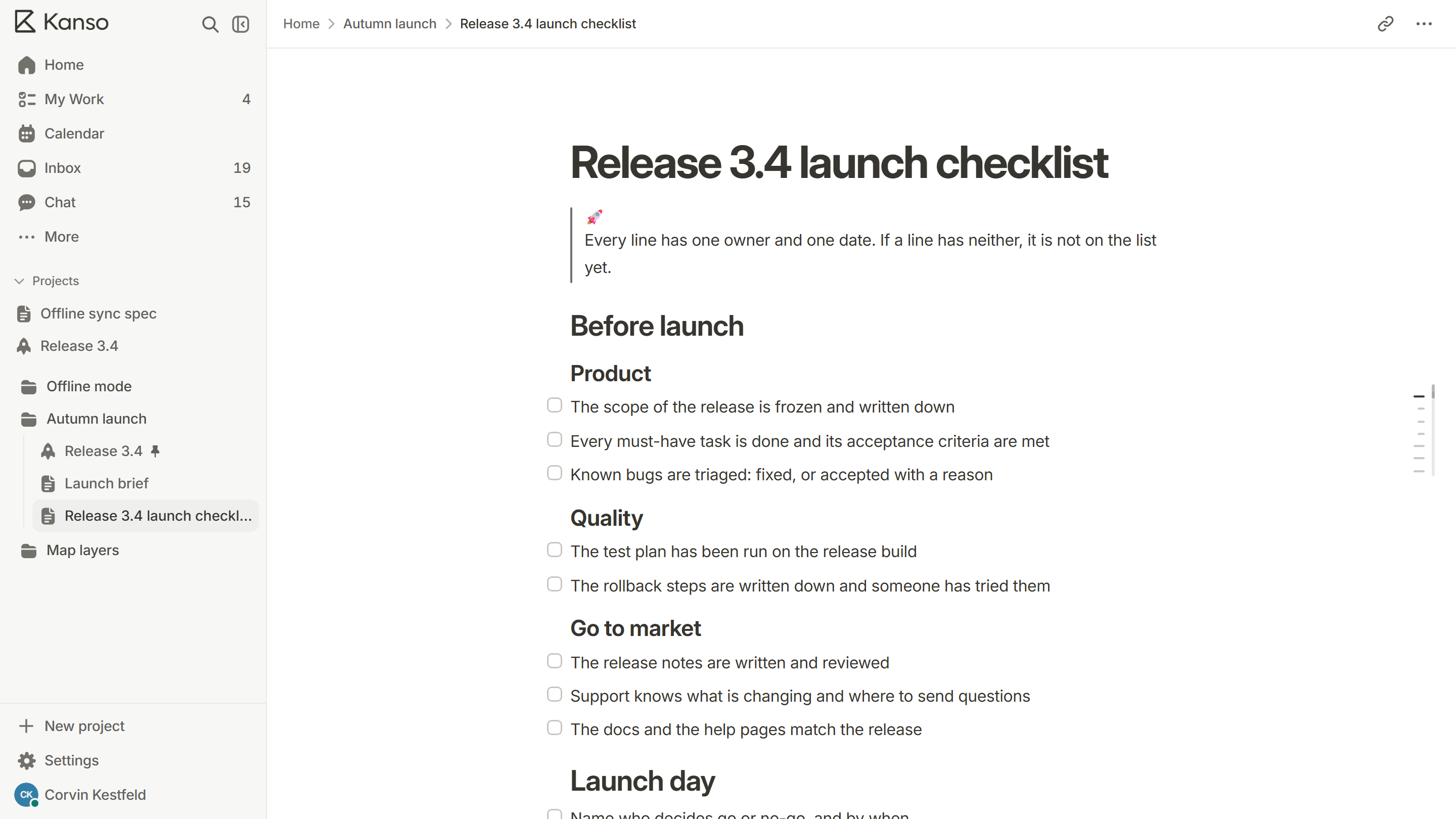
Before launch
Product
- The scope of the release is frozen and written down.
- Every must-have task is done and its acceptance criteria are met.
- Known bugs are triaged: fixed, or accepted with a reason.
Quality
- The test plan has been run on the release build, not on a developer’s machine.
- The riskiest areas have been tested twice.
- The rollback steps are written down and someone has tried them.
- Monitoring and alerts cover the new behavior.
Go to market
- The release notes are written and reviewed.
- Support knows what is changing and where to send questions.
- Documentation and help pages match the release.
- Any announcement is scheduled, with the same date as the release.
Launch day
- Confirm who decides go or no-go, and when. Write it in the channel so everyone can see.
- Run the final checks: build, migrations, configuration and flags.
- Ship, in the order planned, with the rollback ready.
- Watch the first signals for an hour: error rates, sign-ups, support messages.
- Tell the team, then the customers.
After launch
- Look at the numbers after a day and a week, against the success measure you set.
- Collect what customers and support are saying, and turn it into tasks.
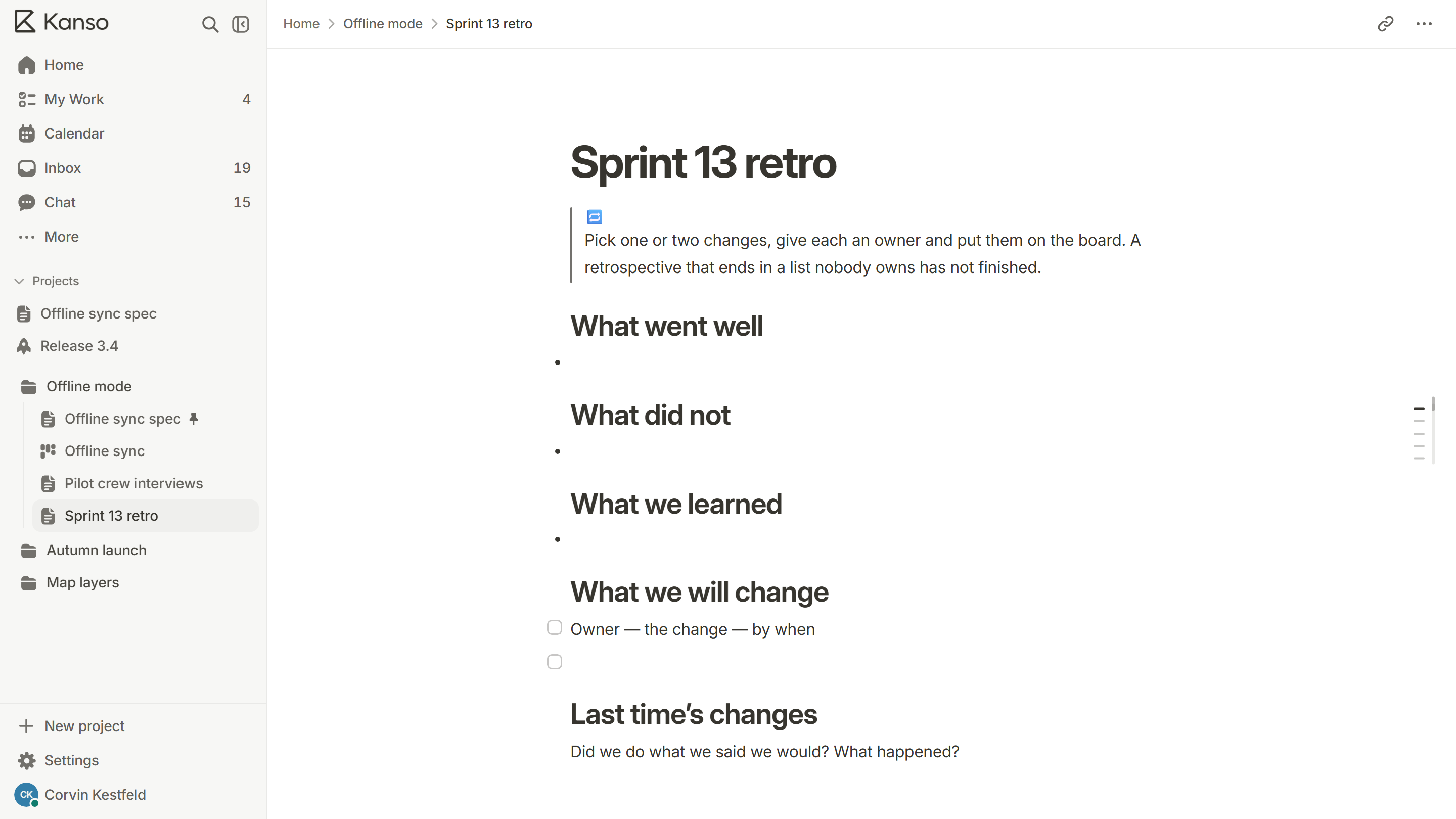
- Hold a retrospective while the memory is fresh.
- Move anything unfinished to the next release, on purpose.
The mistakes that sink launches
- No named person deciding go or no-go.
- A rollback that has never been tried.
- Support finding out from a customer.
- Several risky changes shipped on the same day, so a problem cannot be traced.
A rollback plan that works
A rollback plan is the answer to “what do we do if this goes wrong?”, written before it does. It should say:
- What would make us roll back: an error rate, a broken flow, a customer-reported loss.
- Who decides, and how quickly. In the first hour, a named person should be able to decide alone.
- The exact steps, in order, that undo the release, including any data changes.
- What does not roll back. A database change that has already run, an email that has already gone out.
- How we tell people: the team, support and, if needed, customers.
Then try it on a copy of the real environment. A rollback that has never been run is a hope, not a plan.
Who needs to know, and when
| Who | What they need | When |
|---|---|---|
| The team | The date, the owner, what is in | When scope is frozen |
| Support | What is changing, what customers will ask, who to escalate to | A few days before |
| Customers | What is new and what to do | On the day, or just before for large changes |
| Leadership | What shipped, and how it is going | After launch, with numbers |
The team
What they need
The date, the owner, what is in
When
When scope is frozen
Support
What they need
What is changing, what customers will ask, who to escalate to
When
A few days before
Customers
What they need
What is new and what to do
When
On the day, or just before for large changes
Leadership
What they need
What shipped, and how it is going
When
After launch, with numbers
Sizing a launch
Not every release needs every line. A small fix can ship with a test and a note. A change that moves how customers work needs the whole list, a rollback plan and a briefing for support. Decide which kind it is early, and say so at the top of the checklist, so nobody over- or under-prepares.
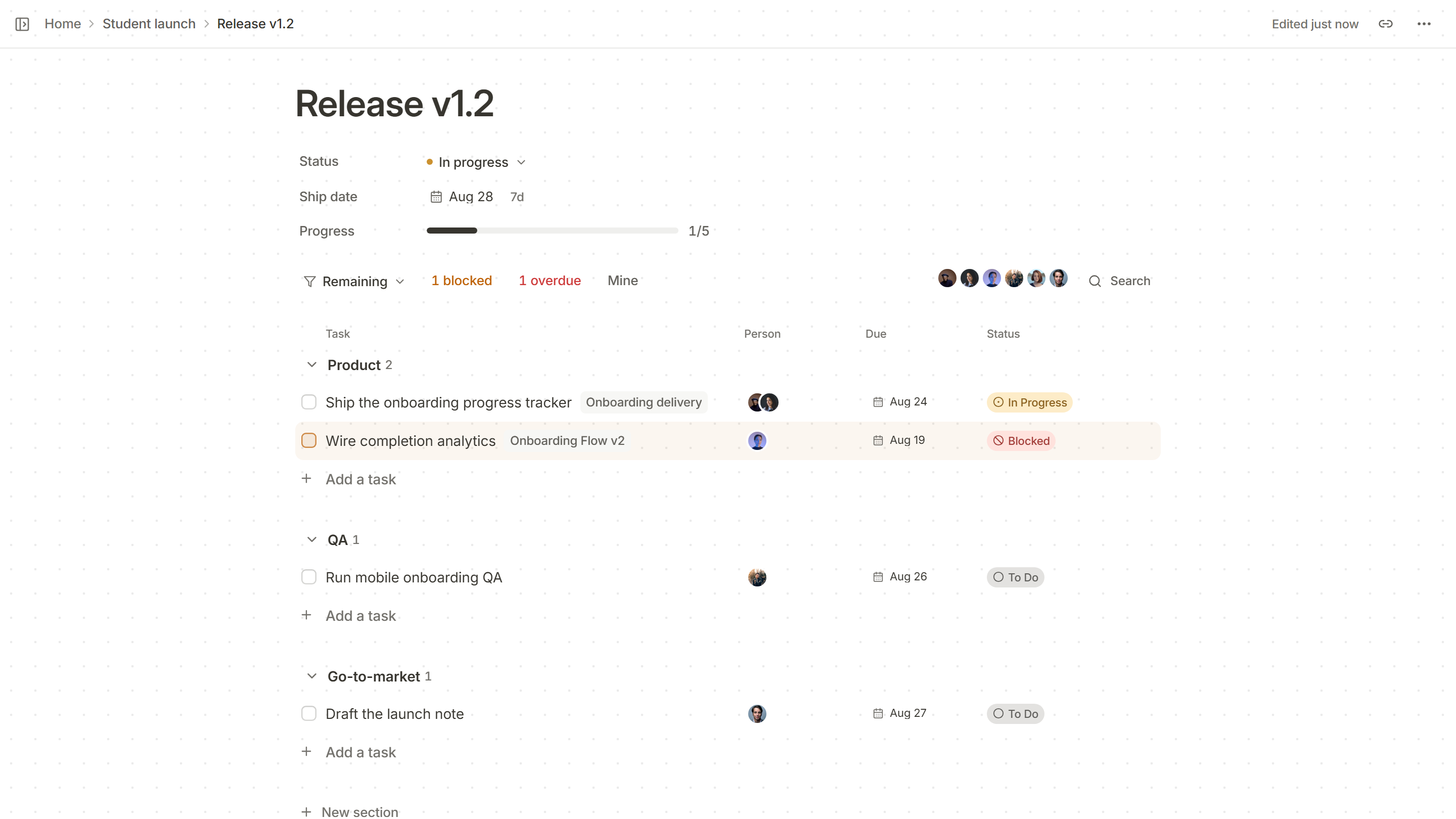
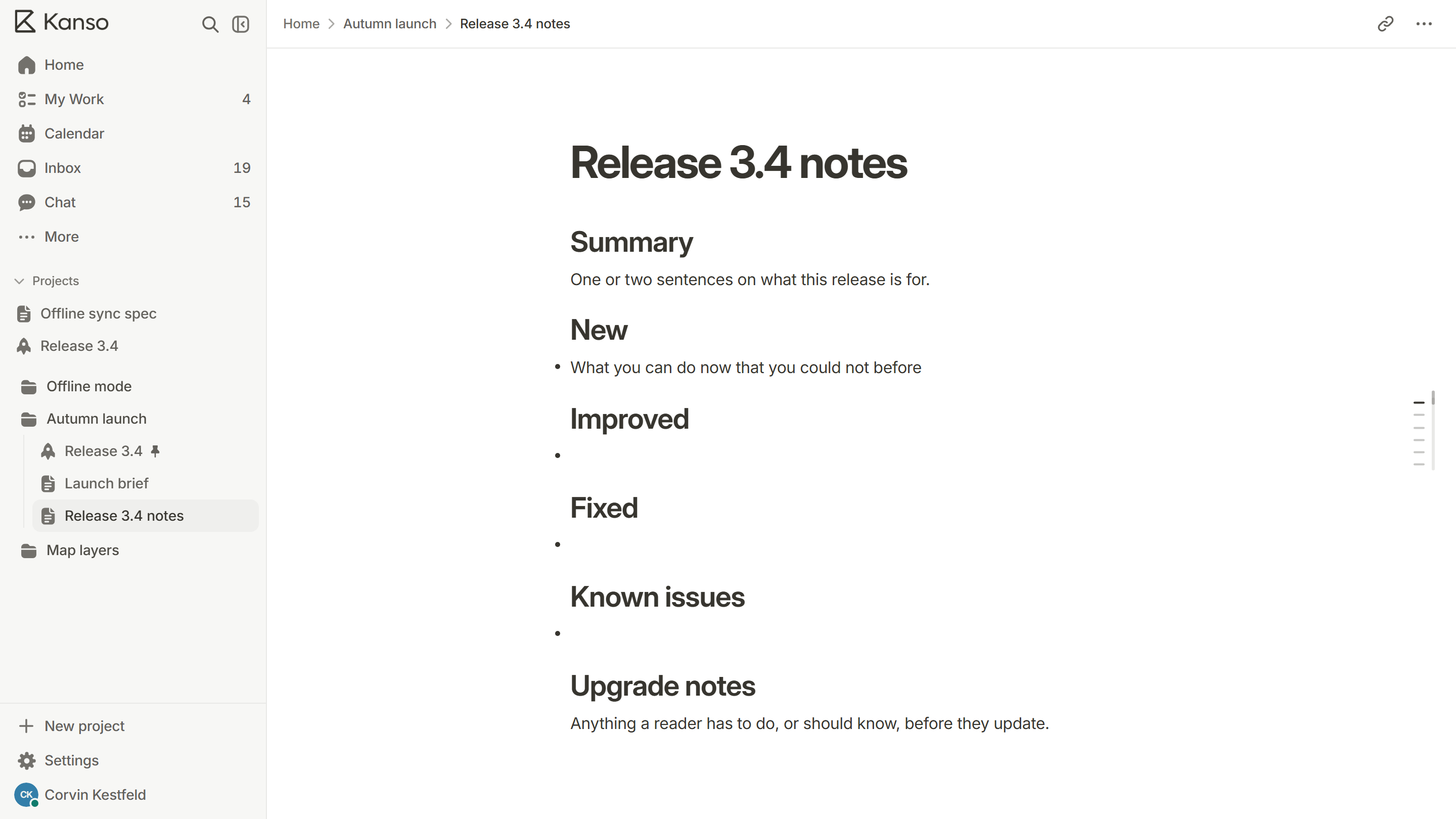
A launch checklist in Kanso
The launch checklist template has these lines ready for a doc. For a real launch, build a release page with a Product, a QA and a Go-to-market section: each line has an owner, a due date and a status, and the progress at the top fills as lines are done.